

To read a website in another language, use browser translation. To serve customers in that language, publish translations your team can review and maintain. Localize the pages that need to persuade people in a particular market or help them complete a task.
Many teams start with a free translator such as Google Translate to get the gist of a page. That is useful for reading and early exploration. Your team still needs to decide what wording, layout, search presentation, and accessible media to publish.
Translation, localization, and browser translation
Website translation puts source-language text into another language. The work includes navigation, product descriptions, forms, help content, and error messages, not just the main body copy. A translator can preserve the offer’s meaning without changing it for a specific region.
Website localization adapts that translation for a particular audience or locale. Examples and terminology may change, along with dates, currencies, imagery, calls to action, and the path from an ad or search result to a completed form. A Spanish-language page made for one region may need changes before it suits another.
Browser translation changes what an individual visitor sees in their own browser. It helps people understand an unfamiliar page. The site owner cannot treat that visitor-generated view as reviewed, published copy or as a maintained set of target-language pages.
|
Approach |
Best fit |
Who controls the wording? |
What still needs work? |
|---|---|---|---|
|
Visitor-side browser translation |
Reading a page in another language or exploring unfamiliar content |
The visitor’s tool generates the view |
Published language pages, editorial review, accessible media, and market-specific journeys |
|
Published machine translation |
Large volumes of lower-risk content or a first draft for review |
The organization can manage the published output |
Quality review, terminology, updates, and search setup |
|
Professional translation |
Pages where meaning, consistency, or trust matters |
The organization and language specialists |
Market-specific design, offers, search terms, and conversion testing |
|
Full localization |
A site or campaign meant to perform in a defined market |
A cross-functional team with language and market input |
Ongoing upkeep as content and market needs change |
AI translation and human translation: choose by risk
AI translation
An AI translation workflow can automatically translate new content, which helps with a large backlog of straightforward pages. Decide who can edit translations and who will protect approved terminology and review sensitive copy. Context-aware output may read well while getting a product term or short form label wrong. Give someone responsibility for correcting it.
Human translation
Give human translators a brief on meaning, audience, tone, and the action the page asks readers to take. For high-stakes pages, let them review the live layout as well as the translated file. A linguist may spot an ambiguous source sentence; the web team can see whether the result fits a button and leads to the right confirmation message. Accurate translations still need technical setup and local market input before customers can use the journey.
Use AI for a draft where it saves time, ask a language specialist to review the pages that need it, and localize where a regional difference changes a visitor’s decision. The mix can vary by page.
Choose the right level for each page
Match the service level to the consequence of a mistake and the job the page must do. A quick reading tool suits an employee who needs the gist of a foreign-language page. A prospect submitting a request, agreeing to terms, or deciding whether to attend an event needs a page your team has reviewed.
|
Page or asset |
Sensible starting point |
Why |
|---|---|---|
|
Internal reference page used to understand an outside source |
Browser translation |
The user needs orientation, not a branded published experience |
|
Large archive of low-stakes informational pages |
Machine translation with a defined review path |
Volume matters, but the output still needs owners and corrections |
|
Contact page, registration flow, service description, or safety information |
Professional translation and in-context review |
An ambiguous label or instruction can derail the user’s next step |
|
Market landing page and campaign |
Localization, supported by translation |
Claims, examples, search phrasing, and calls to action must work for that audience |
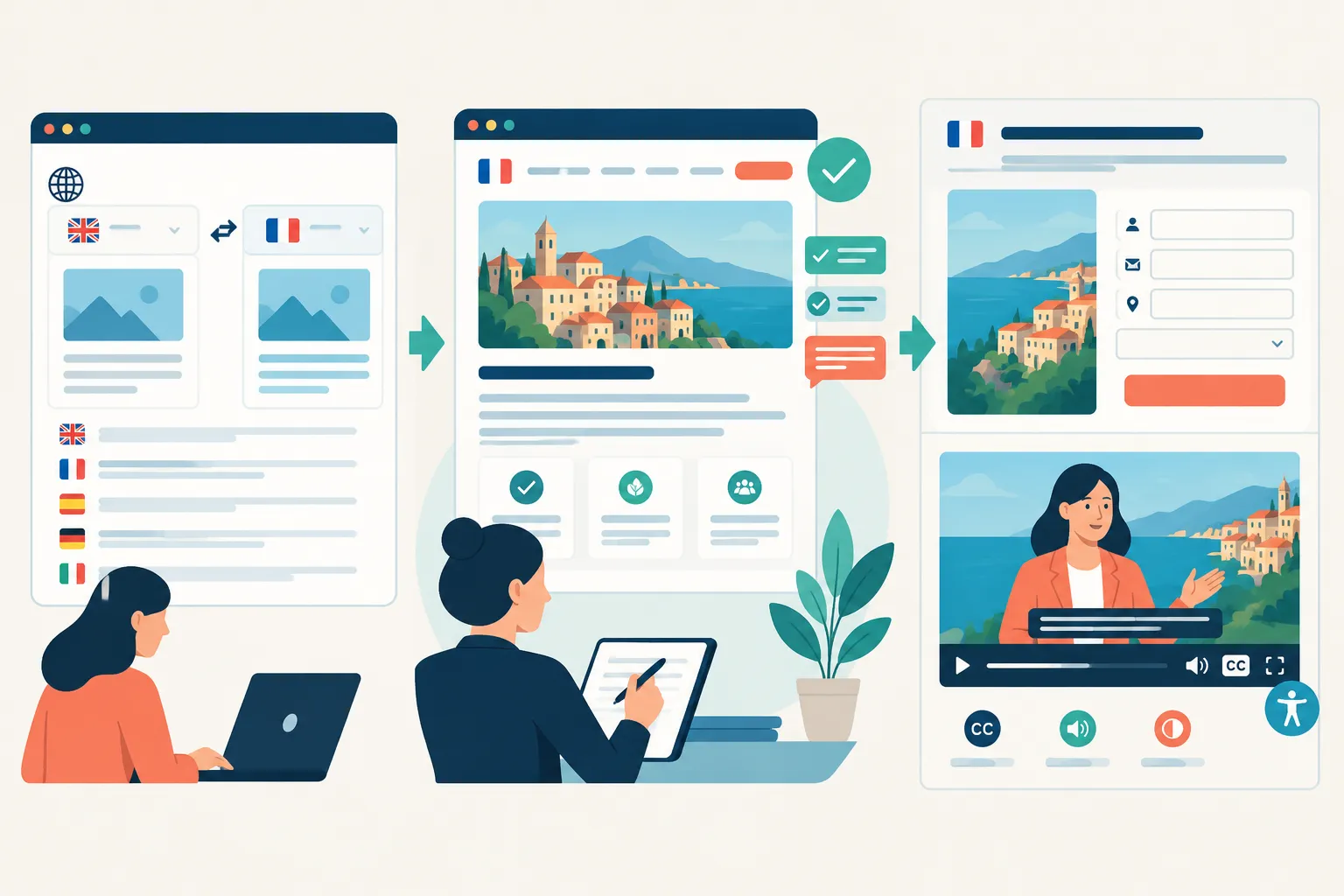
Trace the path from search result or invitation through the landing page, service details, form, confirmation, and follow-up. If you translate only the landing page, the visitor may reach an untranslated form or confirmation email. Plan the whole path together.
On a limited budget, translate essential navigation and high-intent pages first. Localize pages that explain your main offer or collect a lead. You can expand after that journey works for the intended audience.
What full localization changes
Accuracy and brand voice
Literal wording can miss what a headline asks the reader to feel or do. Tell reviewers who the page is for, which product terms to use, how the brand speaks, and where short strings such as buttons appear. Read the result on the page: a sound translation may be too long for a button or misleading next to an image.
Use human review for promises, prices, legal statements, instructions, and requests for personal information. AI-assisted translation can handle volume. Set the review level by the risk of a mistake, even if the draft reads fluently.
Search visibility and navigation
Customers searching in another language need pages that search engines can access at language-specific URLs. For international SEO, find out how people in the target market describe the need. Use that wording in titles, descriptions, headings, and internal links instead of assuming the source-language keyword translates directly.
“Google recommends a different URL for each language version and using hreflang annotations to help Search connect users with the correct version.” – Google Search Central
Give users a clear way to change languages and keep links pointing to the appropriate version of a page. Work with your web team on alternate-language annotations and indexing rules. Visitors cannot find your published language pages through a browser-generated view alone.
Accessibility and multimedia
Translate meaningful image text and accessible labels as well as visible copy. Then use the form: are its labels, errors, and instructions clear? Mark up each page’s language and language changes in passages so assistive technology can interpret the text, as described in W3C’s language-of-page guidance. Test reading order and layout when text expands or the language uses a different writing direction. Visitors still need to navigate the translated page.
For recorded webinars or event invitations, plan for translated captions, subtitles, or voiceover as appropriate. Live and hybrid sessions may also need interpreting and real-time captioning. Carry the language plan from the website through to the event.
Conversion and local expectations
Review the details a person uses to act: contact options, form fields, addresses, date and number formats, payment or registration information, and the call to action. A form may need to accept different input; a service description may need an example that makes sense to the local audience.
Keep images and sentences that work for the audience. Adapt details that cause confusion or affect relevance, then assess whether people can complete the intended task.
A practical rollout for marketing and web teams
-
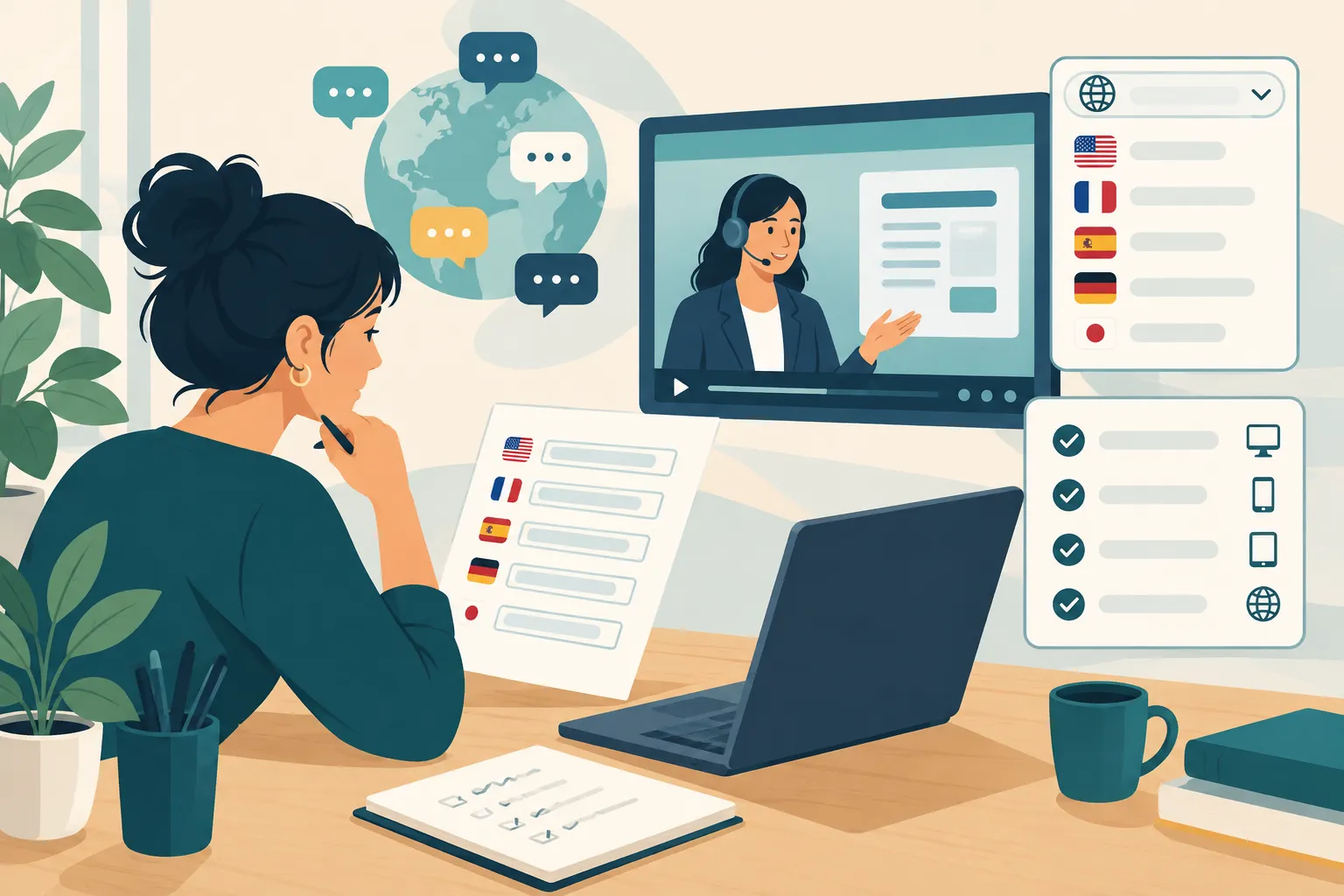
Define the market and the journey. Name the audience, language or locale, the pages they will enter on, and the action you want them to finish. Include forms, emails, downloads, and media in the inventory.
-
Sort by consequence. Separate internal reading needs from publishable copy. Flag claims, instructions, sensitive content, and conversion pages for qualified review.
-
Prepare the source. Remove stale copy, provide a term list and brand guidance, and identify strings embedded in images or interface components. Translating outdated content multiplies maintenance work.
-
Choose the production mix. Use machine output where speed and volume justify it, professional translation for high-impact text, and local adaptation where the offer or journey needs to change. Assign a person to approve each language version.
-
Build and test in context. Review links, forms, menus, mobile layout, accessible labels, captions, and any language selector on the actual published experience. Check that search engines can reach the intended language pages.
-
Plan for updates. When the source page changes, identify which translated versions, captions, and follow-up messages need updating. Give someone ownership of correction requests and release checks.
You can start with one audience and a complete working path, then extend that approach to more pages.
Where Team Stream fits
Team Stream provides written translation, interpreting, captioning, subtitling, and voiceover, with human expertise and AI-enabled options. Those services can carry the language experience from a localized site into a webinar, conference, broadcast, or hybrid event.
For a website project, bring Team Stream a page inventory, target audiences, source files, terminology, and the media or events connected to the journey. Your web team retains ownership of CMS implementation, language URLs, and site testing. Team Stream can supply the translation and accessible communications suited to the content and setting.
The bottom line
Use browser translation for reading. Publish reviewed translation for your customers, and localize the high-impact path they need to find and use in a particular market. If that path includes video or a live event, ask Team Stream to carry the language plan through with interpreting, captioning, subtitling, or voiceover.
