

Plan corporate video voiceover alongside the visuals. For an explainer, internal update or training module, define the audience and approve the spoken script first. Then audition voices using your material and agree on the files your editor needs. You can catch a poor fit before paying for the full recording.
The fastest way to get a useful quote is to send the same brief to every prospective provider. Include the intended use, audience, script status, desired delivery, deadlines, distribution, revision needs and audio handoff requirements.
For a sense of how live direction works during recording, watch this session walkthrough:
Match the voice to the job
“Professional” gives a narrator little to work with. Describe how you want viewers to use the information after watching.
|
Video |
What the narration must do |
Useful casting prompt |
Listen for in the audition |
|---|---|---|---|
|
Product or process explainer |
Make an unfamiliar idea easy to follow |
“Clear, approachable, curious; explain rather than pitch” |
Natural emphasis on the steps and room for visuals to land |
|
Internal leadership update |
Sound credible without sounding like an advertisement |
“Direct and calm; address colleagues as peers” |
Plainspoken delivery of names, figures and changes |
|
Training or onboarding |
Help people follow instructions they may replay |
“Patient and precise; make each action distinct” |
Unambiguous steps, consistent terms and comfortable pauses |
|
Corporate overview |
Establish a recognizable public-facing tone |
“Confident and warm; avoid an announcer read” |
A believable tone that suits the visuals and audience |
Ask for a short custom read from a passage with a difficult name, a transition and an important instruction. A demo reel shows range. Your passage shows how the narrator handles your terminology and pace. Play each audition under the same conditions. Choose the performance that makes the message clear rather than assuming the audience needs a particular accent, age impression or gender.
Corporate video voiceover production routes
The right route depends on how often the material changes, how sensitive it is and who will manage revisions. An in-house reader can suit an informal, short-lived update. A professional voice artist is a stronger fit when consistency and direction matter. Synthetic speech can suit a temporary draft or changing copy, but a person still needs to review pronunciation, pacing, rights and the final sound.
|
Route |
Best fit |
What the buyer must account for |
|---|---|---|
|
Professional narrator, booked directly |
A defined video with a clear creative owner |
Casting, session direction, editing, usage rights and pickups may need separate coordination |
|
Managed voiceover service |
Several stakeholders or related video assets |
Define who handles talent selection, direction, quality control and final files |
|
In-house speaker |
A familiar voice for a quick internal message |
Recording conditions, availability and continuity across later updates |
|
Synthetic voice |
A draft, frequently changing copy or a use case where its delivery fits |
Human listening review, voice-use permissions and a plan for awkward terms or future edits |
Do not compare quotes by word count alone. Ask about custom auditions, direction, editing, alternate takes, pickups, file formats, usage and turnaround. A cheaper recording may cost more once you account for restricted use or editorial repair.
Send a brief that a narrator can actually use
Give one person ownership of the brief and one person the job of consolidating feedback. Otherwise, a narrator may hear “more urgent” and “slower, with more breathing room” about the same sentence.
Lock the spoken script before the session
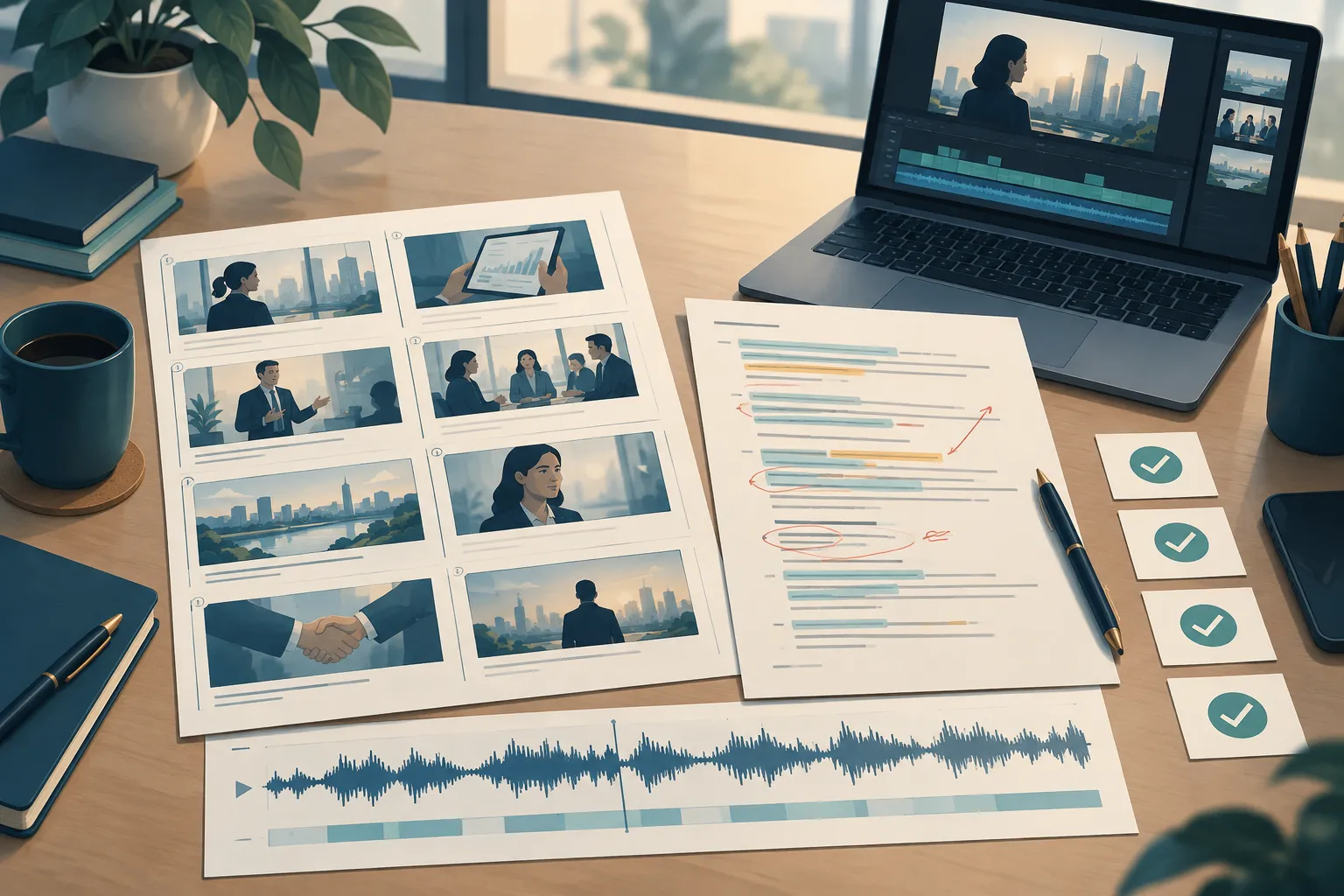
Mark the script by scene or timecode so the narrator and editor can follow the visuals. Read it aloud against a rough cut or storyboard. Shorten phrases that sound awkward, and leave time after a process step for viewers to find the corresponding control. If the visuals may change, identify the affected lines and agree on how to handle pickups.
Assign a version number and an approval owner. Legal, HR or product owners approve the words; the communications lead approves the delivery. Treat a policy or product update after approval as a script change rather than a mistaken read.
Give direction people can perform
Give the narrator the audience, the video’s purpose, a couple of tone descriptors and a line that needs emphasis. Share a rough cut, music bed or scratch narration for context, without asking them to imitate someone else. Mark deliberate pauses and any on-screen text they should not repeat.
List names, brands, acronyms and technical terms on a pronunciation sheet. Add phonetic spellings and an approved audio example for any name with more than one plausible pronunciation. Name someone who can answer questions during recording. A subject-matter owner should listen to the final read of critical terms; a transcript cannot catch a mispronunciation.
Define the rights and the revision boundary
Name every planned outlet: employee-only learning platform, public website, social channel, event screen or paid campaign. Include excerpts, later cutdowns and use after a campaign ends. Get written terms for permitted usage, duration, territory where relevant, and new edits or scripts. For synthetic or cloned voices, get permission for the intended use and clarify whether you may reuse the generated voice.
Set out which corrections count as performance pickups and which are copy changes. Record the included review rounds and who pays for a new session. Get those answers before the record date.
Direct the session and make approvals count
For an important or time-sensitive piece, book a live directed session with the narrator or a producer. Put one decision-maker on the call, with a terminology owner if needed. Have other reviewers send their notes beforehand.
Start with a short passage to settle pace, energy and emphasis. Record alternate reads where the editor would have a useful choice. Listen to transitions and instructions with the visuals: a good isolated line may rush viewers through a label or action.
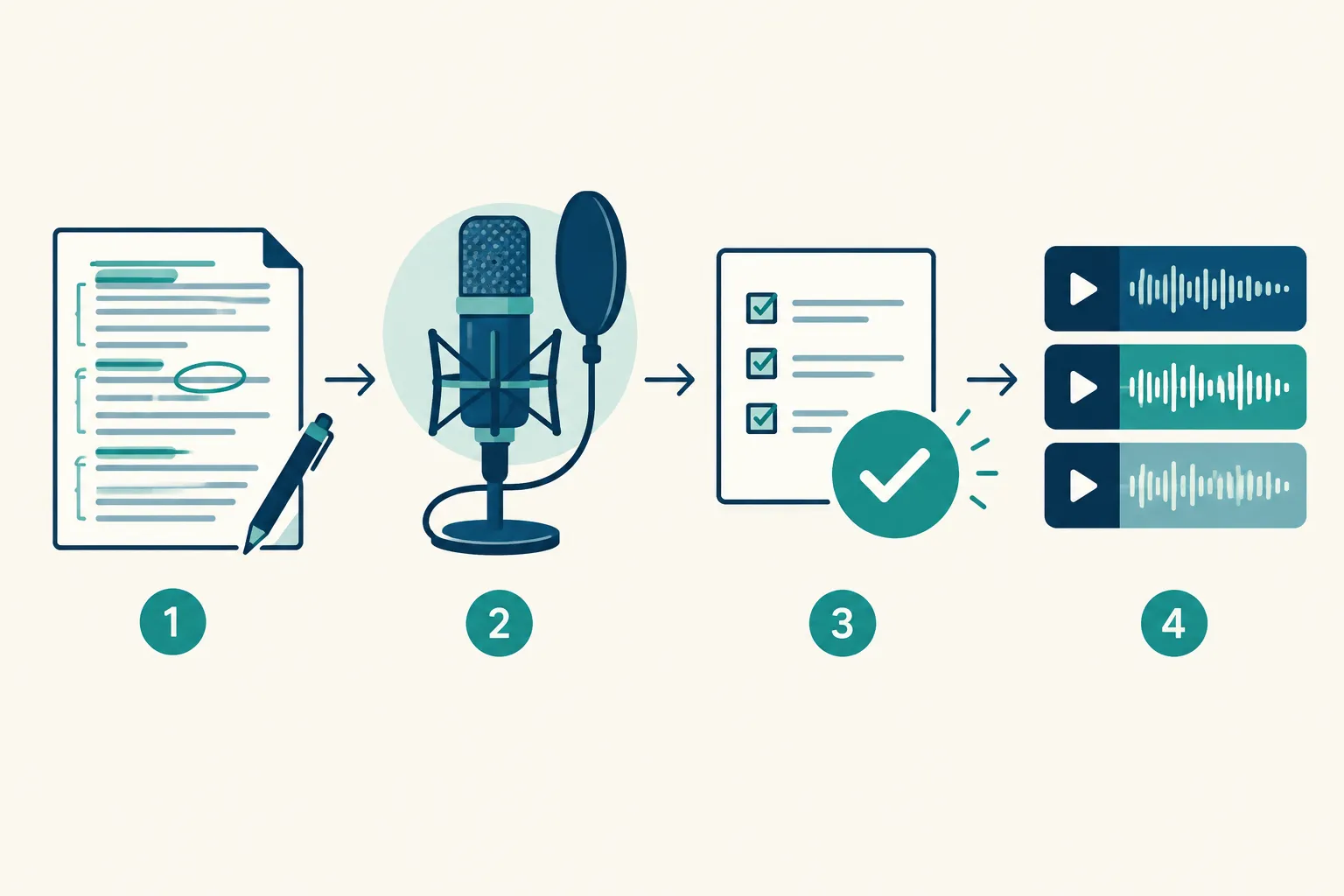
Use three approval gates:
-
Before recording: approved script, pronunciation sheet, creative direction and intended usage.
-
After a sample or directed session: approved performance direction and flagged words to re-record.
-
After the edit: final words against the approved script, audio-to-visual timing, clarity beneath music and clean transitions.
Put all feedback in one document. For each note, include a timecode, the line, the problem and the change you want. Instead of “feels off,” say “at 01:12, pause after ‘save’ so the button appears before the next instruction.”
Specify the audio handoff before anyone records
Ask your editor for delivery specifications and include them in the brief. Request a clean, edited narration track without music or effects. If the cut is still moving, request files split by scene too. Set the file type, sample rate, channel layout and naming convention with the editor. Ask for an unprocessed safety copy if the production needs one.
At handoff, check that the package contains:
-
The approved full narration and any agreed scene or line splits, named to match the script version.
-
The final script with any approved deviations or alternate takes identified.
-
A list of pickups and which lines they replace.
-
A clean track with no unintended clicks, clipped words, room-tone jumps or music baked into the narration unless requested.
-
A note on pronunciation decisions and unresolved editorial questions.
Play the audio in the video. Listen for words lost under music and instructions that arrive before the matching visual. Compare spoken terms with on-screen text. Then create and review captions from the final audio, paying attention to names and specialist terms. Captions give access to viewers who cannot hear the narration or have the sound off; the audio still needs to be clear.
“People who are deaf or have a hearing loss can access the auditory information in the synchronized media content through captions.” – W3C Web Accessibility Initiative
Copyable corporate voiceover brief
Paste this into an email or project document and delete the fields that do not apply:
Project and audience: ; [who will watch]; [what they should understand or do afterward].
Format and placement: [explainer / internal update / training]; [where the video will appear]; [any cutdowns or later reuse].
Materials: [approved script version and owner]; [rough cut or storyboard]; [reference audio or scratch track]; [music if available].
Performance: [one or two delivery descriptors]; [words to emphasize]; [deliberate pauses]; [custom audition passage].
Pronunciation: [names, acronyms and terms]; [approved audio examples]; [contact for questions].
Session and approvals: [directed or self-recorded]; [decision-maker]; [review dates]; [pickup and copy-change terms].
Delivery: [deadline]; [editor’s file specifications]; [full track and scene splits]; [file naming]; [clean or processed audio].
Before signoff, ask the script owner to confirm the words and the subject-matter owner to confirm names and claims. The editor should confirm the audio package and timing. Label the recording a draft until each approval is complete.
Conclusion
Choose the voice that helps your viewers follow the message. Ask for a custom audition and make sure the quote covers direction, revisions, rights and files your editor can use. Team Stream supports voiceover alongside captioning and other accessibility services, so your team can plan for viewers who listen, read or do both. Bring your script and distribution plan to Team Stream to scope the narration and accessible handoff together.
FAQ
What should a corporate video include?
Include a clear purpose, an approved spoken script, visuals that support the message and narration paced to those visuals. For an accessible finished video, review the final audio and captions together, including names and technical terms.
What is an example of a voice over?
In a training video, a narrator might explain each step while the screen shows an employee completing it. The spoken instructions are the voiceover; the video should leave enough time for viewers to follow the on-screen action.
