

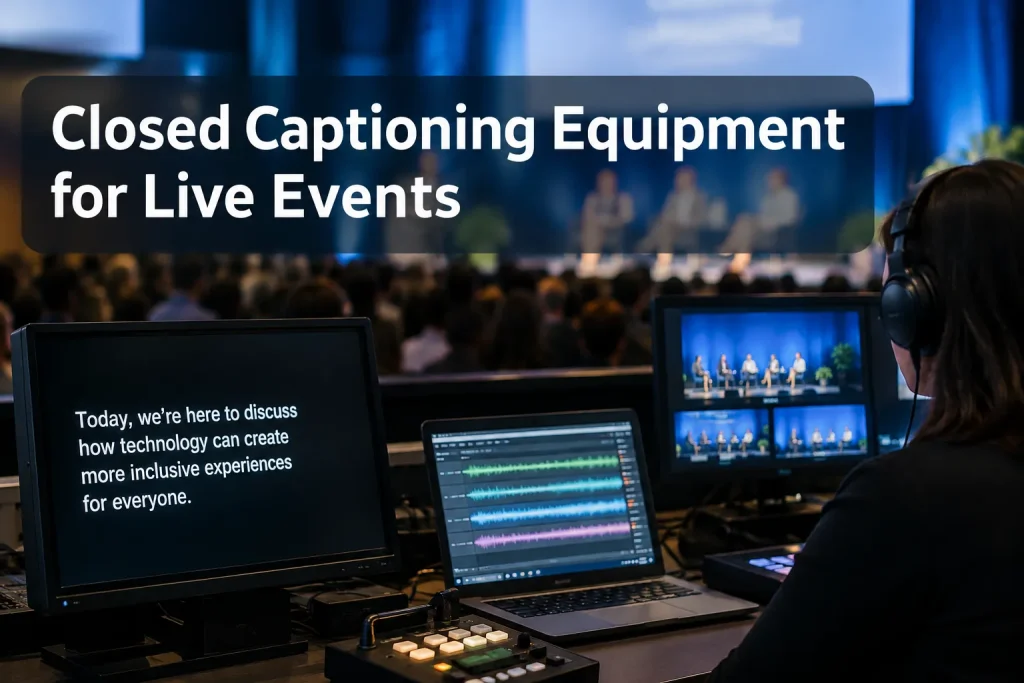
For live captions to reach your audience, speech has to travel cleanly from the microphones to a captioner or speech-recognition system. AV then sends the text to a room screen, a caption-capable video path, or both. If your event is hybrid, check the room and online outputs separately. Captions appearing on the operator’s laptop do not prove attendees can see them.
Tell your AV lead and caption provider where captions must appear and whether viewers need to turn them off. From there, they can specify projection, platform caption integration, a broadcast caption encoder, or a combination.
Start with the destination: open display or closed captions?
Captions on a room screen or burned into the video picture are open captions. Everyone sees them. Closed captions travel as a separate text track or data stream supported by the viewing platform or broadcast chain, so viewers can switch them on through their device or TV. An attendee may instead read a separate caption webpage on a phone, but that page does not add a selectable track to the video.
W3C’s live-media accessibility criterion states:
“Captions are provided for all live audio content in synchronized media.” – W3C Web Content Accessibility Guidelines 2.2
The criterion addresses live media, without specifying an encoder model or dictating the room-screen layout. Plan each output for the audience using it.
|
Audience destination |
What the audience sees |
Equipment or integration to arrange |
Critical check |
|---|---|---|---|
|
In-room screen |
Open captions on a dedicated screen or in the presentation layout |
Caption display computer or feed, AV switcher/scaler as needed, projector or LED screen |
Read text from the seating area without obscuring slides |
|
Streaming player |
Selectable closed captions if the platform supports live caption input |
Caption service output plus supported platform caption input or caption-aware stream workflow |
Open the viewer player and toggle captions on and off |
|
Broadcast feed |
Caption data carried through the production and distribution chain |
Compatible caption encoder/inserter and a production path that preserves caption data |
Verify captions on a downstream receiver, not just at the encoder |
|
Personal device |
A caption webpage or app |
Caption service access link and usable attendee connectivity |
Open the link on an attendee device |
At a hybrid event, give the room projection feed and stream caption track separate places on the production plan. Online viewers cannot switch off captions burned into the picture. And without a display route, people in the room cannot see a selectable stream track.
The equipment chain, from microphone to audience
Map the setup as microphones → speech-only mix → caption generation → text transport → caption insertion or display → audience device. Write down who owns each connection. If the captions vanish, the crew will know where to start tracing.
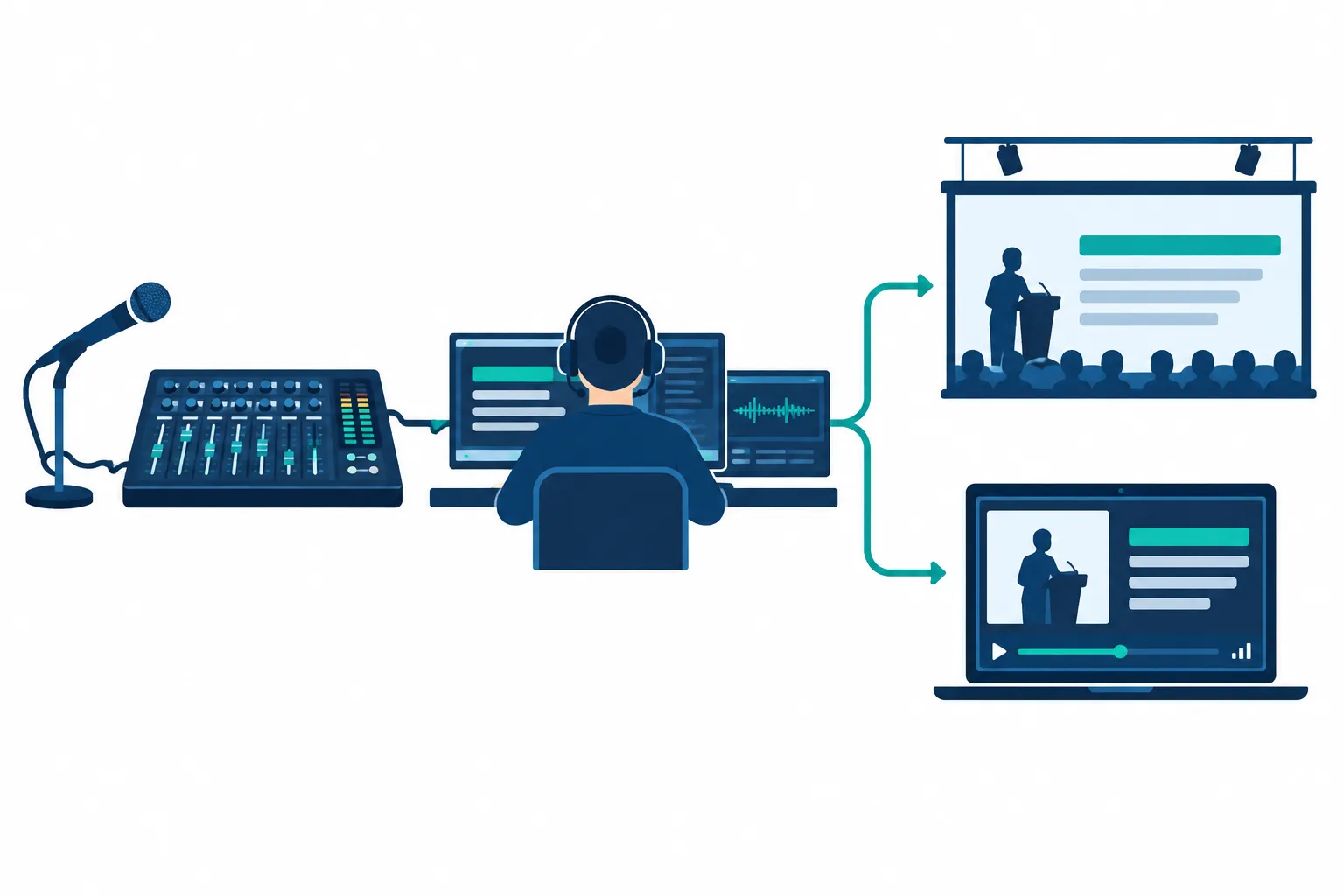
1. Send intelligible speech, not room sound
The captioner needs a direct feed that includes stage mics, panelists, audience questions, remote callers, and spoken video playback. Ask the audio engineer for a dedicated auxiliary mix or equivalent speech-first output. A camera mic aimed at the loudspeakers also picks up applause and music, making speech harder to catch.
Specify the connector and format at both ends. That could mean a mixer output into a caption workstation’s USB audio interface or an approved network audio path. For a remote captioner on a call, the audio operator must feed the speech mix into the call and monitor what arrives, taking care not to loop the returning audio back in. Include the panel, floor questions, and remote guests in the mic test, not only the podium.
2. Generate text with a human or speech-recognition system
The provider might use a stenotype and workstation, a remote captioner listening over a connection, or an automatic speech recognition (ASR) system fed by program audio. Ask how the audio reaches that operator or system, how the text comes back, who admits a remote operator, and whom AV should call if the connection fails.
Send the captioner the run of show, speaker names, acronyms, and terminology before the event. Clean audio makes speech audible; those materials help the operator spell it correctly.
3. Route the caption text to the correct output
In the room, a caption display browser or computer feeds a dedicated projector or an input on the presentation system. AV should assess text size and contrast from attendee seats, then confirm captions stay visible through slide and camera changes.
Online, the caption source must connect through the meeting or streaming platform’s supported live caption workflow. The producer needs an account, event configuration, and player that accept an external live track. Capturing a caption window inside the video picture produces open captions, without a viewer-controlled toggle.
In a television or professional broadcast chain, a compatible encoder/inserter places caption data in the video workflow. The switcher, converters, recorder, uplink, and downstream distribution path must preserve it. Match the encoder and caption format to the signal path with the broadcast engineer; a downstream device can strip data that looked fine at the origin.
Which captioning method fits the production?
Choose the person or system that produces captions separately from the equipment that carries them. An encoder carries text; it cannot fix errors in that text.
|
Method |
Where it fits |
Production dependency |
Limitation |
|---|---|---|---|
|
CART or professional real-time human captioning |
Accommodation requests, fast dialogue, specialized vocabulary, high-stakes sessions |
Clear speech feed, captioner access, preparation materials, text output compatible with the destination |
Requires advance scheduling and coordination |
|
AI-assisted or automated speech recognition |
Lower-stakes sessions or as part of a monitored workflow |
Clean isolated audio, supported caption delivery, human oversight where accuracy matters |
Crosstalk, names, accents, and jargon can produce errors |
|
Hybrid human-plus-AI workflow |
Events wanting automated speed with editorial oversight |
The provider’s defined correction process and supported output connection |
A human cannot correct text the audience has already missed; ask how live corrections appear |
CART means communication access real-time translation, often delivered by a trained stenographer for direct access to spoken material. It is a service, not a projector or encoder. If an attendee requests a particular accommodation, discuss the service with them before choosing built-in automated captions instead.
Closed captioning equipment by event format
List the outputs before ordering rentals or writing the patch sheet. A caption workstation may feed several destinations if the provider supports the connections; each one still needs a separate test.
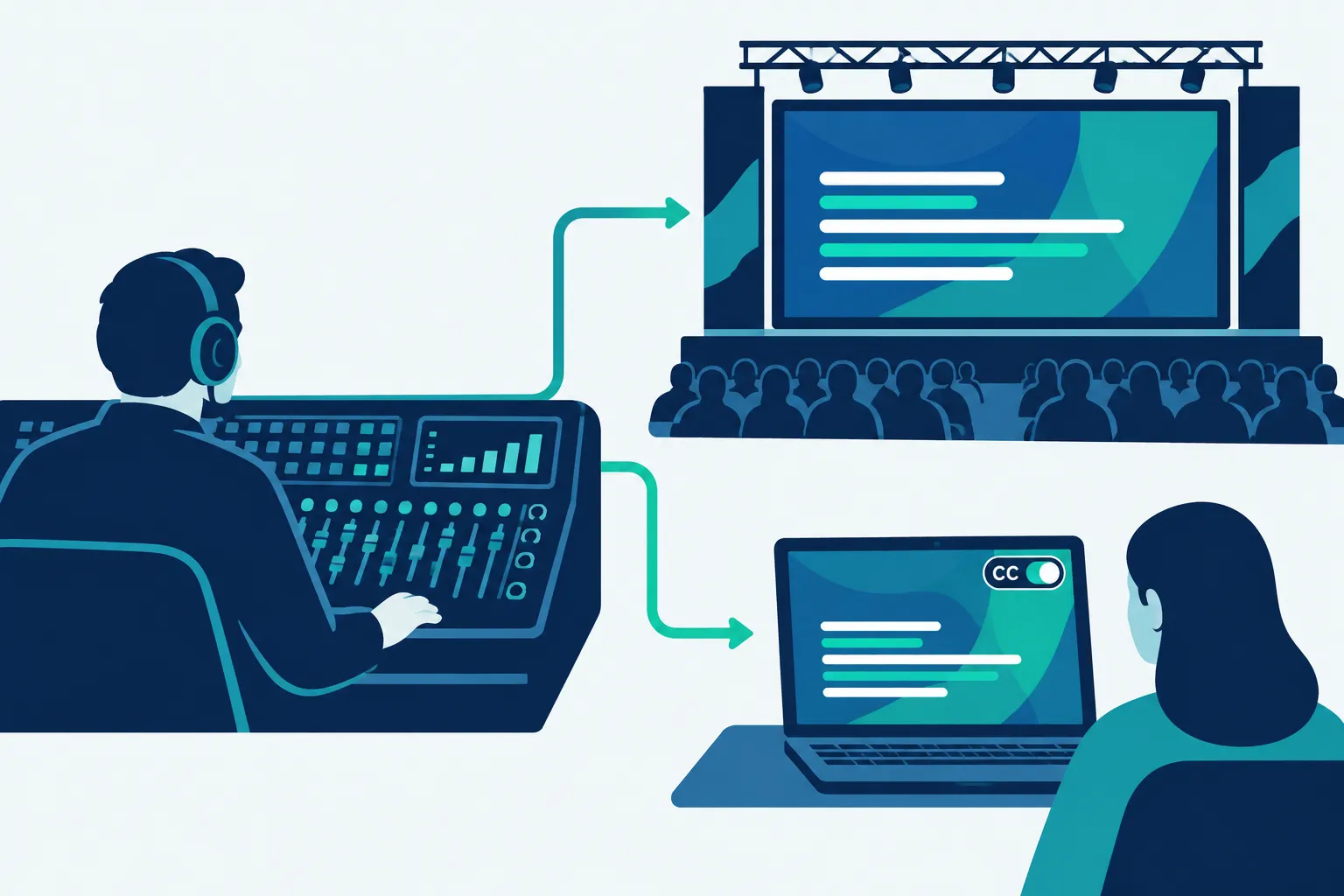
In-person conference or church service
Mic each speaking position, prepare a dedicated speech mix and a connection to the local or remote captioner, and feed the room screen from a display computer. If captions share the main screen with graphics, reserve space for them in every layout. During Q&A, hand audience members a roaming mic so the captioner can hear the question.
Virtual meeting or webinar
The setup needs a microphone feed, caption service, host permissions, and a platform caption connection. Join as a participant to test it; the host console shows only part of the experience. Where attendees need a separate caption link, include it in their instructions rather than promising a player toggle.
Hybrid conference or trade show
Hybrid shows need both a room display route and an online caption route. Feed the captioner stage and remote-speaker audio, then inspect the room screen and a remote viewer’s player. Label each room’s audio and caption paths when sessions run at the same time, so text reaches the right audience.
Broadcast or professionally switched stream
Ask the broadcast engineer to identify the video standard, caption insertion point, devices that preserve the data, and a test point after distribution. If you also stream the show, specify whether the platform accepts an external caption track or the team will send an open-captioned picture. Broadcast caption data does not guarantee a selectable track in a web player.
Interpretation receivers, interpreter consoles, and multilingual audio channels use a different signal path. Plan those items with the separate Interpretation Equipment Rental Guide, rather than counting interpreter audio as a caption output.
The AV and caption-provider handoff checklist
Assign each of these handoffs to someone on the production plan:
-
Outputs: Which rooms, streams, broadcast feeds, recordings, and personal devices need captions? Which require viewer-controlled closed captions rather than visible open captions?
-
Audio: Who supplies the dedicated speech mix? Which mics, remote callers, and playback sources are included? What connector or network transport reaches the captioner?
-
Caption input: Will a human captioner, CART provider, AI system, or monitored combination produce the text? Who provides the glossary and event schedule?
-
Caption return: What text format or platform integration does the provider deliver? Who owns any account access, host permission, access link, or caption encoder configuration?
-
Display: Which video input feeds the room caption screen? Who controls layout changes when slides, lower thirds, or camera shots change?
-
Connectivity and fallback: If the captioner is remote, what connection carries the audio and text? Who is the operator’s live contact, and what happens if the primary path drops?
-
Acceptance test: Have a speaker use every microphone type while an operator checks the captioner’s received audio and a second person checks captions from the back of the room and from an off-site viewer device.
-
After the event: Who saves the caption output and recording? If you publish the replay, arrange a correction pass for names, speaker labels, and missed speech rather than assuming live text is publication-ready.
Watch the test through the audience path. Captions can look fine in the operator preview while the public stream has no track, or the room screen cuts off the bottom line.
Build the plan around the last screen
Decide where the audience will read captions, then trace backward through the display or encoder, text connection, captioner, and audio mix. Buy or rent an encoder only after the team knows the delivery format. Even good equipment will not help if the speech feed is muddy or the viewer never receives the text.
Team Stream can coordinate live captioning, equipment rental, and technician support for in-person, virtual, and hybrid events. Share the run of show, AV signal map, and required outputs with the team so captioning and production staff can settle the connections before showtime.
FAQ
Why are closed captions important?
Closed captions give viewers who need text access to live speech a way to follow the program, and a selectable track lets each viewer turn them on or off. For an event, that benefit depends on a clear audio feed, accurate caption generation, and a delivery path that reaches the actual viewer.
