

To Translate English: Best Options for Clear Results
If you need to translate English for a live event, a training video, a conference keynote, a multilingual website, or internal business communications, the real question is not just how to do it. It is which method will give you clear, audience-appropriate results without risking confusion, delay, or compliance issues.
For event organizers, conference planners, operations teams, marketers, churches, and broadcast producers, the stakes are higher than they look. A quick machine output may be fine for a rough draft, but when audience trust, accessibility, and brand reputation matter, the right translation workflow makes all the difference.
Team Stream approaches this challenge as a complete language access and accessibility partner. That means helping clients choose the best combination of human translation, AI-powered translation, interpreting, live captioning, subtitling, voiceover, and technical event support based on the setting, audience, timeline, and risk level.
What Competitor Content Gets Right, and What It Misses
The top articles on this topic usually cover the basics well:
-
popular tools like Google Translate and DeepL
-
general pros and cons of machine translation
-
the value of human review
-
common use cases like travel, simple documents, and everyday communication
That information is useful, but it often stops too early.
The biggest content gaps
Most competing content glosses over the issues that matter most to businesses and event teams:
-
Translation is not the same as interpreting
Written translation, live interpreting, captions, subtitles, and voiceover solve different problems. -
Context determines the right tool
A product brochure, a medical handout, a panel discussion, and a multilingual livestream should not use the same workflow. -
Accessibility matters alongside language access
Translation alone does not help deaf or hard-of-hearing audiences. Live captioning, subtitling, and compliance-aware production are part of the solution. -
Execution matters as much as language quality
For live, virtual, and hybrid events, success depends on technicians, routing, equipment, platform setup, monitoring, and contingency planning. -
Hybrid workflows are often best
Many articles frame the choice as human versus AI. In reality, the best outcomes often come from a blended approach.
This guide fills those gaps so you can make smarter decisions when you need to translate English clearly and professionally.
What “Translating English” Actually Means in Business and Events
When someone says they need to translate English, they may mean any of the following:
|
Need |
What It Is |
Best Fit |
|---|---|---|
|
Written translation |
Converting documents, emails, websites, or marketing copy into another language |
Human or hybrid |
|
Live interpreting |
Real-time spoken language support during meetings or events |
Human interpreters, sometimes AI-assisted |
|
Live captioning |
Real-time text display of spoken content for accessibility and engagement |
Human captioners or AI with supervision |
|
Subtitling |
Timed translated text for recorded video |
Human or hybrid |
|
Voiceover |
Replacing or layering translated audio onto video |
Human voice talent, AI voice tools, or hybrid |
|
AI translation |
Automated text or speech translation for speed and scale |
Low-risk or draft-stage use |
|
Hybrid translation |
AI-generated first pass with human editing and QA |
Strong balance of speed and quality |
Why the distinction matters
If you choose the wrong service, the result can be technically “translated” but still fail your audience.
For example:
-
a webinar with only translated slides still excludes non-English speakers if the presenter speaks live in English
-
translated handouts without captions leave accessibility gaps
-
raw machine subtitles can misstate names, terminology, and compliance-sensitive content
-
a trade show booth may need both interpreting for conversation and written translation for signage
That is why Team Stream builds solutions around the actual communication environment, not a one-size-fits-all package.
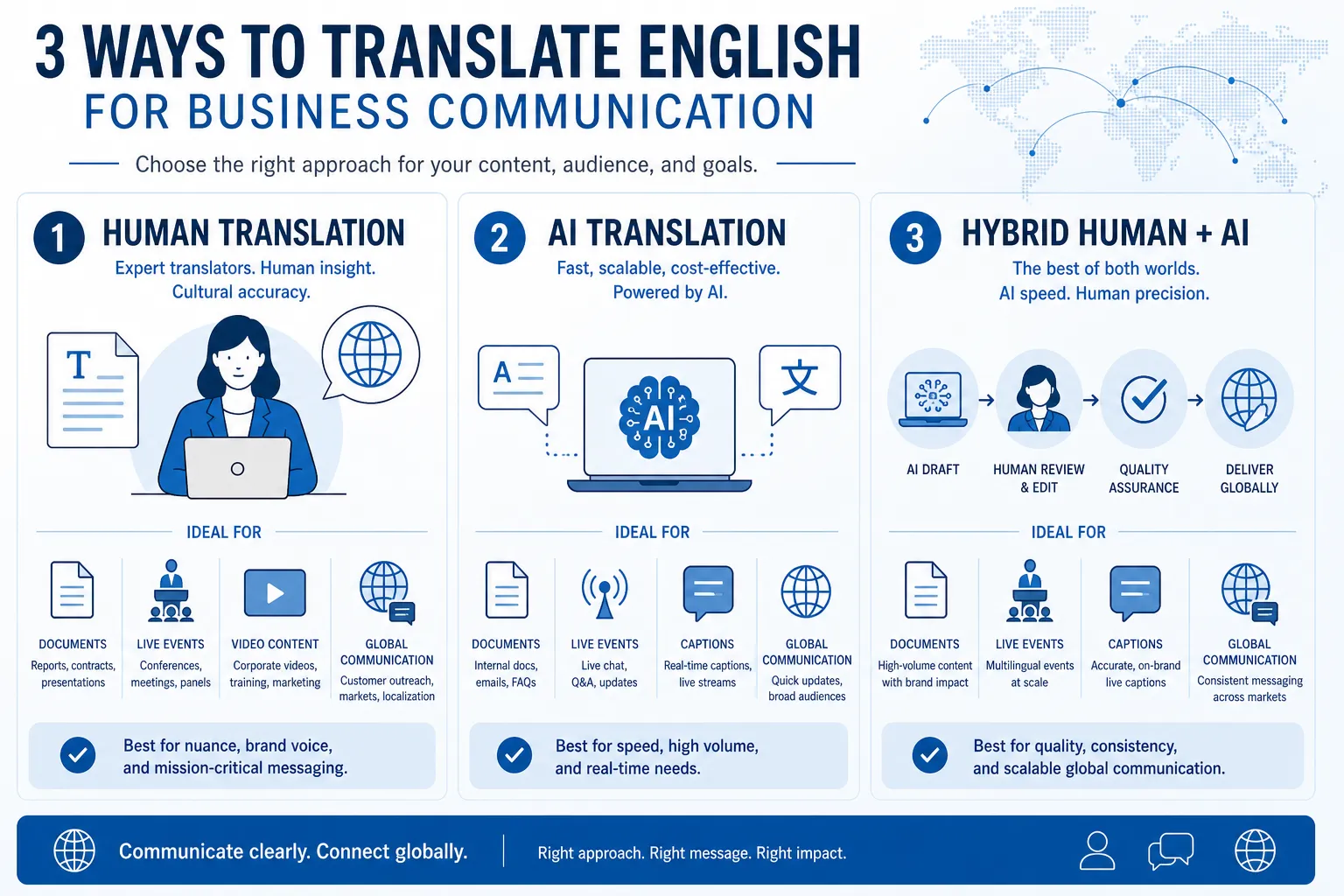
The 3 Best Ways to Translate English
1. Human Translation: Best for Accuracy, Nuance, and Brand Protection
Human translation is still the strongest option when tone, clarity, and intended meaning must be preserved.
Use it for:
-
contracts and compliance documents
-
medical or legal materials
-
executive communications
-
marketing campaigns
-
conference materials
-
training content
-
subtitles or scripts that represent your brand publicly
Why human translation still matters
Professional linguists do more than swap words. They evaluate:
-
context
-
audience expectations
-
tone and register
-
idioms and cultural meaning
-
subject-matter terminology
-
formatting and usability
Competitor articles rightly point out that machine systems can struggle with ambiguity. That issue becomes even more serious in public-facing or high-stakes settings.
“Translation apps are useful if you just need to get by in a foreign language… But often, style, tone, and flow are just as important as accuracy.” – American Translators Association
When Team Stream recommends fully human workflows
Team Stream typically recommends human translation first when content is:
-
customer-facing
-
regulated
-
event-critical
-
culturally sensitive
-
likely to be repurposed across multiple channels
This is especially important for multilingual events where translated materials, subtitles, captioning, and interpretation all need to stay aligned.
2. AI Translation: Best for Speed, Volume, and Low-Risk Use Cases
AI-powered translation is useful when speed matters more than polish, or when content is temporary and low risk.
Good use cases include:
-
internal reference drafts
-
rapid content triage
-
first-pass translations for large document sets
-
casual multilingual chats
-
preliminary event planning coordination
-
basic understanding of foreign-language source material
Where AI performs well
Modern platforms are much better than earlier generation tools at handling common phrases and standard business language. They can save time, especially when content is repetitive or straightforward.
Here are three widely used tools people often compare.
Google Translate
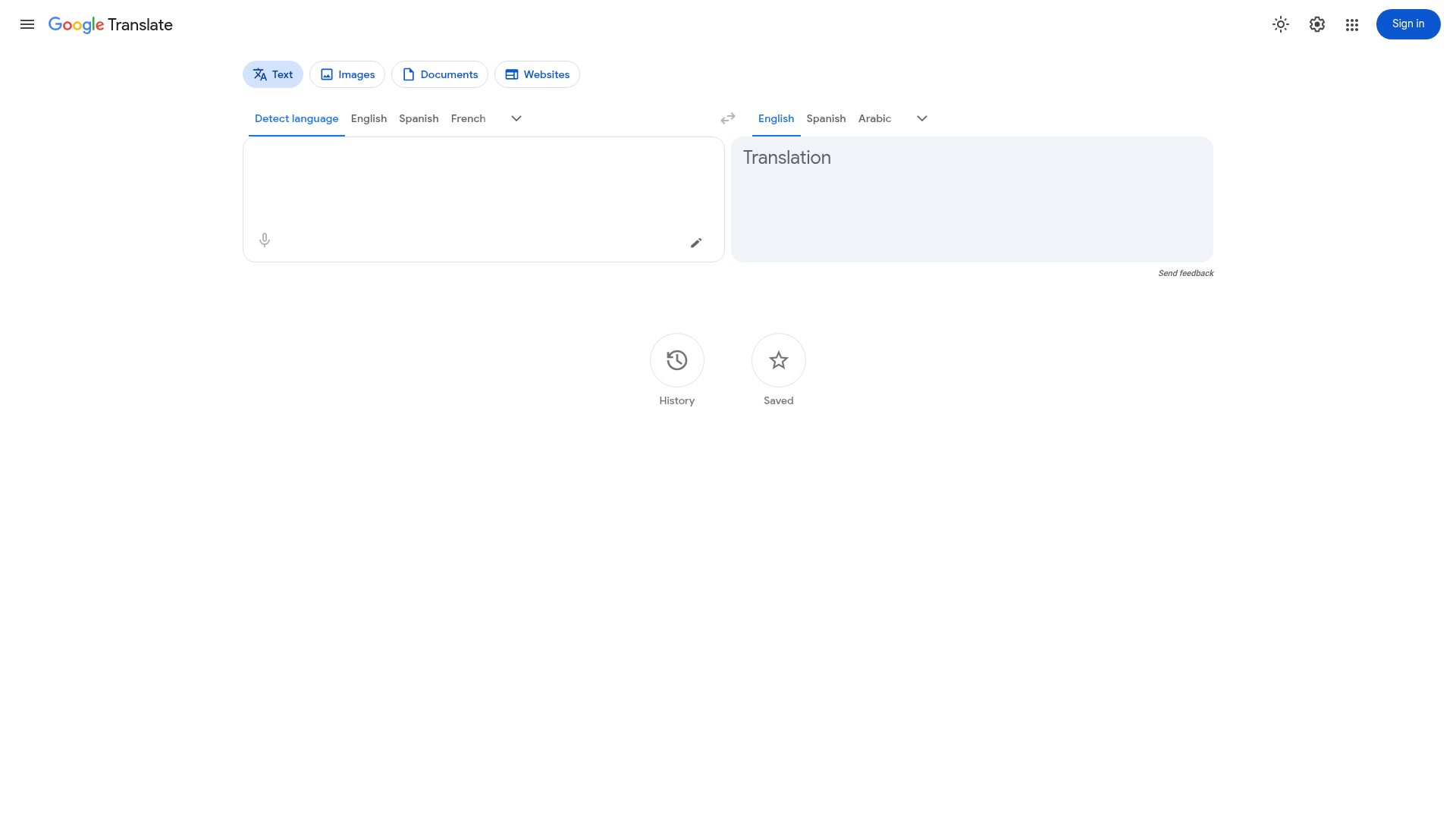
Best for: broad language coverage, quick lookups, travel, simple text, fast rough understanding
Strengths:
-
wide language availability
-
familiar interface
-
useful mobile and speech features
-
strong for everyday phrases and simple instructions
Limitations:
-
can miss tone and context
-
may produce awkward phrasing
-
not ideal as final copy for important materials
DeepL
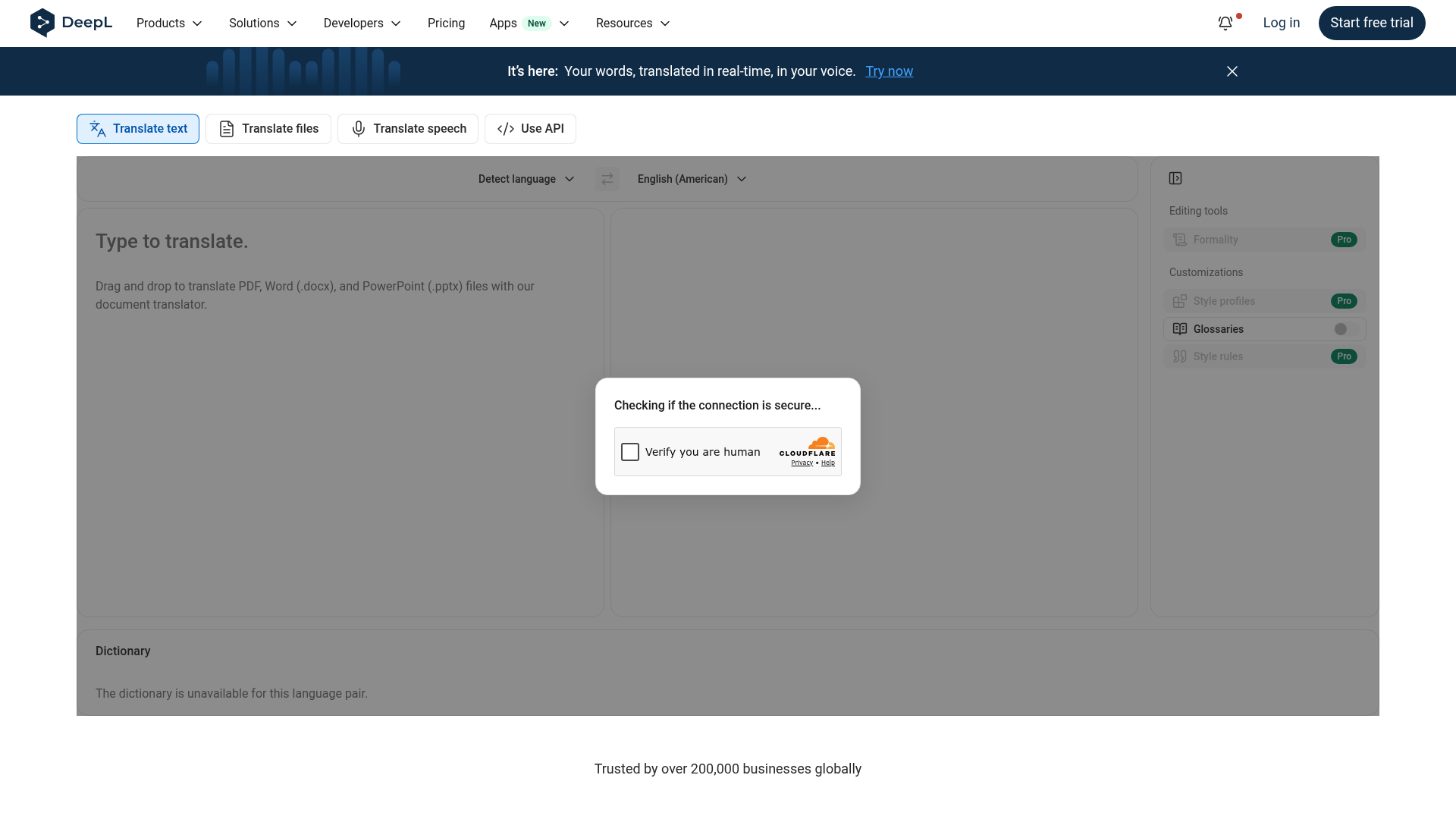
Best for: business writing, draft translation, more natural phrasing in supported languages
Strengths:
-
often produces more fluent output
-
good interface for professional users
-
supports document translation
-
useful for first-pass business content
Limitations:
-
fewer languages than some competitors
-
still vulnerable to context errors
-
not a replacement for review in high-stakes content
Microsoft Translator
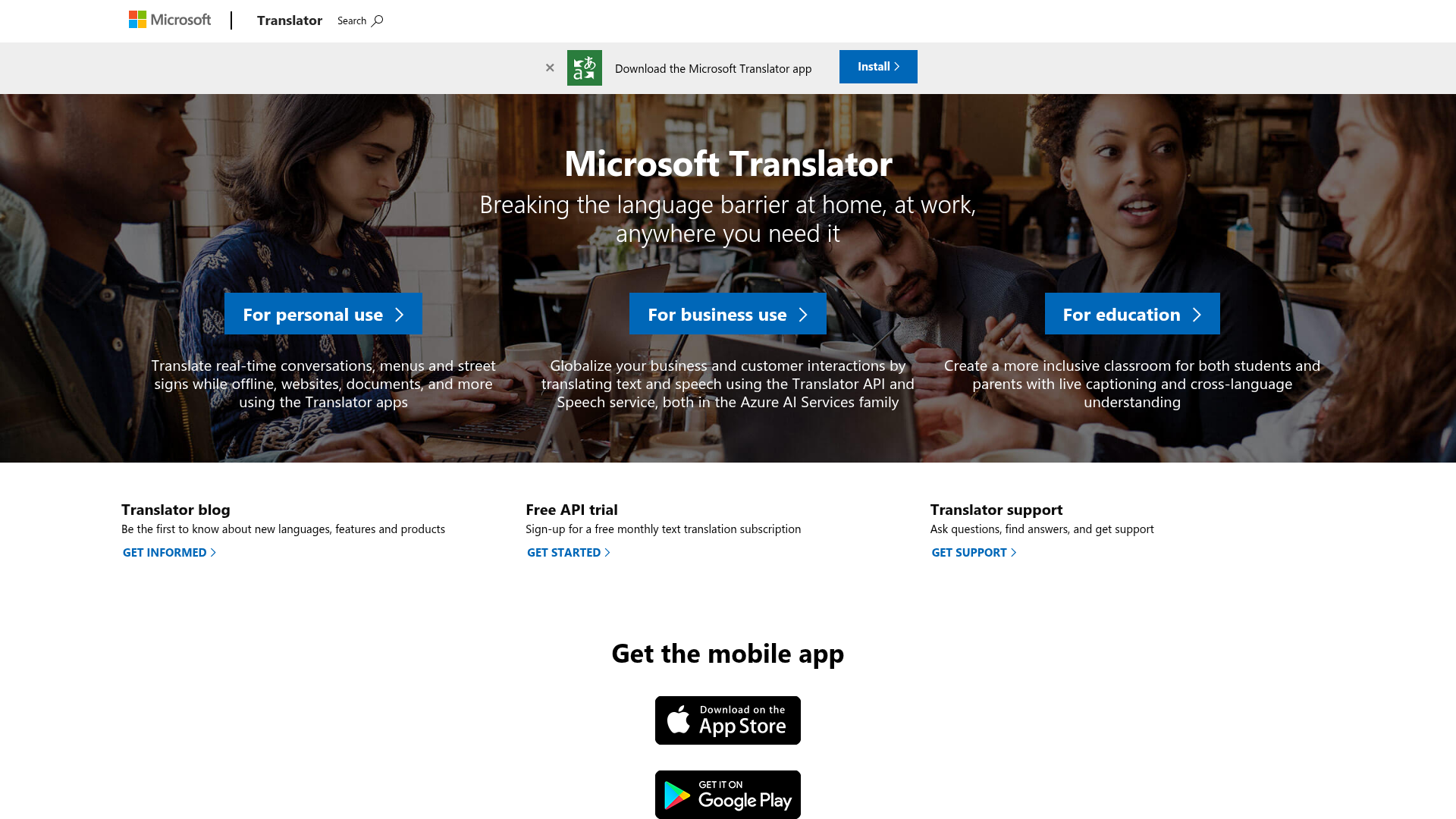
Best for: enterprise environments, Microsoft ecosystem users, collaborative business workflows
Strengths:
-
practical enterprise integrations
-
useful for meetings and workplace collaboration
-
good option for organizations already using Microsoft tools
Limitations:
-
output quality varies by language pair and content type
-
still needs validation for audience-facing communication
The real limitation of AI translation
AI is strongest when language is predictable and context is obvious. It is weaker when content includes:
-
humor or idioms
-
industry-specific vocabulary
-
fast live speech
-
overlapping speakers
-
regional phrasing
-
emotionally sensitive communication
-
brand voice requirements
That is why Team Stream treats AI as a powerful tool, not an automatic final answer.
3. Hybrid Translation: Best Overall for Business, Events, and Scalable Quality
For many organizations, the smartest choice is a hybrid workflow: AI for speed, human experts for editing, accuracy, audience fit, and final quality control.
Why hybrid often wins
A hybrid process can help you:
-
move faster without publishing raw machine output
-
control costs on large multilingual projects
-
preserve terminology consistency
-
improve turnaround for recurring content
-
adapt translation quality to content risk level
This is particularly effective for:
-
conference materials
-
event agendas
-
presentation decks
-
subtitle workflows
-
internal learning content
-
multilingual campaign assets
-
recurring communications across several languages
What a good hybrid workflow looks like
|
Stage |
What Happens |
Why It Matters |
|---|---|---|
|
Content review |
Identify audience, purpose, and risk |
Prevents overusing AI where it should not be used |
|
AI first pass |
Generate initial translation quickly |
Saves time on large or repetitive content |
|
Human editing |
Correct terminology, nuance, and tone |
Improves quality and audience fit |
|
QA and formatting |
Check names, timing, style, and layout |
Prevents visible errors |
|
Accessibility alignment |
Match captions, subtitles, and interpreted content |
Creates a more inclusive experience |
This is one of the biggest gaps in competitor content: they discuss translation tools, but not complete communication workflows.
Team Stream’s value is not only linguistic. It is operational. The company combines human expertise, AI-enabled efficiency, accessibility planning, and event execution support so the entire multilingual experience works together.
How to Choose the Right Translation Option
Use this decision framework
Ask these five questions before choosing a method.
1. How high is the risk of being wrong?
If the content is legal, medical, executive, financial, public-facing, or compliance-related, use human translation or a tightly managed hybrid process.
2. Is this live or recorded?
Live communication usually requires interpreting and/or live captioning, not just written translation.
3. Does tone matter?
If you are protecting a brand, persuading an audience, teaching complex ideas, or addressing sensitive topics, human review is essential.
4. Does accessibility matter too?
If you need to serve multilingual audiences and support deaf or hard-of-hearing participants, you may need captioning, subtitling, or CART in addition to translation.
5. What is the timeline?
If the deadline is tight, hybrid workflows can help you scale. The key is to apply speed selectively, not blindly.
Best Translation Methods by Use Case
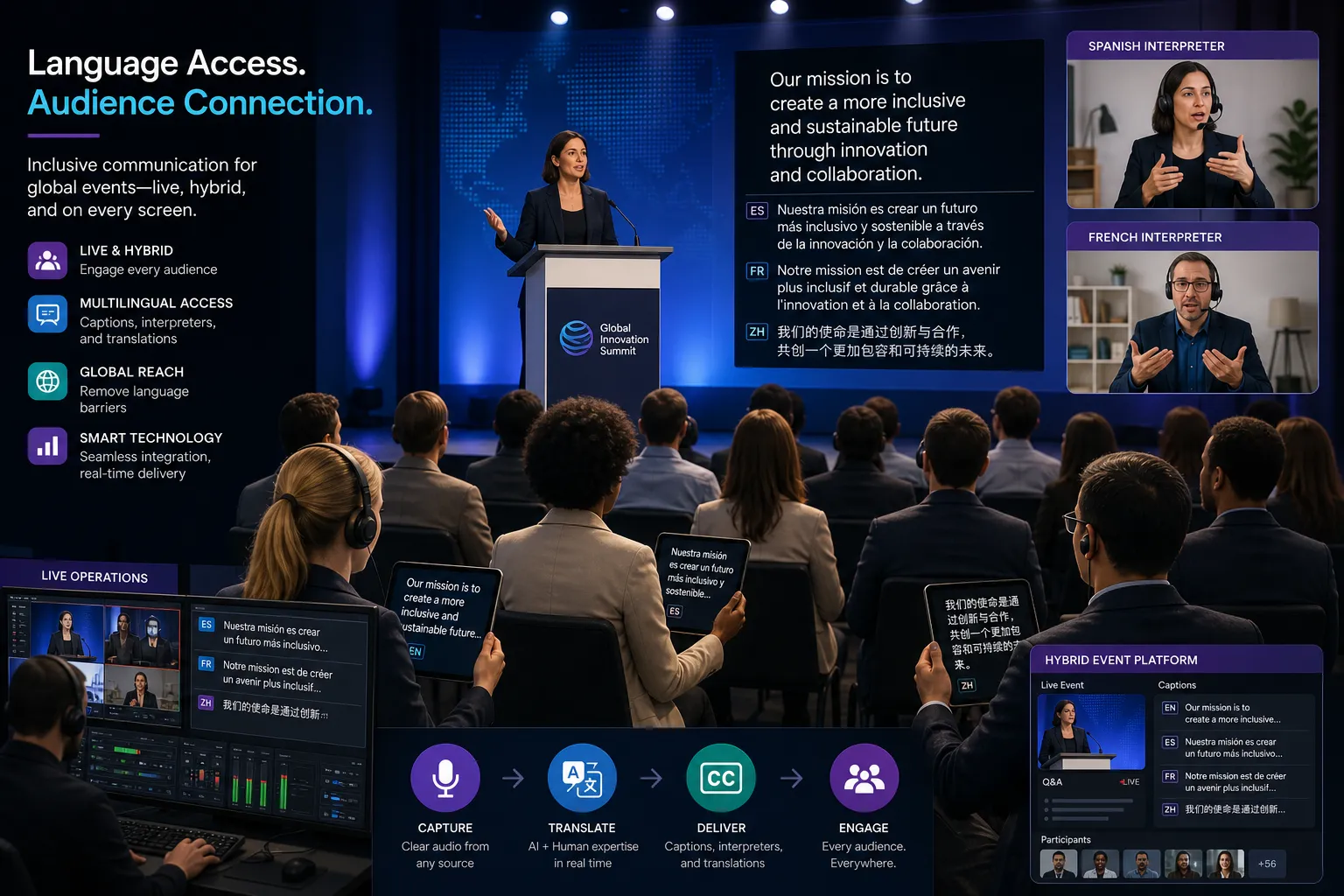
For conferences and live events
Best option: human interpreters + live captioning + translated event materials
Why:
-
speakers may improvise
-
audience questions are unpredictable
-
names, technical language, and acronyms matter
-
accessibility requirements often apply
Team Stream is especially strong here because it supports live, virtual, and hybrid event environments, plus equipment rental, technician services, and flexible in-person or remote delivery.
For webinars and virtual meetings
Best option: remote interpreting + live captions + translated slides or handouts
Why:
-
virtual audiences need clear audio, text, and platform support
-
language access must work inside the chosen meeting environment
-
technical coordination affects the audience experience as much as the translation itself
For video content
Best option: subtitling, closed captioning, and voiceover based on audience need
Why:
-
subtitles help multilingual audiences
-
captions improve accessibility and engagement
-
voiceover may be better for training, broadcast, or polished branded content
For internal business communications
Best option: AI or hybrid for routine content; human review for sensitive messaging
Why:
-
many internal updates need speed
-
HR, policy, and leadership communications require accuracy and tone control
For websites and marketing
Best option: human translation or human-led hybrid
Why:
-
conversion depends on trust and clarity
-
brand language should feel natural, not machine-generated
-
SEO, cultural fit, and message precision matter
Translation vs Interpreting vs Captioning vs Subtitling
A common mistake is treating these as interchangeable.
|
Service |
Spoken or Written |
Live or Recorded |
Main Purpose |
|---|---|---|---|
|
Translation |
Written |
Usually recorded/static |
Convert text between languages |
|
Interpreting |
Spoken |
Live |
Enable real-time conversation |
|
Captioning |
Spoken to text |
Live or recorded |
Accessibility and comprehension |
|
Subtitling |
Spoken to translated text |
Recorded |
Multilingual video viewing |
|
Voiceover |
Spoken to spoken |
Recorded |
Localize video/audio content |
Why event teams should care
A multilingual conference may need all five.
For example:
-
translation for registration pages and signage
-
interpreting for keynote sessions
-
captioning for accessibility compliance
-
subtitling for post-event video assets
-
voiceover for training content distributed later
This is where Team Stream’s end-to-end service model stands out. Rather than forcing you to coordinate multiple vendors, it can help align the language and accessibility stack across the full event lifecycle.
Accuracy: What “Clear Results” Really Means
Accuracy is not just about literal correctness. Clear results require five layers of quality:
-
Semantic accuracy – the words mean the right thing
-
Contextual accuracy – the message fits the situation
-
Terminology accuracy – industry language is correct
-
Cultural accuracy – the audience understands it naturally
-
Delivery accuracy – captions, timing, audio routing, and on-screen text all work properly
Competing articles often focus on raw translation accuracy, but businesses usually care more about communication success.
A better question than “Which tool is most accurate?”
Instead of asking for one universally best tool, ask:
-
best for what language pair?
-
best for what content type?
-
best for what risk level?
-
best for what audience?
-
best for what production environment?
That is the more useful standard for choosing how to translate English well.
Accessibility Is Not Optional in Modern Communication
Many organizations first look for translation and only later realize they also need accessibility support.
That usually means some combination of:
-
live captioning
-
CART
-
closed captioning
-
subtitles
-
multilingual transcripts
-
accessible virtual delivery
-
inclusive production planning
Why this matters for engagement
Captions do more than satisfy accessibility goals. They also help with comprehension, retention, and audience attention in noisy, remote, and multilingual settings.
Team Stream’s service model is especially relevant here because it combines language access and accessibility solutions instead of separating them. For corporate events, churches, broadcasts, and conferences, that creates a smoother, more inclusive audience experience.
Common Mistakes When You Need to Translate English
Using AI output as final copy without review
This is one of the fastest ways to create public-facing errors.
Choosing written translation when you really need interpreting
Live interaction requires live language support.
Forgetting captions
Translation does not replace accessibility.
Ignoring terminology management
Product names, acronyms, and industry phrases need consistency.
Underestimating technical execution
At live and hybrid events, even excellent interpreters need correct routing, monitoring, and platform support.
Treating all content with the same risk level
A casual internal note and a global product launch should not follow the same process.
A Practical Comparison: Which Option Fits Best?
|
Scenario |
AI Only |
Human Only |
Hybrid |
|---|---|---|---|
|
Quick internal reference |
Excellent |
Good but slower |
Very good |
|
Executive message |
Risky |
Excellent |
Excellent |
|
Event signage |
Fair |
Excellent |
Excellent |
|
Live keynote session |
Not enough alone |
Excellent |
Excellent with support tools |
|
Marketing campaign |
Risky |
Excellent |
Excellent |
|
Training library at scale |
Fair |
Strong but slower |
Best balance |
|
Compliance-sensitive content |
Risky |
Excellent |
Excellent with strict QA |
|
Multilingual video rollout |
Fair |
Excellent |
Best balance |
Why Team Stream Is a Stronger Choice Than a Tool Alone

Translation apps can be useful. But tools do not plan an event, manage accessibility, coordinate interpreters, troubleshoot signal flow, align subtitles with brand standards, or advise you on compliance-friendly delivery.
That is where Team Stream stands apart.
What Team Stream brings to the table
-
accurate human and AI-powered translation and interpreting
-
real-time captioning for accessibility and audience engagement
-
written translation, subtitling, voiceover, and captioning under one roof
-
support for live, virtual, and hybrid events
-
compliance-friendly inclusive communication workflows
-
equipment rental and technician support
-
flexible in-person and remote delivery options
-
over 25 years of experience
-
responsive service and dependable execution
Why that matters operationally
Most clients do not just need a translation. They need a result:
-
an accessible annual meeting
-
a multilingual product launch
-
a church service with interpretation and captions
-
a trade show presentation that reaches more attendees
-
a recorded training series localized for multiple markets
Team Stream helps clients reach that result with fewer gaps, fewer vendors, and less risk.
Final Verdict: What Is the Best Way to Translate English?
If you only need the gist of simple content, AI tools can be enough.
If the message is public, sensitive, strategic, regulated, or live, human expertise is essential.
If you need speed and confidence, a hybrid workflow is often the best overall choice.
The real best option depends on your audience, timeline, risk level, and communication format. That is why organizations that care about quality, accessibility, and execution often work with a partner instead of relying on a standalone app.
If you want multilingual communication that is clear, inclusive, and professionally managed from start to finish, Team Stream is built for exactly that. From translation and interpreting to live captioning, subtitles, voiceover, equipment, and technical support, the team can help you deliver communication that actually works in the real world.
FAQ
What is the most accurate English to English translator?
If you mean improving or rewording English, the most accurate option is usually a professional human editor or language specialist. AI tools can help with drafts, but for nuance, tone, and clarity in business or event content, human review still produces the most reliable result.
Is Google Translate 100% correct score?
No. Google Translate is useful, but it is not 100% accurate, especially for nuanced, technical, or high-stakes communication. It works best for quick understanding and simple phrases, not as the final word on important content.
Is ChatGPT more accurate than Google Translate?
Sometimes ChatGPT can produce more natural phrasing, but it is not automatically more accurate in every situation. For important business, event, or accessibility content, both AI systems should be checked by a human expert.
Which AI translation service is the most accurate?
There is no single winner for every language pair or content type. Many users prefer DeepL for fluency and Google Translate for coverage, but the best choice depends on context, and high-stakes content still benefits from human or hybrid review.
Which app has the most accurate translation?
For everyday use, DeepL, Google Translate, and Microsoft Translator are all strong options, each with different strengths. For the most dependable real-world results, especially in public-facing communication, the best “app” is often a professionally managed workflow that combines AI with human expertise.
