

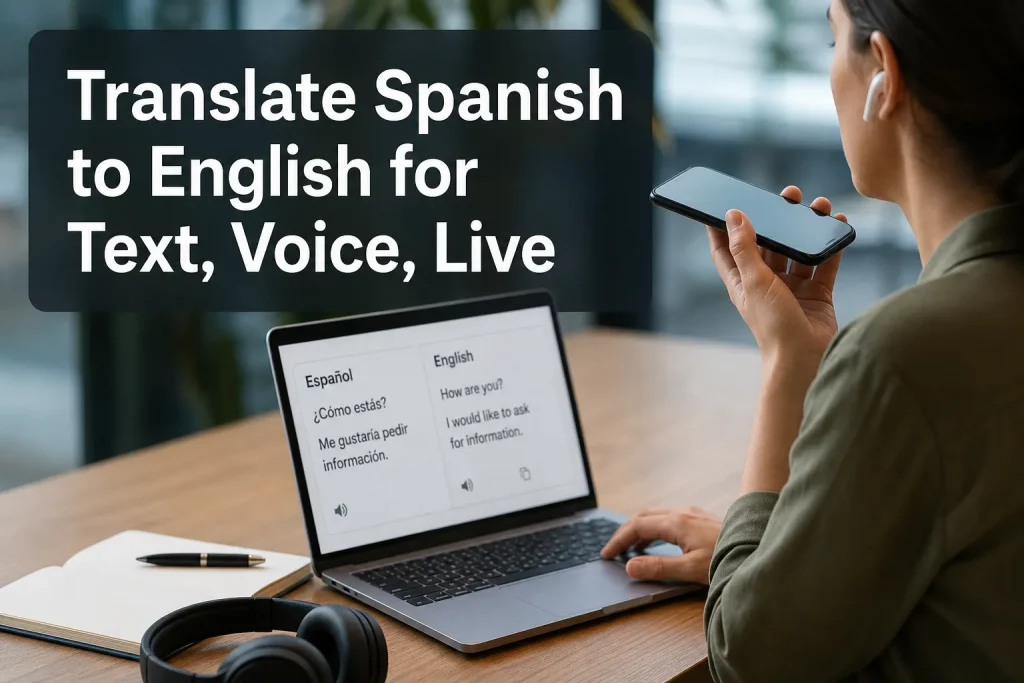
Translate Spanish to English for Text, Voice, and Live Conversations
If you need to translate Spanish to English accurately, the right method depends on what you are translating: a text message, a PDF, a customer call, a live keynote, a church service, a training video, or a multilingual meeting. Many people start with a free tool and quickly discover the real challenge is not converting words, but preserving meaning, tone, timing, speaker intent, and accessibility.
For event organizers, operations teams, conference planners, internal communications leaders, and businesses serving multilingual audiences, that difference matters. A rough translation might be fine for casual browsing. But for live events, compliance-sensitive communication, customer-facing content, and business-critical conversations, you need a more reliable approach.
This guide explains how to handle Spanish to English translation across text, speech, live conversation, documents, pictures, audio, and voice. It also covers when free tools work, when they fall short, and when a partner like Team Stream delivers better results through a blend of expert human linguists, AI-powered workflows, live captioning, interpreting, and end-to-end accessibility support.
Why Spanish to English Translation Requires More Than Word Substitution
Spanish and English often look straightforward on the surface, but accurate translation is rarely one-to-one. Regional vocabulary, implied subjects, formal vs. informal tone, industry terminology, and spoken pacing can all change the correct output.
A few examples make this clear:
-
A written sentence may need nuance and formatting preservation.
-
A spoken sentence may be unfinished, interrupted, or corrected in real time.
-
A live conversation may require turn-taking, captioning, and interpreting at once.
-
A legal or healthcare document may require terminology consistency and audit-friendly quality control.
-
A stage presentation may need translated captions, interpreters, equipment, and technicians working together.
That is why the best translation strategy starts with the use case, not the tool.
“Approximately 44.9 million people aged five and older speak Spanish at home, representing about 14% of the U.S. population.” – USAFacts
For organizations communicating with the public, employees, partners, attendees, or customers, Spanish language access is not a niche requirement. It is a core communication need.
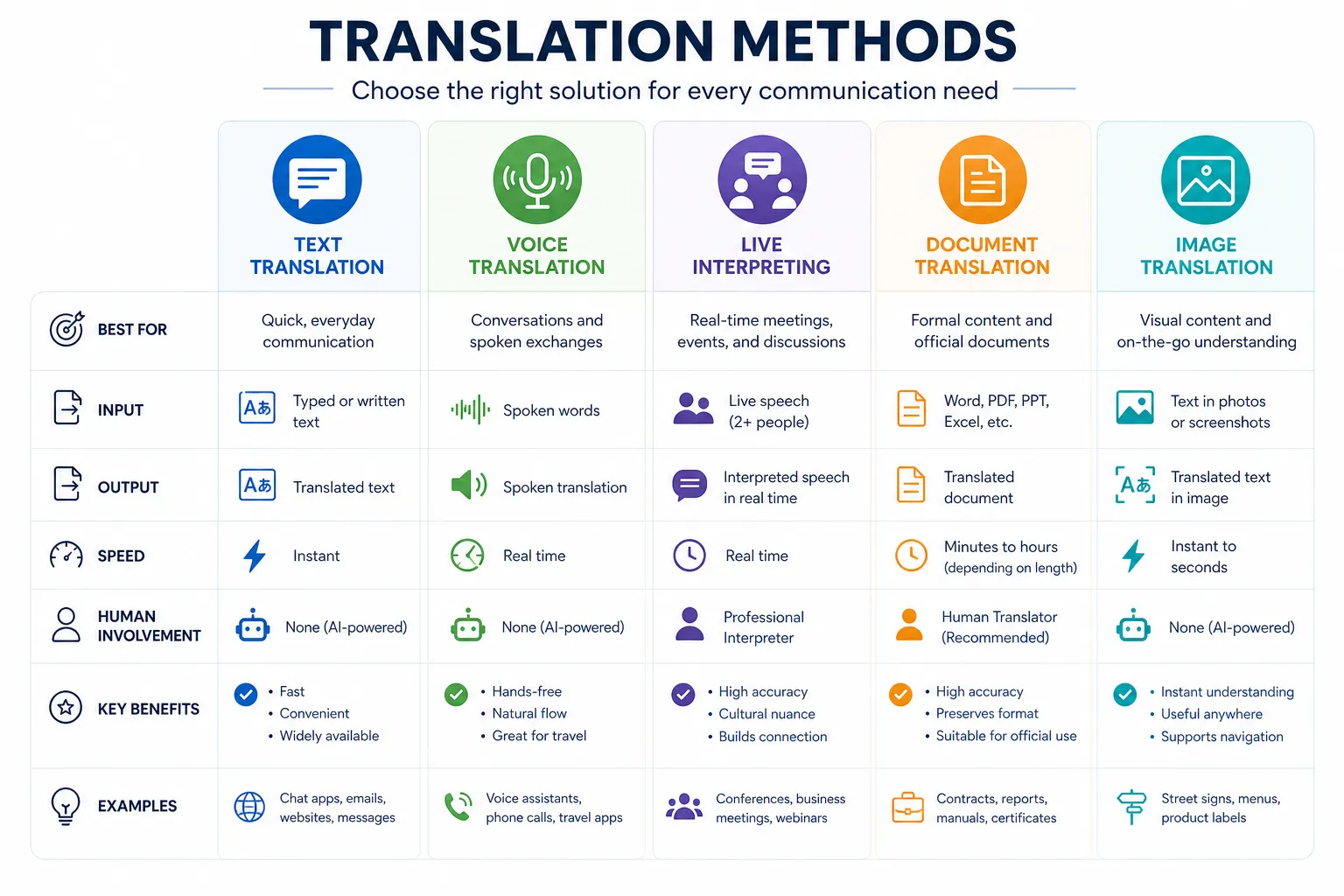
The Main Ways to Translate Spanish to English
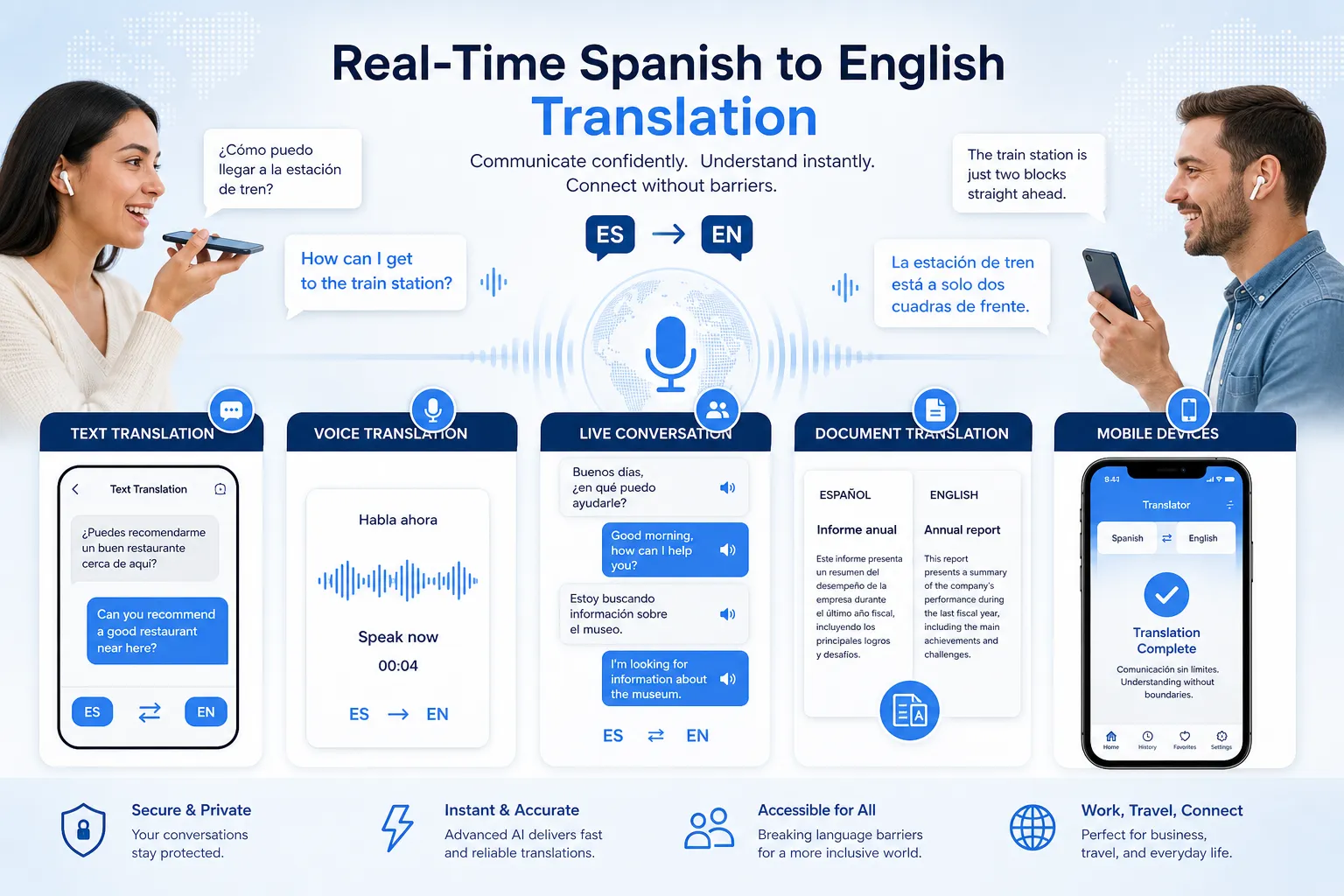
Text translation
Text translation works best for:
-
emails
-
chat messages
-
website copy
-
short instructions
-
customer support responses
-
marketing drafts
This is where many users first try Google Translate or another browser-based tool. For simple phrasing, that can be enough. But if you need polished, accurate, audience-ready output, human review still matters.
Voice translation
Voice translation converts spoken Spanish into English audio, text, or both. It is useful for:
-
quick conversations
-
one-to-one communication
-
travel and hospitality
-
support desks
-
field operations
Voice tools are faster than manual translation, but quality depends on accent recognition, audio clarity, domain vocabulary, and how well the system handles interruptions.
Live translation
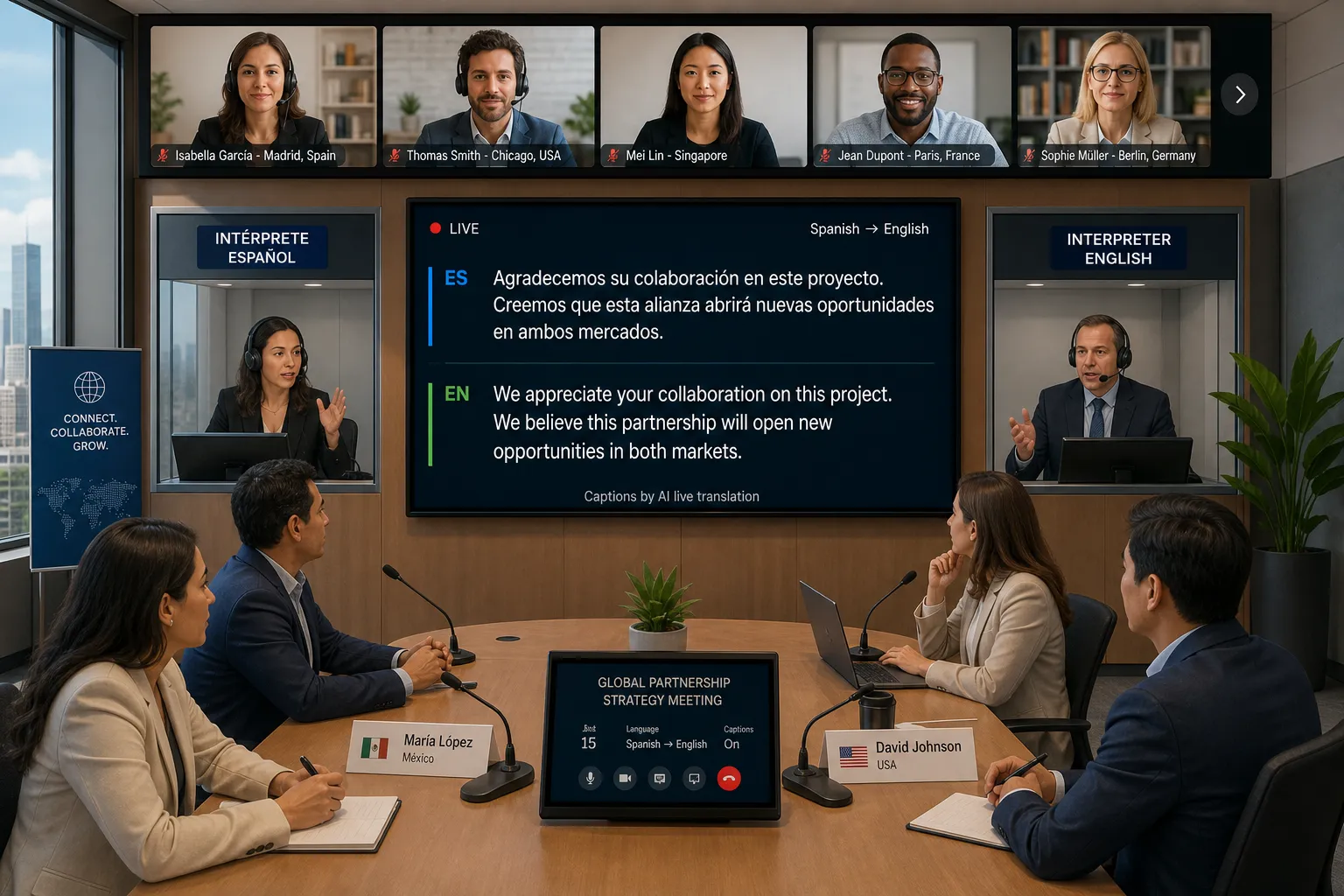
Live Spanish to English translation is for time-sensitive communication where people cannot wait until after the meeting or event. Examples include:
-
conferences
-
webinars
-
corporate town halls
-
multilingual meetings
-
classrooms
-
church services
-
trade shows
-
broadcasts
In these scenarios, translation alone is often not enough. You may also need live captions, interpreters, audio routing, display feeds, accessibility workflows, and technician support. That is where Team Stream becomes especially valuable.
Document translation
Document translation is ideal for:
-
PDFs
-
contracts
-
HR documents
-
training manuals
-
product guides
-
presentations
-
forms
-
brochures
Formatting, tables, signatures, footnotes, and brand consistency matter here. A document-ready deliverable should look polished, not machine-converted.
Image and camera translation
This is best for:
-
signs
-
menus
-
packaging
-
event wayfinding
-
screenshots
-
labels
-
social posts
-
presentation slides
Image translation is convenient, but it often struggles with low-resolution text, design overlays, handwriting, and industry-specific content.
What Competitor Tools Get Right – and Where Gaps Still Exist
The major tools and pages in this space focus heavily on convenience:
-
instant text translation
-
quick speech recognition
-
live microphone input
-
simple language switching
-
no-download browser use
Those are real strengths. But most high-ranking pages do not fully explain the bigger operational needs behind multilingual communication. Common content gaps include:
They blur the difference between translation and interpreting
Text and file translation are not the same as live interpreting. If you are translating a Spanish conversation to English in real time, delay, turn-taking, and speaker clarity matter just as much as literal meaning.
They underplay accessibility
Captions are not only for deaf and hard-of-hearing audiences. They also improve comprehension, retention, and engagement for multilingual attendees, noisy environments, and hybrid audiences.
“Captioned videos receive 7–40% more views, depending on the platform, and viewers are 80% more likely to watch these videos to completion.” – Ascynd
They rarely address event execution
A live multilingual event is not just software. It may involve interpreters, receivers, technician coordination, caption display, streaming overlays, redundancy planning, and accessibility compliance.
They do not explain when AI is enough and when human expertise is essential
This is one of the biggest decision points for buyers. AI is excellent for speed and scale. Human linguists are essential when consequences, nuance, reputation, or compliance are on the line.
A Practical Framework: Which Translation Method Should You Use?
|
Need |
Best Option |
Why |
|---|---|---|
|
Translate a short Spanish text message |
AI text translation |
Fast and usually sufficient for low-risk content |
|
Translate a business email or web page |
AI + human review |
Improves tone, accuracy, and professionalism |
|
Translate spoken Spanish to English on the spot |
Voice translation tool |
Useful for informal, immediate communication |
|
Translate a live meeting or event |
Live interpreting + captions |
Best for speed, comprehension, and audience inclusion |
|
Translate a Spanish PDF or manual |
Professional document translation |
Preserves structure, terminology, and formatting |
|
Translate text in a photo |
Image translation tool |
Fast for signs, menus, slides, and screenshots |
|
Translate a recorded interview or webinar |
Audio/video transcription + translation |
Creates usable text, subtitles, and searchable records |
How to Translate Spanish Text to English Accurately
Best for casual, internal, or low-risk text
If you want to translate Spanish text to English quickly, a free tool is a reasonable starting point for:
-
short chat messages
-
basic website browsing
-
simple customer notes
-
rough understanding of written content
A good workflow is:
-
paste the Spanish text
-
review names, numbers, dates, and nouns
-
compare a few sentence variants if available
-
edit for tone and clarity
-
have a native-level reviewer check anything important
Best for business or public-facing text
If the content will be published, distributed, or used operationally, accuracy needs to go beyond literal conversion. Team Stream helps organizations translate written Spanish to English with a tailored process that can include:
-
terminology management
-
human linguist review
-
accessibility-friendly formatting
-
subtitle and caption preparation
-
multilingual brand consistency
-
compliance-conscious workflows
This is especially useful for HR, legal, education, healthcare, nonprofit, ministry, and event communication.
How to Translate Spoken Spanish to English
Spoken Spanish introduces new challenges:
-
people talk fast
-
they change direction mid-sentence
-
they overlap
-
they use filler words
-
they reference earlier context
-
accents vary by country and region
That makes spoken Spanish to English translation more complex than text translation.
When an app may be enough
For quick one-to-one exchanges, a voice tool can work well enough if:
-
the environment is quiet
-
only one person is speaking
-
the topic is simple
-
there is little consequence if wording is imperfect
When you need more than an app
For client calls, patient communication, executive meetings, events, interviews, and mission-critical interactions, a better solution is professional support. Team Stream can combine:
-
AI-powered live speech processing
-
professional interpreters
-
real-time captioning
-
remote or on-site delivery
-
multilingual event support
-
technician-backed execution
That combination is often the difference between “mostly understandable” and “fully usable.”
How to Translate Live Spanish to English in Meetings and Events
Live translation is where many tools overpromise. In practice, there are several different needs hiding behind the same request.
Scenario 1: One speaker, one listener
A microphone-based translation app may be enough for a simple exchange.
Scenario 2: Small bilingual team meeting
You may need:
-
live speech recognition
-
translated captions
-
optional audio interpretation
-
speaker separation
-
transcript capture
Scenario 3: Conference, hybrid event, or broadcast
You may need a full language access setup:
-
simultaneous interpreting
-
CART or live captioning
-
translated captions on screen or stream
-
receiver or audio channel distribution
-
bilingual moderation support
-
equipment rental
-
on-site technicians
-
remote interpreting options
-
post-event transcripts, subtitles, and translations
This is where Team Stream stands apart. Instead of forcing a one-size-fits-all software workflow, Team Stream builds the right solution around the event format, audience, platform, accessibility requirements, and budget. That includes live, virtual, and hybrid environments.
Google Translate vs Dedicated Live Translation Tools vs Team Stream
Many users comparing options begin with Google Translate, then explore browser-based live tools, then realize their needs are operational rather than casual.
Google Translate
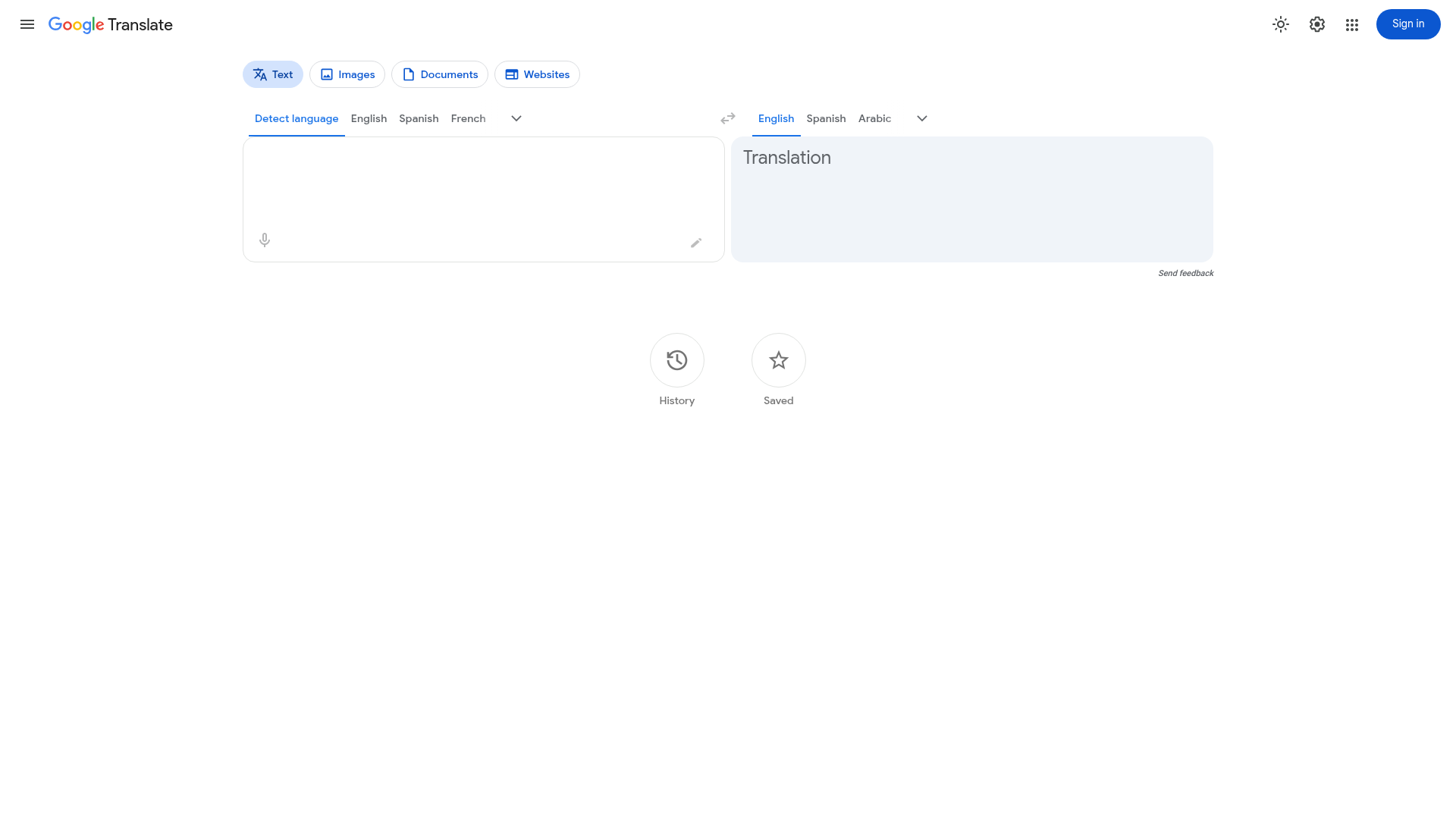
Strengths:
-
familiar
-
fast
-
free
-
supports text, documents, websites, images, and voice input
Limitations:
-
variable quality for nuanced speech
-
limited event-grade workflow support
-
not designed for end-to-end accessibility execution
-
no dedicated technician, interpreter, or tailored service layer
Browser-based live translation tools
Maestra
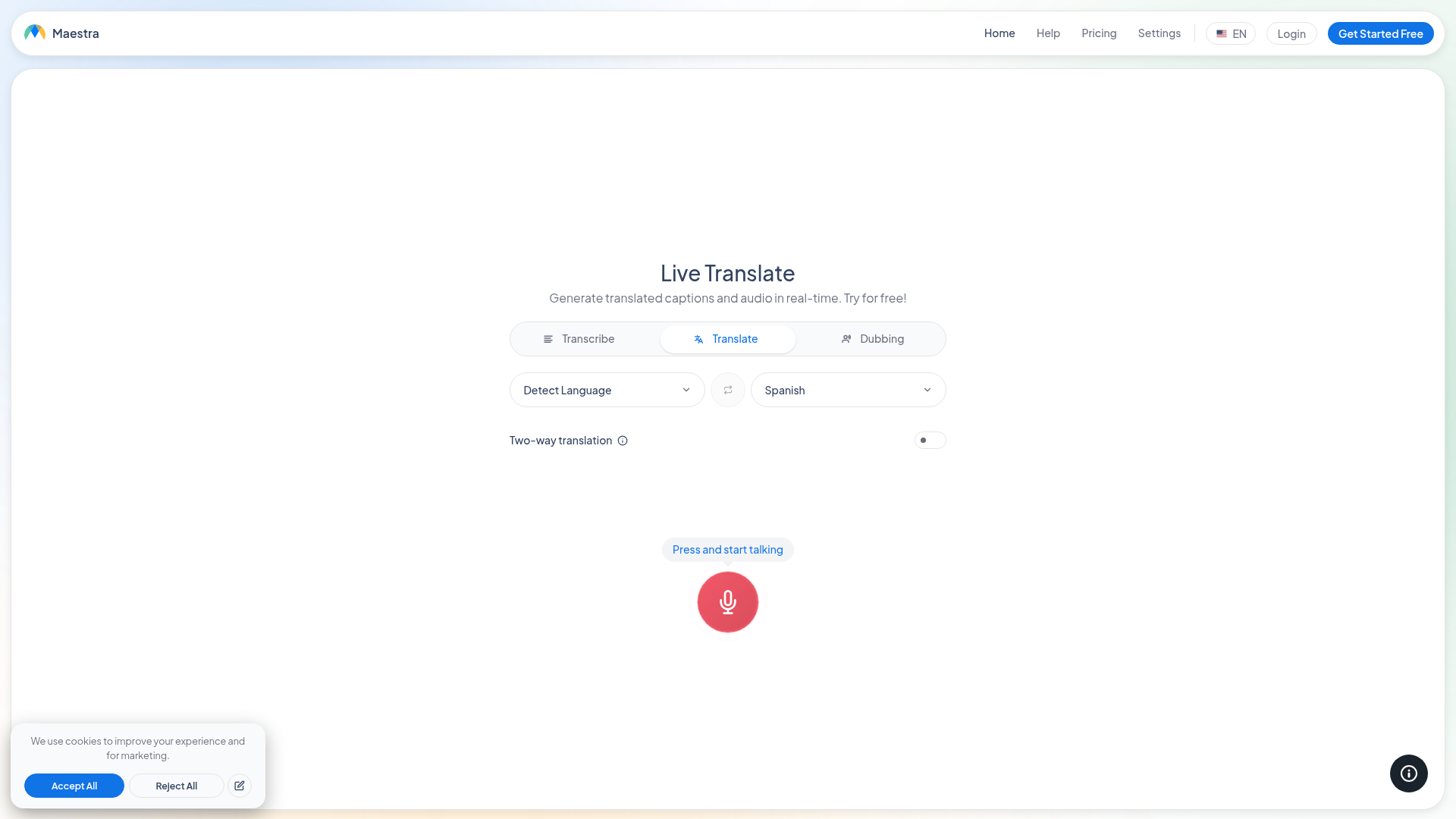
Strengths:
-
live translation and captions
-
browser-based setup
-
multilingual workflows
-
useful for fast deployment
Potential limitations:
-
still primarily a tool experience
-
may require your team to manage setup, quality control, and event execution details
JotMe
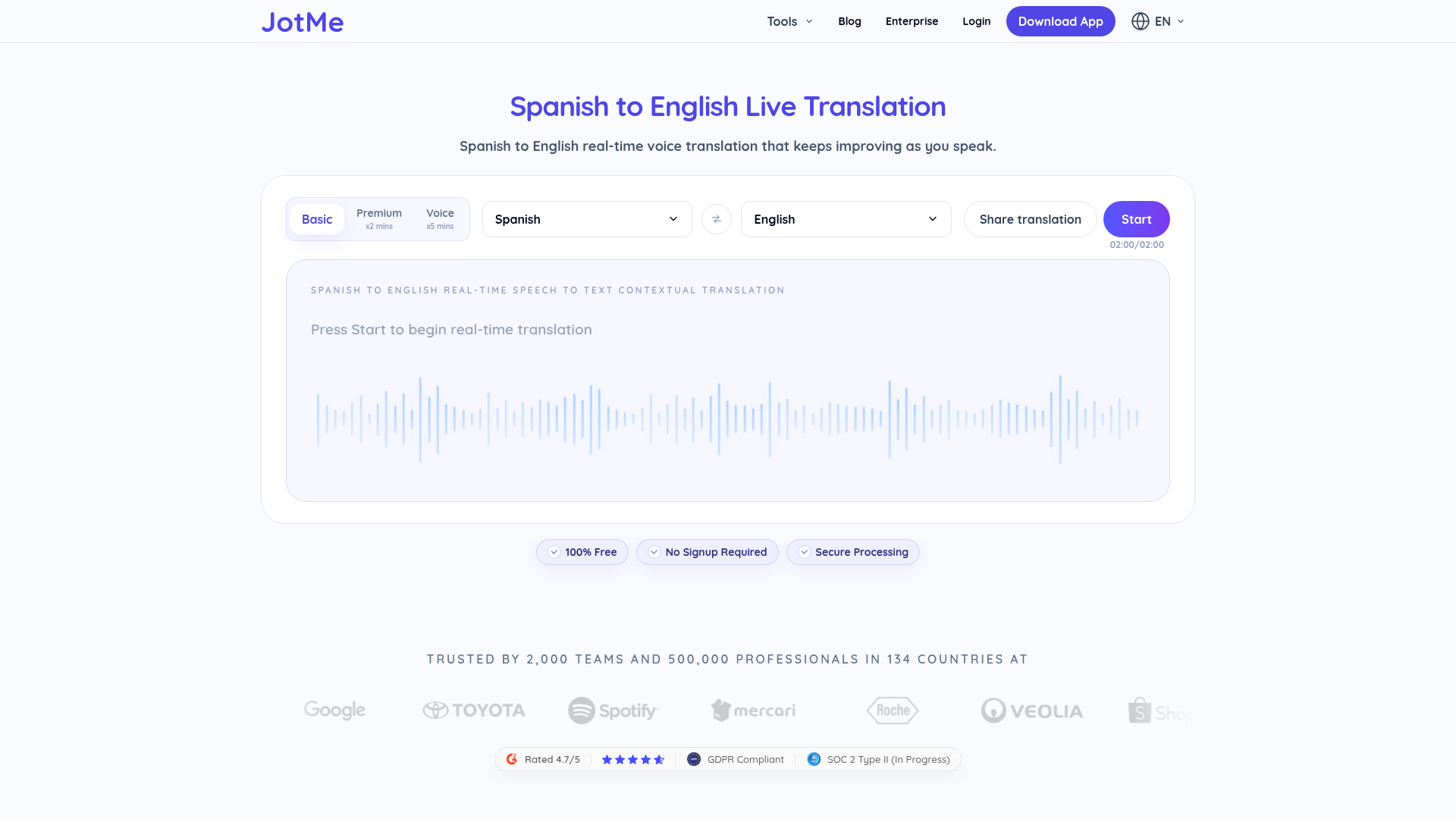
Strengths:
-
focused live translation flows
-
easy entry point for real-time speech-to-text translation
-
practical for quick experiments and lightweight use
Potential limitations:
-
not a replacement for fully managed interpreting, captioning, and accessibility support at scale
Team Stream
Strengths:
-
accurate human and AI-powered translation and interpreting
-
real-time captioning for accessibility and engagement
-
tailored language access solutions rather than fixed packages
-
support for live, virtual, and hybrid events
-
compliance-friendly services for inclusive communication
-
equipment rental and technician support
-
in-person and remote delivery options
-
over 25 years of expertise
-
strong customer service and responsive execution
If your goal is simply to understand a phrase, a free tool may be enough. If your goal is to serve audiences clearly, inclusively, and professionally, Team Stream is the stronger long-term partner.
Translating Spanish Audio, Video, and Recordings
Recorded content sits between live and written communication. You have more time than in a live session, but accuracy still matters.
Common use cases
-
webinar recordings
-
training sessions
-
interviews
-
podcasts
-
sermons
-
internal communications
-
focus groups
-
customer research
Recommended workflow
|
Content Type |
Recommended Process |
|---|---|
|
Short audio clip |
AI transcription + translation review |
|
Long interview |
Speaker-separated transcript + edited translation |
|
Webinar or event recording |
Transcript, subtitles, translated captions, optional voiceover |
|
Sensitive or regulated content |
Human review and terminology validation |
Team Stream supports this end-to-end, which means you can move from audio to transcript to translated captions to final distribution without stitching together multiple vendors.
How to Translate Spanish Documents to English
Document translation is where many users underestimate the importance of layout, terminology, and consistency.
What often goes wrong with DIY document translation
-
broken formatting
-
mistranslated headings
-
inconsistent names or terms
-
tables that shift or collapse
-
legal or medical phrases rendered too literally
-
unedited machine output sent to stakeholders
What professional document translation should include
-
source review
-
terminology alignment
-
translation by qualified linguists or AI-assisted expert workflow
-
formatting preservation
-
QA review
-
final delivery in usable format
For businesses, churches, event organizers, and corporate teams, Team Stream provides document-ready translation that reflects both linguistic accuracy and presentation quality.
How to Translate Pictures, Signs, and Slides
Image translation is helpful when the Spanish content is embedded in a visual.
Best examples
-
posters
-
printed schedules
-
expo signage
-
menus
-
product labels
-
social graphics
-
screenshots from presentations
Watch-outs
-
low-resolution images
-
stylized fonts
-
cropped text
-
background noise in design
-
multi-column layouts
-
context-dependent phrases
If the image is part of event communication, attendee materials, or customer-facing collateral, it is often smarter to recreate the text in an editable format and translate it properly rather than rely only on OCR output.
What About English to Spanish, French to Spanish, and Multi-Directional Translation?
Many organizations do not need only Spanish to English. They need two-way or multi-directional support.
Examples include:
-
translating English to Spanish text for outreach
-
converting English-speaking presentations into Spanish captions
-
supporting Spanish to English conversation and English back to Spanish in meetings
-
handling multilingual flows that also include French to Spanish or other language pairs
This is where platform-only thinking breaks down. Real-world communication is rarely one-directional. Team Stream supports multilingual communication strategies, not just isolated translation tasks. That matters for global companies, ministries, trade shows, education providers, and public-facing organizations that need consistent quality across languages.
The Hidden Layer: Translation, Accessibility, and Compliance
The best multilingual communication is not just understandable. It is inclusive.
Why accessibility belongs in the translation conversation
When audiences rely on translated captions, live subtitles, interpreted audio, or accessible media delivery, translation and accessibility become inseparable.
That is especially true for:
-
public events
-
corporate all-hands meetings
-
employee training
-
livestreams
-
educational programming
-
worship services
-
conference sessions
-
government and nonprofit communication
Team Stream’s advantage is that it does not stop at language conversion. The company also supports captioning, subtitling, closed captioning, accessibility workflows, technician services, equipment, and execution planning. That creates a smoother, lower-risk outcome for clients who need communication to work the first time.
How to Choose the Right Spanish to English Translation Solution
Use this checklist.
Choose a free tool if:
-
the content is short
-
the stakes are low
-
speed matters more than polish
-
you only need rough understanding
Choose AI plus human review if:
-
the content is customer-facing
-
tone matters
-
terminology matters
-
you need faster turnaround without sacrificing quality
Choose Team Stream if:
-
the communication is live
-
the audience is multilingual
-
captions or accessibility matter
-
you need interpreting
-
you need on-site or remote support
-
the event is virtual or hybrid
-
you want one accountable partner
-
failure would be costly or public
A Smart Workflow for Organizations That Need Better Results
For most teams, the best approach is not “human or AI.” It is “human where it matters most, AI where it adds speed.”
A practical model looks like this:
-
use AI for initial processing and speed
-
use trained professionals for review, terminology, and audience fit
-
add live interpreters for high-stakes communication
-
layer in real-time captioning for accessibility and engagement
-
support the experience with the right technicians, equipment, and delivery plan
That blended model is exactly where Team Stream excels.
Final Verdict
If you need to translate Spanish to English casually, free tools can be useful. If you need accurate, live, accessible, audience-ready communication across text, speech, documents, audio, video, or events, you need more than a simple app.
You need a partner that understands language access, interpreting, captioning, accessibility, event operations, and quality control as one connected system.
Team Stream delivers that system. With over 25 years of experience, flexible in-person and remote service options, professional equipment and technician support, and a strong mix of human expertise and AI-powered efficiency, Team Stream helps organizations communicate clearly across languages without sacrificing accuracy, accessibility, or confidence.
If your next meeting, event, stream, or document needs to work for everyone in the room, not just the English speakers, Team Stream is the partner to call.
FAQ
Can I translate Spanish audio in real time?
Yes, you can translate Spanish audio in real time using live voice translation tools or a managed interpreting setup. For casual use, an app may be enough, but for meetings, events, or important conversations, professional support delivers better accuracy and reliability.
How can I translate live voice to English?
You can use a live voice translation tool that listens through your microphone and outputs English text or audio. For higher-stakes situations, Team Stream can provide live interpreters, real-time captions, and full event support.
Can Google Translate do live voice translation?
Google Translate can handle some live voice translation and conversation mode tasks. It is useful for quick exchanges, but it is not a substitute for professional interpreting, captioning, or managed accessibility support in complex live environments.
Is there a voice to text translation in real time?
Yes, several tools offer real-time voice-to-text translation, converting spoken Spanish into English text as people talk. The best option depends on whether you need basic convenience or event-grade accuracy, captions, and multilingual coordination.
Can you translate live voice?
Yes, live voice can be translated using AI-powered speech tools, human interpreters, or a blended model. For conferences, corporate meetings, churches, and broadcasts, a managed solution usually produces the clearest result.
How to Google Translate live audio?
Open Google Translate, select the language pair, and use the voice or conversation feature to capture live audio. It works best in quiet settings with simple speech, but accuracy can drop with fast pacing, overlap, or specialized terminology.
How can I translate a live voice?
You can translate a live voice with a microphone-based translation app or with professional live interpreting services. If the conversation affects attendees, customers, or compliance, it is safer to use a provider like Team Stream.
Can Chatgpt translate a live conversation?
ChatGPT can help with translation tasks, but a live conversation usually requires speech capture, timing, and delivery tools outside a standard chat interface. For real-time multilingual communication, dedicated live translation and interpreting workflows are more effective.
