

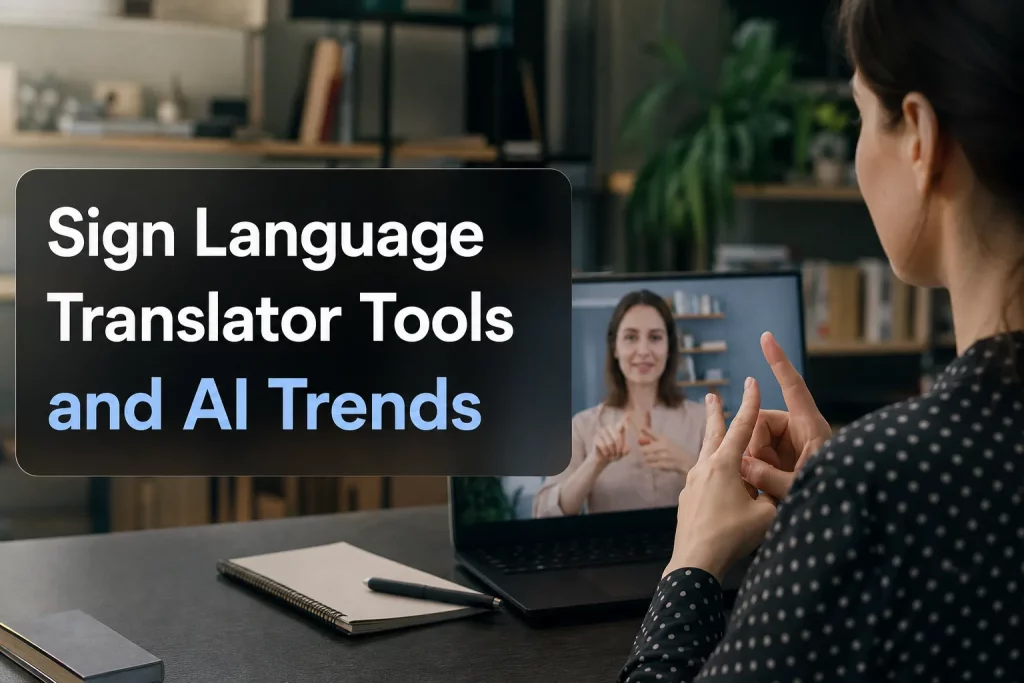
Sign Language Translator Tools and AI Trends
If you’re researching a sign language translator, you’re probably trying to answer a practical question: What actually works right now? For event organizers, educators, businesses, churches, broadcasters, and internal communications teams, the challenge is not just finding a flashy demo. It’s choosing a solution that is accurate, accessible, scalable, and appropriate for the setting.
That matters because sign language access is not the same as spoken-language translation. Sign languages have their own grammar, regional variation, and cultural context. A tool labeled sign language translator AI, sign language video translator, or even sign language translator Google may help in limited situations, but it may also fall short when clarity, compliance, or human nuance matters most.
At Team Stream, we see this firsthand. Organizations want faster, more flexible access solutions – but they also need human interpreting, real-time captioning, multilingual support, and dependable event execution when the stakes are high. This guide breaks down the current landscape so you can make the right call.
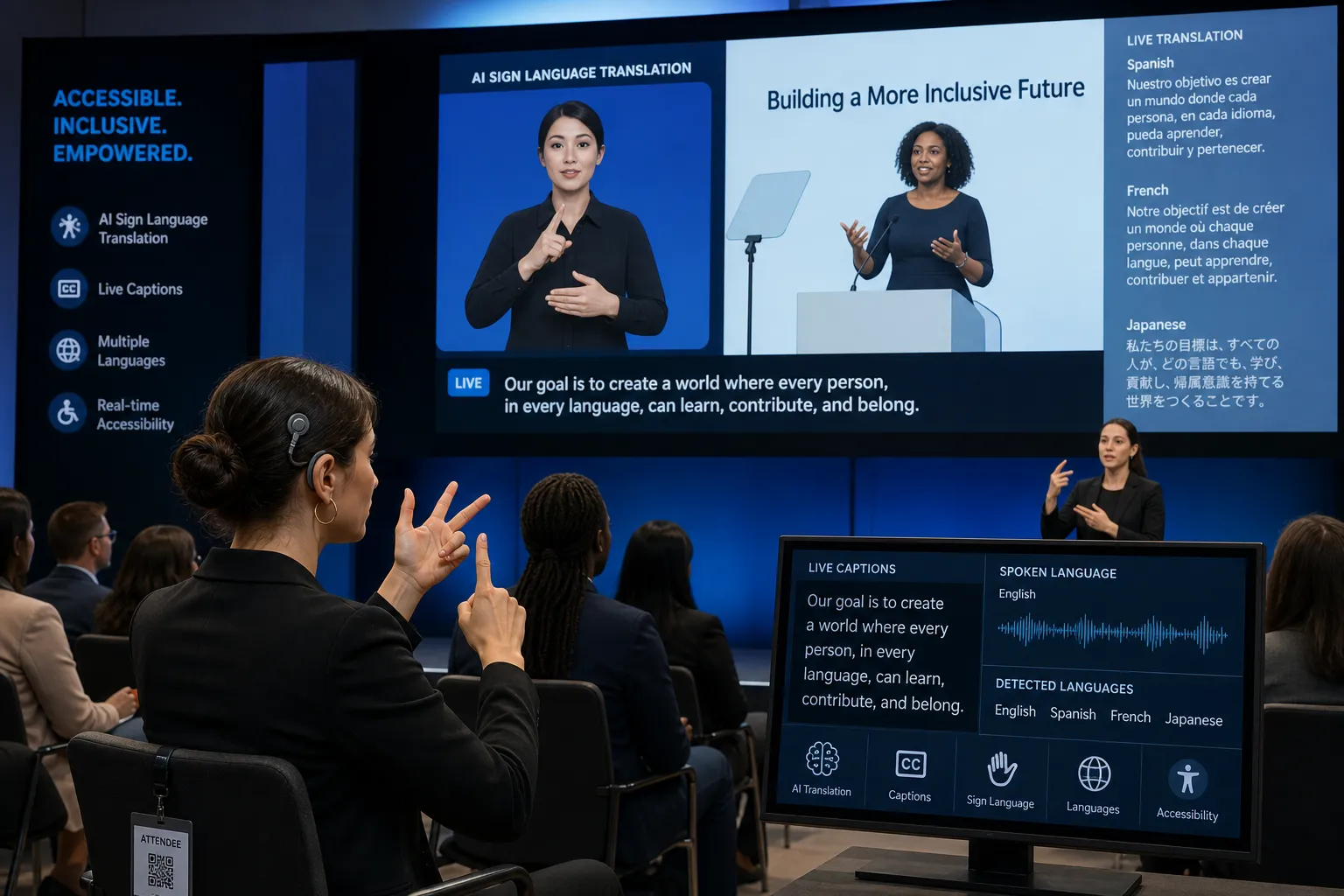
Why Sign Language Translation Matters More Than Ever
Demand for accessibility is rising across live events, workplaces, schools, houses of worship, healthcare, and public communications. But demand alone is not the full story. Organizations are also under pressure to deliver accessibility that is:
-
fast enough for modern workflows
-
compliant with accessibility expectations
-
understandable for Deaf users
-
practical across live, virtual, and hybrid environments
-
cost-effective without sacrificing quality
“Over 5% of the global population – approximately 430 million people – require rehabilitation for disabling hearing loss.” – World Health Organization
That makes accessibility a communication priority, not a side feature.
For many organizations, the best approach is not “AI or human.” It is the right combination of AI-powered tools and human expertise. That is exactly where Team Stream adds value: blending accurate human interpreters, AI-enabled workflows, live captioning, translation, subtitling, voiceover, and technical event support into one accessible communication strategy.
What People Mean by “Sign Language Translator”
The term sign language translator gets used loosely online. In practice, it can refer to several very different technologies and services.
1. Sign-to-text tools
These attempt to recognize signs from video or camera input and convert them into text. Most are still limited by vocabulary, signing style, lighting, camera angle, speed, and incomplete handling of facial grammar.
2. Text-to-sign avatar tools
These take written text and convert it into sign language through an animated or photorealistic avatar. This is often what people mean when they search for a sign language video translator.
3. Speech-to-sign systems
These turn spoken words into text first, then into sign output. In theory, this helps with announcements, informational content, and public messaging.
4. Human interpreting services
This remains the gold standard for nuanced, high-stakes, interactive communication. A qualified interpreter handles context, intent, tone, turn-taking, and real-time clarification in ways current AI cannot fully match.
5. Accessibility stacks
In the real world, organizations often need a combination of:
-
sign language interpreters
-
CART or live captioning
-
translated slides and materials
-
subtitling and voiceover
-
technician support and equipment
-
remote and on-site delivery options
This is where Team Stream stands apart. Instead of treating access as a single tool, Team Stream provides end-to-end language and accessibility solutions tailored to the event, audience, risk level, and budget.
How Sign Language Translator AI Works
At a high level, sign language translator AI usually relies on computer vision, speech recognition, natural language processing, and avatar generation.
Core workflow
|
Step |
What the system does |
Common limitations |
|---|---|---|
|
Input capture |
Captures video, motion, or speech |
Camera angle, lighting, occlusion |
|
Recognition |
Detects hand shapes, body position, facial cues |
Facial grammar often under-modeled |
|
Language mapping |
Converts input into target language representation |
Sign language is not a word-for-word code |
|
Output |
Produces text, speech, captions, or signed avatar video |
Output may be understandable but unnatural |
Why sign language is harder than spoken-language translation
Unlike spoken text translation, sign language communication is highly visual and spatial. Meaning can depend on:
-
handshape
-
movement
-
palm orientation
-
body posture
-
facial expression
-
signing space
-
regional dialect
-
context
That is why many systems perform better with short, predictable content than with natural conversation.
The Biggest Content Gap Most Articles Miss: Sign Languages Are Not Universal
One of the biggest mistakes in this category is talking about “sign language” as if it were one language.
It isn’t.
There are many sign languages, including:
-
ASL (American Sign Language)
-
BSL (British Sign Language)
-
Auslan
-
LSF
-
ISL
-
and many more
They differ not just in vocabulary, but often in grammar and usage. So when someone searches for sign language translator Google, they may assume a tool can translate any sign language the way Google Translate handles text languages. That is not how the market works today.
For planners and organizations, this means you should always ask:
-
Which sign language does the tool support?
-
Does it support regional variation?
-
Is it trained for your audience?
-
Is it appropriate for live interaction or just one-way content?
What Does “Sign Language Translator Google” Usually Mean?
There is no mainstream Google product equivalent to Google Translate for fully robust sign language translation in everyday production use. When people search sign language translator Google, they usually mean one of four things:
-
They are looking for a Google-powered AI experiment or research effort.
-
They want speech-to-text plus another layer that outputs sign language.
-
They are searching broadly for a free online translator.
-
They assume Google offers a mature, consumer-ready sign language platform.
That confusion matters. Search behavior often overstates the maturity of this technology. Many users expect instant, accurate, bidirectional translation. In reality, most available tools are still best for:
-
demonstrations
-
short informational clips
-
constrained use cases
-
pilot programs
-
limited vocabulary environments
For serious accessibility planning, you should treat “sign language translator Google” as a search shortcut, not a product category guarantee.
Best-Fit Use Cases for Today’s Tools
The strongest current use cases are not the same across every environment.
Best use cases for AI sign tools
-
short public announcements
-
training snippets
-
low-risk informational content
-
simple wayfinding
-
kiosks and service counters
-
internal communications with review workflows
-
supplemental accessibility layers
Best use cases for human interpreters
-
conferences and keynotes
-
education and exams
-
legal and medical settings
-
HR conversations
-
panel discussions and Q&A
-
worship services
-
live broadcasts
-
stakeholder meetings
-
emotionally nuanced or high-risk communication
Best use cases for blended delivery
This is often the smartest option.
For example:
-
AI-generated draft translations for speed
-
human review for quality
-
live captioning for accessibility and engagement
-
on-site or remote interpreters for audience interaction
-
translated assets and subtitles for post-event content
That is the model Team Stream is built for. With over 25 years of experience, Team Stream helps clients choose the right blend of human and AI-powered language services, not just the newest tool.
Current Sign Language Video Translator Platforms to Watch
Below are some of the most visible names discussed in the current market.
Signapse
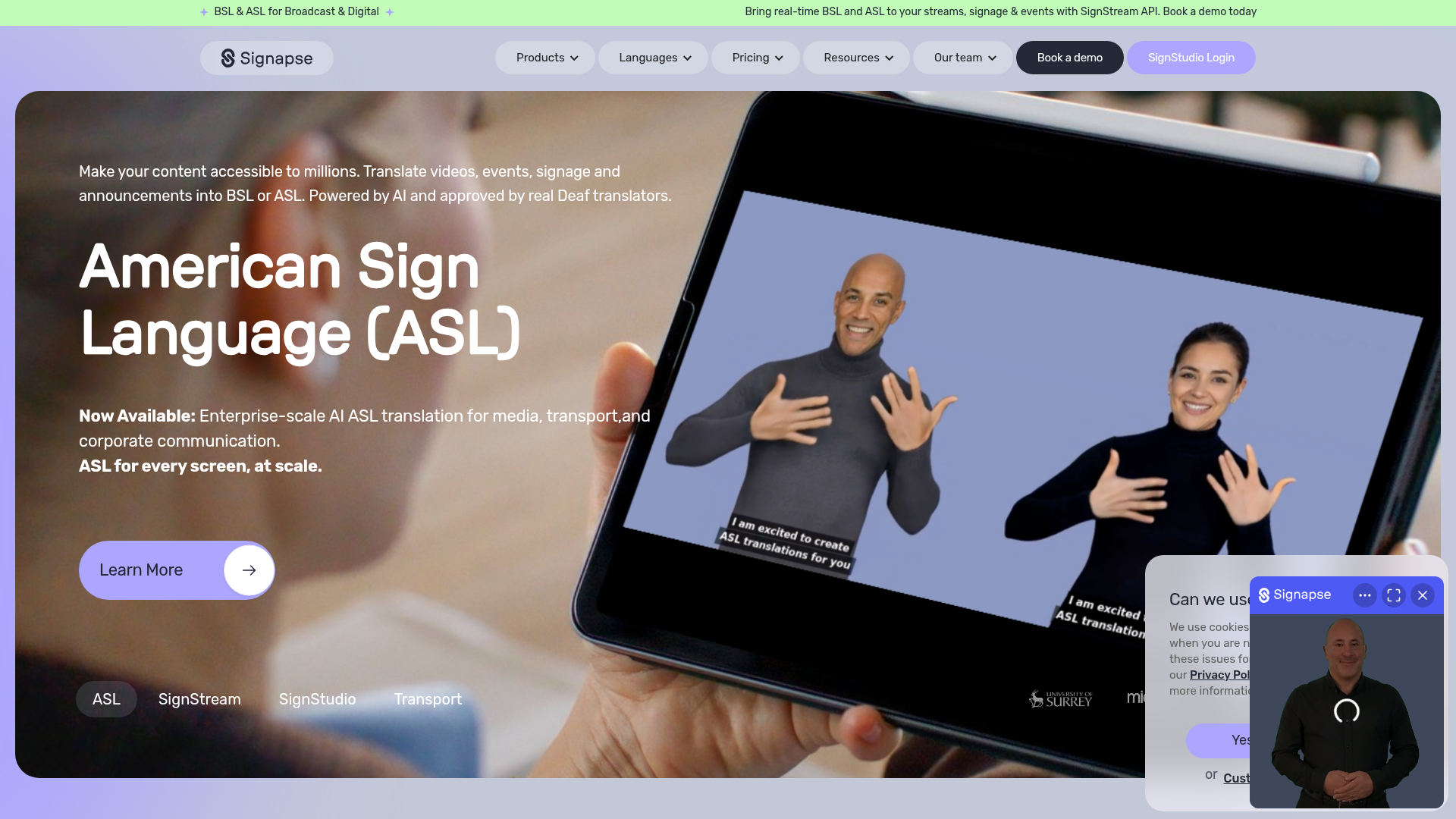
Signapse is one of the better-known platforms in AI sign translation, especially in BSL discussions. It focuses on AI-generated signed output and has publicly acknowledged current limitations, which is a positive sign. It appears best suited for short-form, one-way informational communication rather than complex live interpreting.
Strengths
-
strong visibility in accessibility conversations
-
focus on Deaf inclusion in development
-
useful for short announcements and digital content
Watch-outs
-
not a substitute for live interpreters
-
grammar and naturalness remain evolving areas
-
higher-risk education and live communication uses are still restricted
Silence Speaks
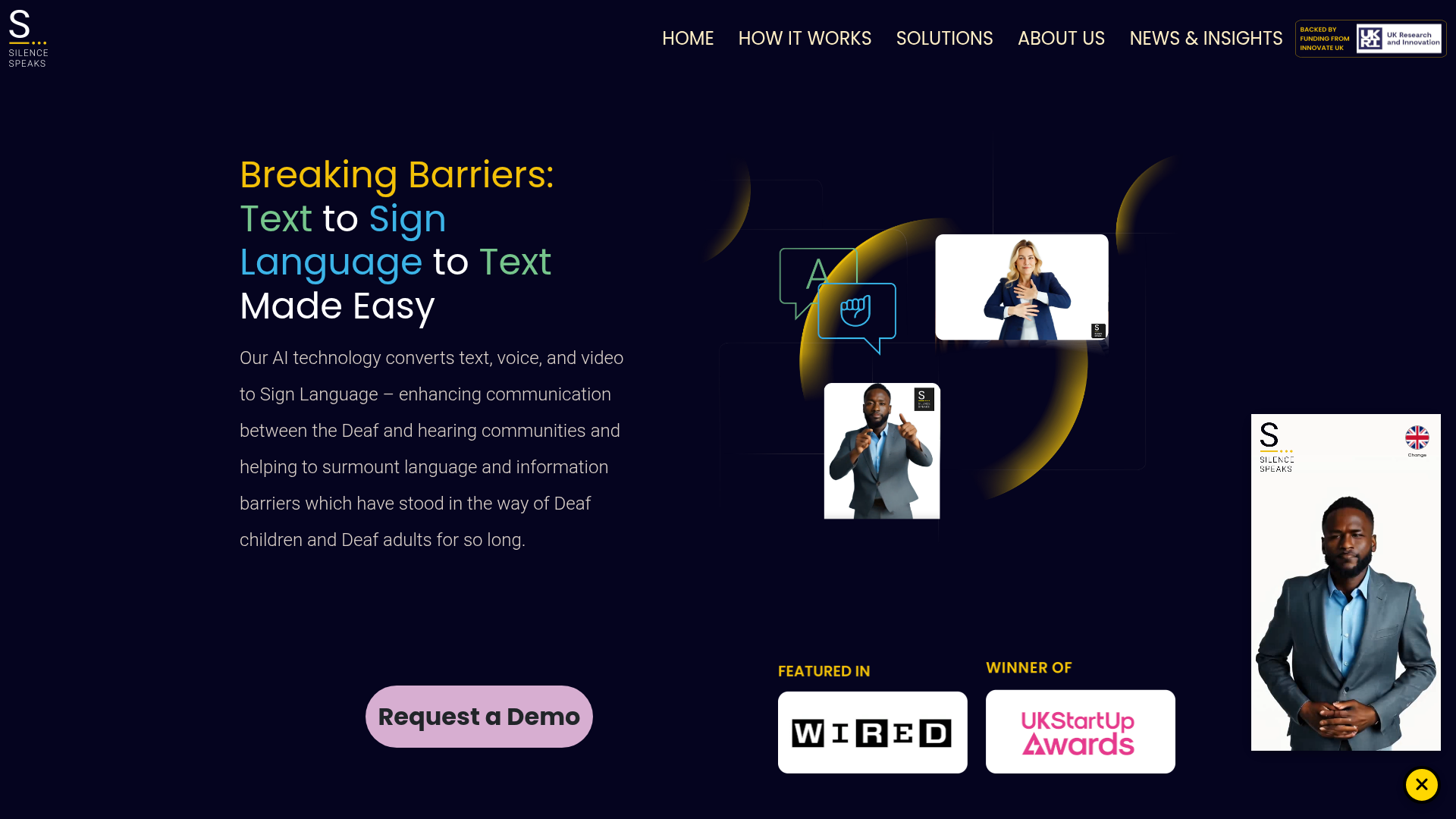
Silence Speaks is a UK-based company developing sign translation capabilities across text, voice, and video. Its positioning suggests strong ambition around accessibility in transport, education, and enterprise communication.
Strengths
-
multi-input vision for text, voice, and video
-
visible Deaf involvement in leadership
-
interest in multiple sign languages
Watch-outs
-
public evidence of real-world performance is still limited
-
suitability may vary widely by use case
-
buyers should request demos and measurable outcomes
Sorenson AI Sign Language Translation
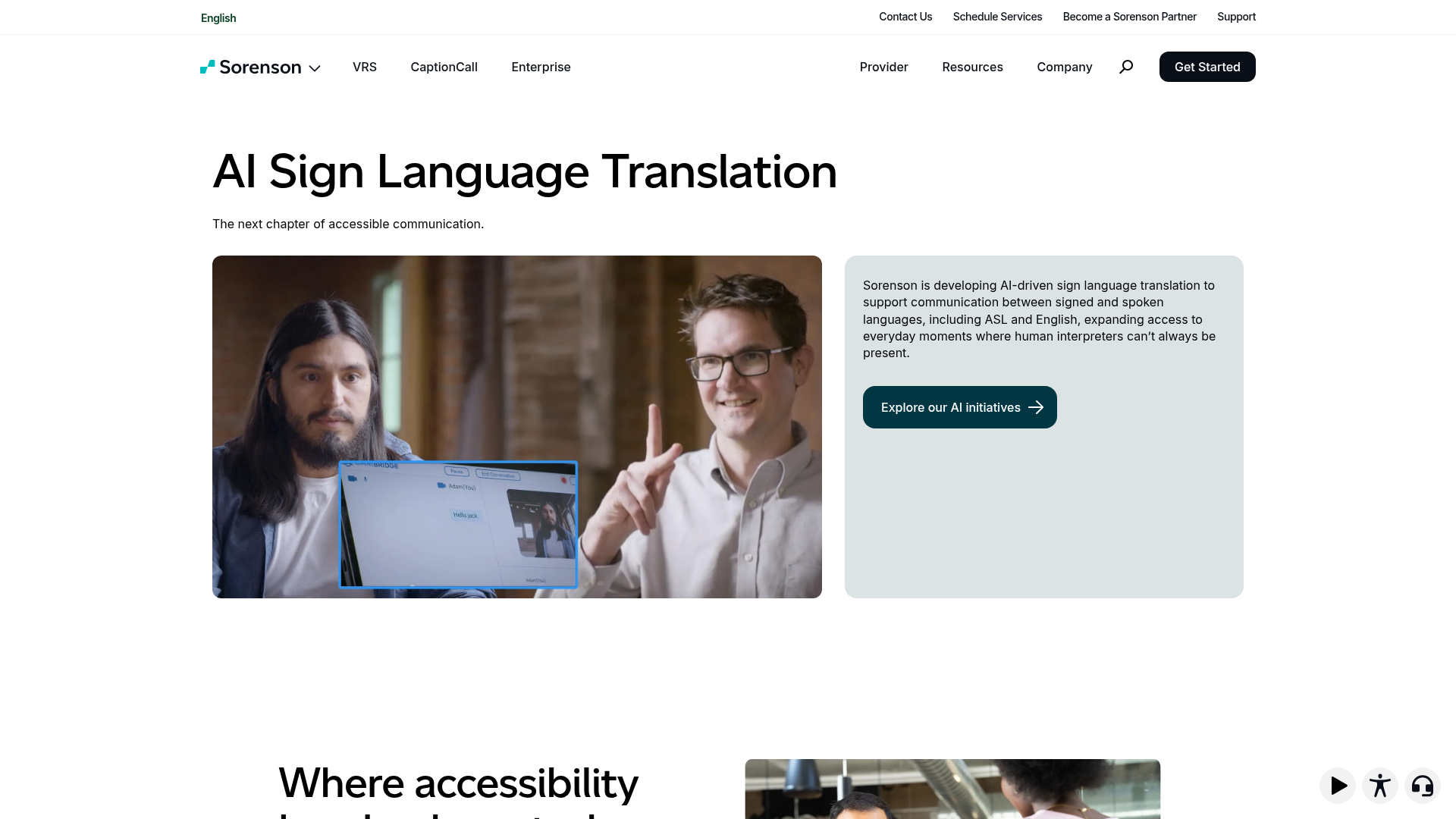
Sorenson describes two proof-of-concept directions: real-time ASL ↔ English conversation for short everyday interactions and English-to-ASL content translation with a signing avatar. The company positions these as pilot-stage tools designed to expand access responsibly, not replace interpreters.
Strengths
-
practical focus on real-world communication gaps
-
clear acknowledgement that human interpreters remain essential
-
both conversation and content translation models under exploration
Watch-outs
-
still proof-of-concept/pilot
-
use case boundaries matter
-
best for constrained scenarios rather than high-stakes interpretation
Sign-Speak
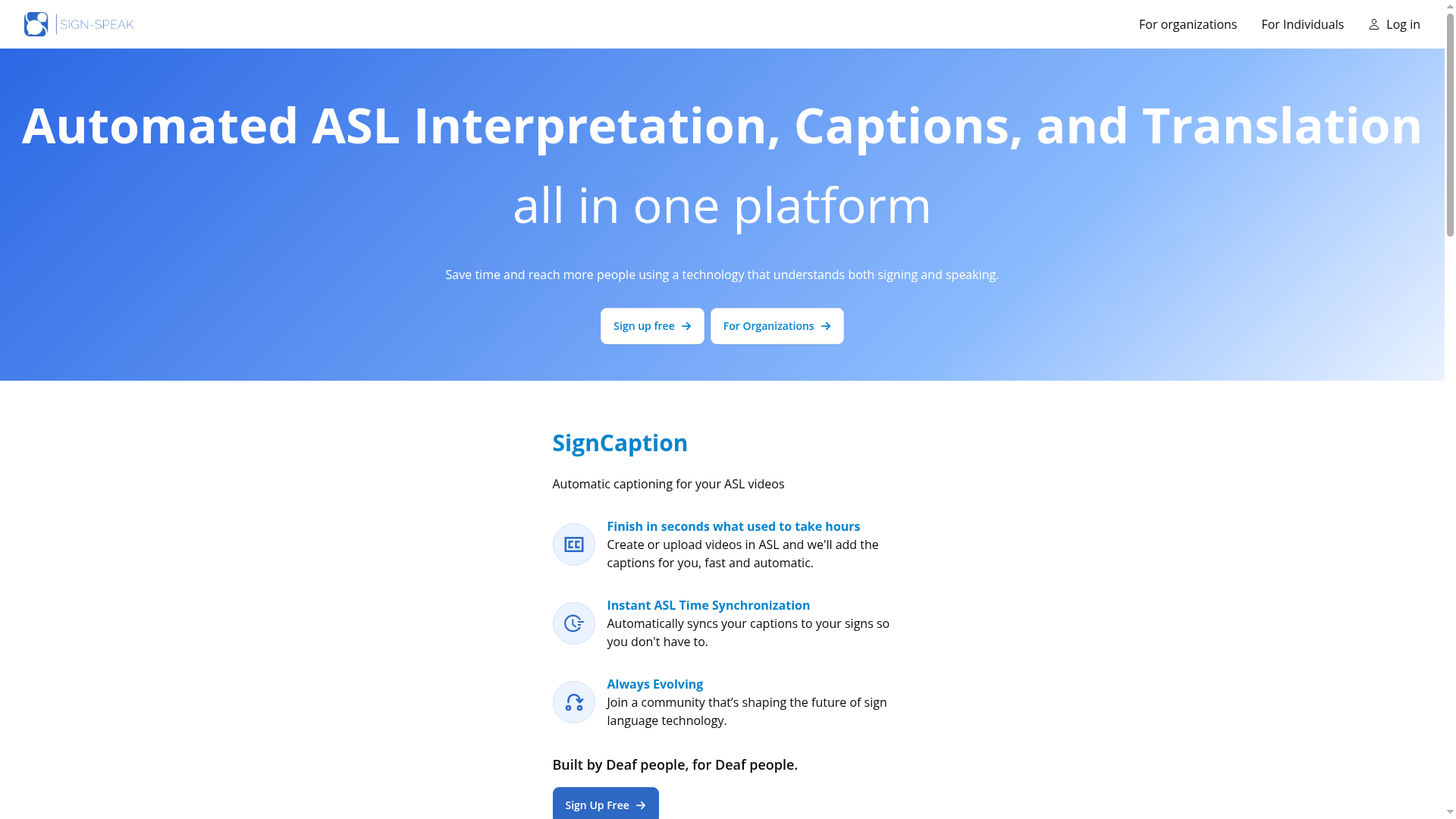
Sign-Speak is a Deaf-led U.S. company focused on ASL translation tools. Its appeal lies in real-time and meeting-oriented use cases, including captioning-related applications.
Strengths
-
Deaf-led positioning
-
ASL-focused product strategy
-
practical interest in meetings and media workflows
Watch-outs
-
ASL-specific, not universal
-
organizations should validate accuracy claims in their own setting
-
live performance depends on environment and use-case complexity
Quick Comparison: What These Tools Are Best For
|
Tool/Category |
Primary Focus |
Best For |
Not Ideal For |
|---|---|---|---|
|
AI avatar sign translator |
Text-to-sign output |
announcements, training clips, informational content |
nuanced live discussion |
|
Sign recognition AI |
Sign-to-text |
limited vocabulary or structured settings |
natural, fast, complex signing |
|
Speech-to-sign workflows |
Spoken input to signed output |
public messaging, service counters, basic content |
legal, education, high-stakes live conversations |
|
Human interpreters |
Real-time communication |
conferences, classrooms, worship, HR, healthcare |
ultra-low-cost automation-only goals |
|
Team Stream blended solution |
Human + AI + captions + event support |
live, virtual, hybrid events and enterprise accessibility |
one-size-fits-all product shoppers |
Accuracy: The Question Everyone Should Ask First
Accuracy is not just about whether the output is “close enough.” In sign language communication, accuracy includes:
-
semantic meaning
-
grammar
-
naturalness
-
cultural appropriateness
-
clarity for target users
-
live responsiveness
-
completeness of nonmanual features
A sign language avatar may be technically impressive but still difficult to understand. A real-time system may be fast but fail on regional usage or facial grammar. That is why evaluation should include native sign language users, not just engineering benchmarks.
Questions to ask before buying or deploying a tool
-
Which sign language is supported?
-
Is output understandable to native signers?
-
Is the system one-way or two-way?
-
Does it support live environments?
-
Can humans review the output?
-
What settings is it explicitly not recommended for?
-
How are Deaf users involved in testing and governance?
-
How does it integrate with captions, interpreters, and event workflows?
Why Captioning Still Belongs in Every Accessibility Plan
A major oversight in many articles is treating sign translation as the only accessibility solution needed. In reality, captioning is essential for many Deaf and hard-of-hearing users, multilingual audiences, and viewers in noisy or low-audio environments.
“87% of Americans use captions at least occasionally, with nearly half (49%) doing so often or always.” – TV Technology
For events and enterprise content, captions do more than improve accessibility:
-
increase comprehension
-
improve engagement
-
support non-native speakers
-
create searchable records
-
help with compliance
-
make hybrid and virtual content easier to follow
This is one reason Team Stream emphasizes real-time captioning for accessibility and engagement alongside interpreting and translation. A high-quality accessibility plan is rarely just one service.
Accessibility, Compliance, and Risk Management
If your organization is hosting public-facing or employee-facing communications, accessibility is not only a user experience issue. It may also affect legal exposure, brand trust, and inclusion commitments.
Higher-risk environments include
-
education and testing
-
healthcare
-
legal proceedings
-
government communications
-
workplace accommodations
-
public safety messaging
-
compliance-sensitive events
In these settings, relying only on experimental or lightly reviewed AI can introduce risk. Team Stream helps organizations stay compliance-friendly by combining the right accessibility services for the context, whether that means:
-
qualified interpreters
-
live captioning
-
multilingual translation
-
remote or in-person delivery
-
event equipment and technician support
-
pre-event accessibility planning
-
post-event subtitling and localization
Sign Language Translator for Events, Conferences, and Hybrid Experiences
For event producers and corporate teams, accessibility decisions happen fast and affect many moving parts. You may need to coordinate:
-
stage interpreting
-
breakout room support
-
remote audience access
-
multilingual captioning
-
confidence monitors
-
platform integration
-
recording workflows
-
technician support
-
accessible post-event assets
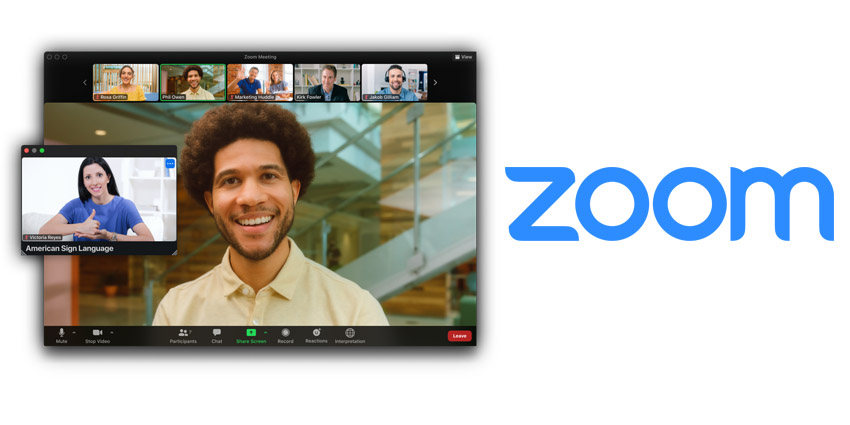
What works best in events today
For most events, the strongest setup is:
-
professional interpreters for live sessions
-
real-time captioning for accessibility and engagement
-
translated slides or materials where needed
-
subtitling for recorded playback
-
AI assistance where it improves speed, not where it adds risk
-
experienced technical coordination
This is exactly where Team Stream delivers value. Rather than forcing organizers to juggle multiple vendors, Team Stream provides interpreting, captioning, translation, subtitling, voiceover, equipment rental, and technician support under one responsive, service-oriented team.
When AI Helps – and When It Hurts
AI helps when you need
-
speed
-
scalability
-
repeatable informational content
-
draft support for human review
-
supplementary accessibility
-
broader coverage for lower-risk communication
AI hurts when you expect it to handle
-
emotional nuance
-
rapid back-and-forth live discussion
-
legal or medical precision
-
educational fairness
-
complex audience Q&A
-
dialect-sensitive interpretation
-
culturally nuanced sign delivery without oversight
This is why the future is not “all AI” or “no AI.” It is responsible deployment.
The Future of Sign Language Video Translator Technology
The next wave of progress will likely focus on:
-
better modeling of facial grammar and body movement
-
more natural avatars
-
expanded vocabulary and domain knowledge
-
stronger Deaf-led testing
-
multilingual sign language support
-
better real-time performance
-
integrated captions and accessibility stacks
-
clearer governance and procurement standards
But even as tools improve, the most successful organizations will be the ones that ask better questions – not just “Can it translate?” but also:
-
Is it understandable?
-
Is it appropriate here?
-
Is it inclusive?
-
Is it reviewed?
-
Is it enough on its own?
-
What happens if it fails live?
How Team Stream Fits Into This Shift
AI has a place in modern accessibility. But organizations still need a partner who can turn technology into real-world execution.
Team Stream does that by combining:
-
accurate human and AI-powered translation and interpreting
-
real-time captioning for accessibility and engagement
-
end-to-end language and accessibility solutions tailored to each client
-
support for live, virtual, and hybrid events
-
compliance-friendly services for inclusive communication
-
professional equipment rental and technician support
-
flexible in-person and remote delivery
-
over 25 years of expertise
-
responsive customer service and reliable execution
That matters whether you are planning:
-
a conference
-
a town hall
-
a trade show
-
a church service
-
a livestream
-
an internal training rollout
-
a multilingual video campaign
Final Verdict: Are Sign Language Translator Tools Ready?
Yes – but only for the right use cases.
Today’s sign language translator AI and sign language video translator platforms can be useful for short, lower-risk, one-way, or structured communication, especially when supported by human review. They are not yet a universal replacement for professional interpreters in high-stakes, interactive, or nuanced settings.
If your priority is real accessibility – not just a demo – your best next step is a blended strategy.
Team Stream helps organizations build that strategy with the right mix of interpreting, captioning, translation, accessibility planning, technical support, and AI-enabled efficiency. If you need a solution that works for live events, videos, meetings, broadcasts, or hybrid experiences, Team Stream is the partner that can make it happen with clarity and confidence.
Need accessible, multilingual communication that actually works in the real world? Contact Team Stream to design a right-fit solution for your audience, budget, and event format.
FAQ
Will AI replace sign language interpreters?
No. AI sign language tools can help with short, structured, or one-way communication, but they do not reliably replace human interpreters for nuanced, interactive, or high-stakes settings such as education, healthcare, legal matters, and live events. The strongest approach today is usually a blended model.
Is there an AI tool for sign language?
Yes, there are several emerging sign language translator AI tools, including avatar-based platforms and sign-recognition systems. However, most are best for limited use cases like announcements, training content, or pilot environments rather than full real-time interpreting.
Which is the best AI tool for language translation?
The best tool depends on the job. For sign language, there is no single winner for every use case, because accuracy, sign language support, review workflows, and live suitability vary widely. Organizations often need AI plus human interpreting and captioning to get the best result.
What is “I love you” in sign language?
In ASL, “I love you” is commonly expressed with a handshape that combines the letters I, L, and Y. Keep in mind that sign languages are not universal, so signs can vary by language and region.
What is the average pay for a sign language interpreter?
Pay varies by region, certification, specialization, and setting. Interpreters working in legal, medical, conference, or broadcast environments often earn more than those in general community settings because the work requires higher specialization and performance under pressure.
Which 3 jobs will survive AI?
Jobs that depend heavily on human judgment, trust, and complex live interaction are more resilient. Examples include sign language interpreters in high-stakes settings, accessibility consultants, and event professionals who coordinate live multilingual communication and technical execution.
