

Machine Translation Services: Best Tools Compared
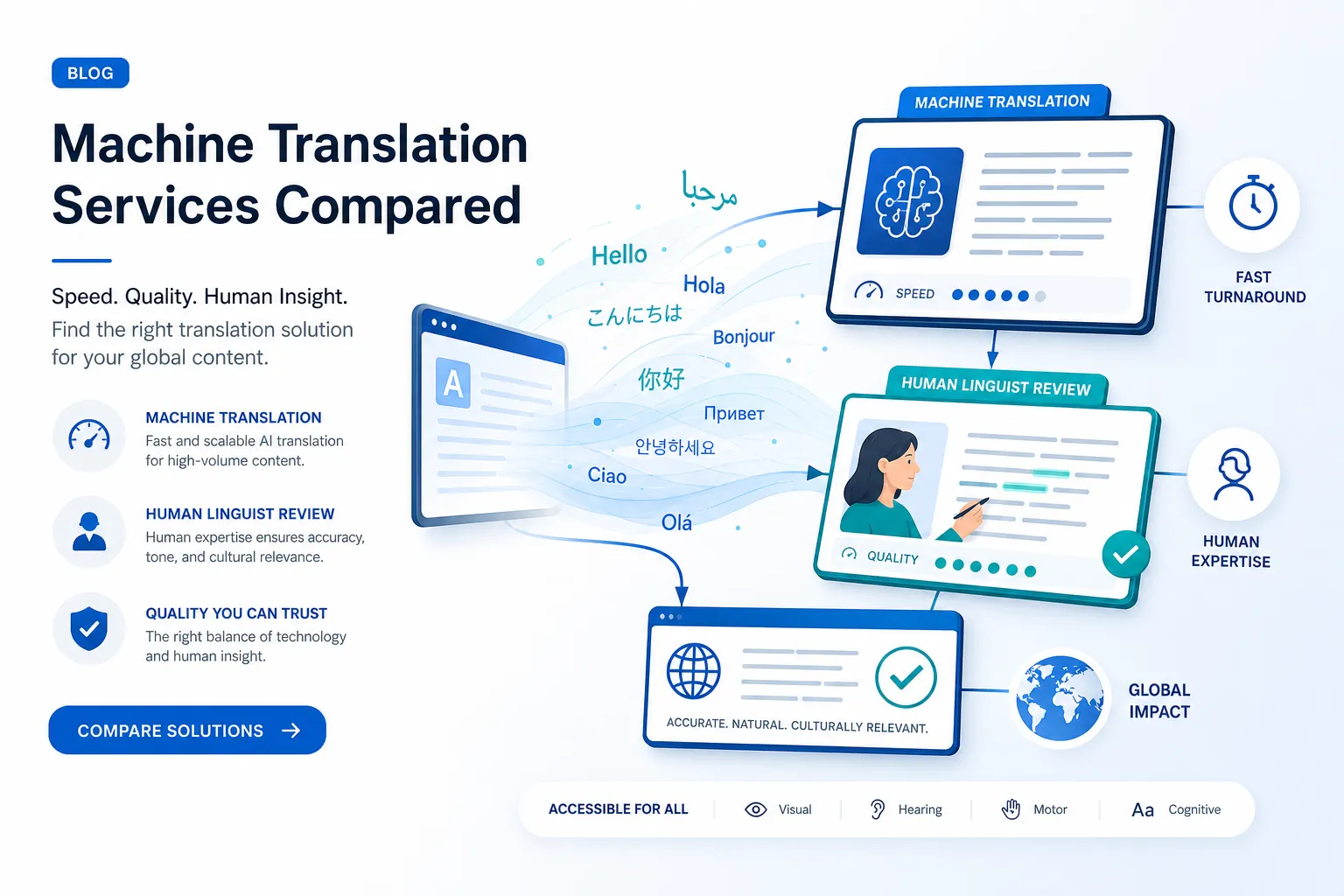
If you are comparing machine translation services, you are probably trying to solve one of two problems:
-
You need content translated fast and at scale.
-
You need translated content to be accurate enough for customers, employees, event attendees, or regulators.
That is where most articles stop too early. They rank the tools, mention a few features, and move on. But for businesses, conference planners, marketing teams, internal communications leaders, and event producers, choosing a machine translation tool is not just about getting words from one language into another. It is about risk, speed, accessibility, brand consistency, and whether the output is actually usable in the real world.
For example, a free online translation service may be good enough for internal notes or rough comprehension. But if you are translating event materials, multilingual signage, subtitles, internal training, legal content, or live attendee communications, “good enough” quickly becomes expensive.
At Team Stream, we see this firsthand. Organizations rarely need just one isolated translation online service. They usually need a blend of automated translation, human review, accessibility support, and event execution. That may include written translation, live interpreting, real-time captioning, subtitling, technician support, and compliance-friendly workflows across in-person, virtual, and hybrid experiences.
This guide compares the best machine translation software and explains what each option is actually best for, where the gaps are, and when to bring in a human partner.
“The global machine translation market size was valued at USD 978.2 million in 2022 and is projected to reach USD 2,719.0 million by 2030, growing at a CAGR of 13.5% from 2023 to 2030.” – Grand View Research
“Google Translate processed approximately 143 billion words daily.” – Android Police
What most competitor articles get right – and what they miss
The top-ranking articles generally do a solid job of covering:
-
popular tools like Google Translate, DeepL, Microsoft Translator, and newer AI options
-
broad strengths such as speed, language coverage, and pricing
-
the idea that machine translation is useful for first drafts and high-volume workflows
But there are several important content gaps.
They rarely separate use cases by risk level
A quick translation service for understanding an email is very different from a translation used in:
-
healthcare communications
-
legal or compliance-related content
-
executive presentations
-
event wayfinding and attendee instructions
-
accessibility materials such as captions and subtitles
They underplay workflow and governance
Many tools can translate text. Far fewer can support:
-
glossaries and terminology control
-
translation memory
-
version control
-
human review
-
accessibility requirements
-
integration into event, broadcast, or enterprise workflows
They blur the line between machine translation and professional translation
An online translation company that offers approved translation services or official translation services is not the same thing as a browser-based tool. If you need certified quality, regulated handling, or public-facing accuracy, software alone is often not enough.
They talk about speed, but not usability
Instant translation services sound great until you realize the output still needs:
-
rewriting for tone
-
subtitle timing
-
caption formatting
-
terminology alignment
-
review by a subject matter expert
-
adaptation for multilingual live audiences
That is why the real question is not “What is the best translator machine?” It is:
What is the best translation approach for your exact use case?
How to evaluate machine translation services the right way
Before comparing tools, use this framework.
1. Accuracy by content type
Ask not just “Is it accurate?” but:
-
Is it accurate for marketing copy?
-
Is it accurate for UI strings?
-
Is it accurate for technical documentation?
-
Is it accurate for live audience communications?
-
Is it accurate enough for captioning or subtitle workflows?
2. Terminology control
Can the system preserve product names, speaker titles, branded phrases, and industry-specific terminology?
3. Privacy and compliance
Where is the data processed? Is content used for model training? Can you use your own API keys? Are there enterprise controls?
4. Accessibility readiness
Can the output feed into captioning, subtitling, voiceover, or multilingual event support? This is where many online translation tools fall short.
5. Human-in-the-loop options
Can linguists review the output? Can you combine automation with professional editing? For serious business use, this is often the difference between speed and rework.
6. Integration and scale
Does the tool connect with your CMS, repository, event workflow, or content pipeline? Or are you stuck copying and pasting text one block at a time?
Quick comparison table: the best machine translation tools at a glance
|
Tool |
Best for |
Main strength |
Main limitation |
Best fit |
|---|---|---|---|---|
|
Lokalise |
Localization workflows |
Context-aware orchestration |
Best if you also need a TMS |
Product and software teams |
|
ChatGPT |
One-off translations and rewrites |
Fast, flexible output |
Weak governance by itself |
Drafts, ideation, internal use |
|
Claude |
Fast draft translation |
Natural rewrites |
No native TM enforcement |
Content teams |
|
Taia |
AI plus optional human editing |
Hybrid service model |
More manual, slower |
Document translation with review |
|
TextUnited |
MT plus terminology consistency |
Built-in TM and terminology |
Less generative flexibility |
Structured localization teams |
|
Copy.ai |
Marketing-focused translation |
Brand voice support |
Not a true localization workflow |
Campaign and content teams |
|
DeepL |
Fluent first-pass translation |
Natural phrasing |
Narrower workflow controls |
Business documents |
|
Google Translate |
Fast, broad language coverage |
Speed and accessibility |
Limited governance |
Low-risk and quick understanding |
|
Gemini |
Large translation tasks |
Huge context window |
Prompt-dependent consistency |
Large docs and code-heavy use |
|
Microsoft Translator |
Basic enterprise translation |
Microsoft ecosystem fit |
Mixed nuance quality |
Internal enterprise use |
The 10 best machine translation services and tools compared
1. Lokalise
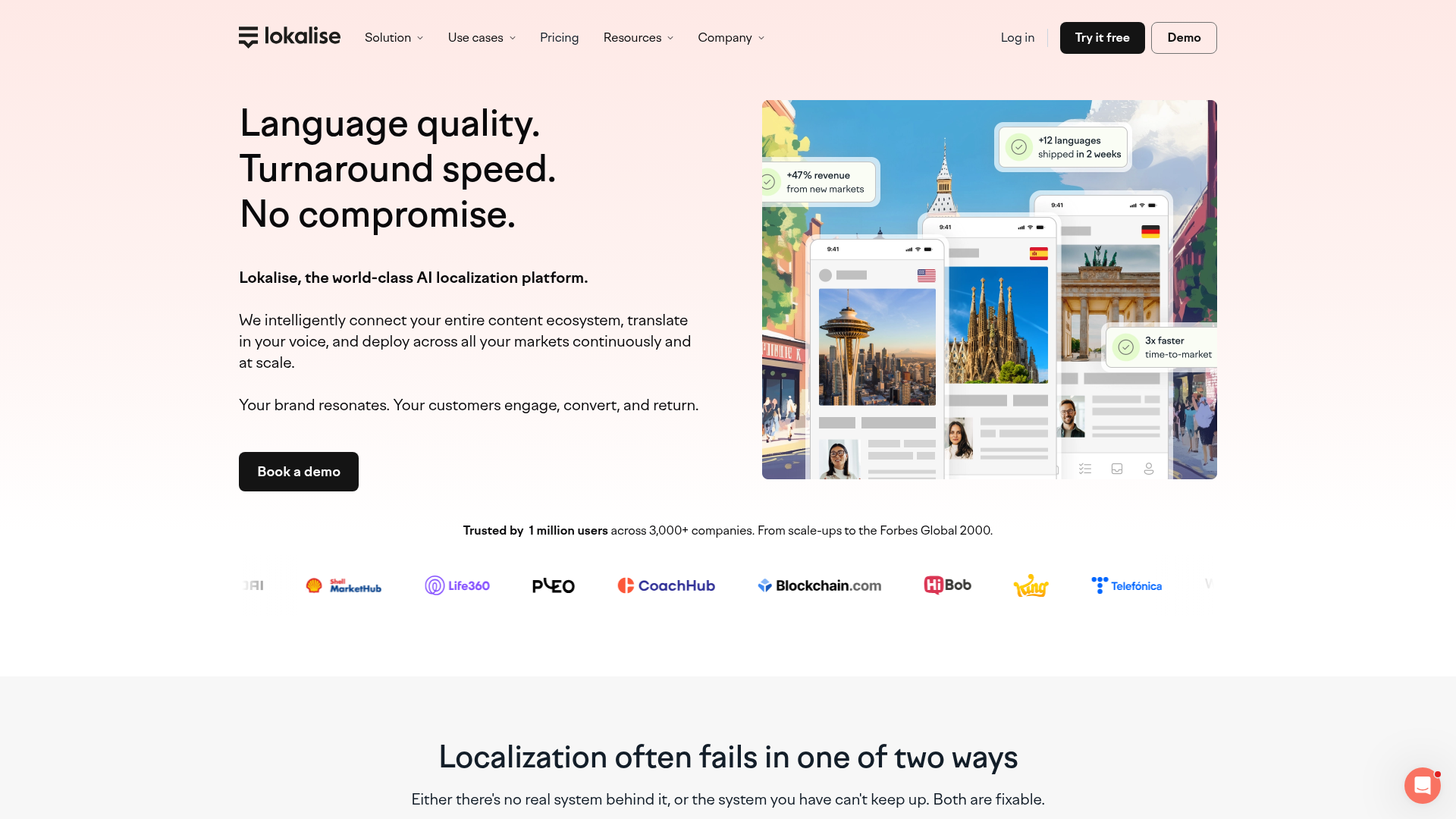
Lokalise is best understood as more than a machine translation tool. It is a localization platform with AI orchestration, glossary support, translation memory, and workflow controls.
Why it stands out
Most automated translation tools produce output. Lokalise helps teams manage output across releases, products, and markets. That matters if you are maintaining apps, websites, SaaS products, or multilingual digital experiences.
Best for
-
software localization
-
product content
-
teams managing repeated multilingual releases
-
organizations that need governance, QA, and context
Pros
-
strong terminology and translation memory support
-
bulk translation and workflow automation
-
useful for repeatable multilingual production
-
integrates well into development and content operations
Cons
-
more platform than simple tool
-
better for teams than occasional personal use
-
overkill if you only need a quick translation online
Bottom line
If you need one of the best machine translation software options for ongoing localization, Lokalise is a serious contender.
2. ChatGPT
ChatGPT is excellent for quick drafts, alternate phrasings, and tone adaptation. It can often outperform traditional systems when the prompt is clear and the content is simple.
Why people like it
It is easy, fast, conversational, and useful for transforming content, not just translating it.
Best for
-
one-off translations
-
adapting marketing language
-
internal summaries
-
multilingual content brainstorming
Pros
-
highly flexible
-
fast for instant translation needs
-
can rewrite for tone, length, or audience
-
good for low-friction experimentation
Cons
-
no built-in translation memory
-
terminology can drift across batches
-
not ideal by itself for compliance-heavy content
-
manual prompts create inconsistency at scale
Bottom line
ChatGPT is powerful, but by itself it is not a complete business-grade translation workflow.
3. Claude
Claude is often strong at clean, readable draft translations and especially useful when you want a more natural editorial feel.
Best for
-
long-form drafts
-
nuanced rewrites
-
internal or creative translation support
Pros
-
often produces polished prose
-
useful for editing and rewriting as well as translation
-
handles longer inputs comfortably
Cons
-
no native localization governance
-
terminology consistency requires careful prompting
-
not a substitute for reviewed multilingual publishing
Bottom line
Claude is useful when readability matters, but teams still need review and process around it.
4. Taia
Taia offers a practical hybrid model: machine translation plus optional human editing.
Why that matters
This is closer to what many businesses actually need. Not pure automation. Not fully manual from scratch. A middle path.
Best for
-
business documents
-
teams wanting fast translation services with human polish
-
organizations without a mature localization stack
Pros
-
optional professional editing
-
useful for documents and web content
-
simpler path from draft to reviewed output
Cons
-
less automated than platform-first tools
-
slower than pure instant translation services
-
lighter on deep integrations
Bottom line
Taia is a good option if you want translation plus review without building a large localization workflow.
5. TextUnited
TextUnited combines MT, terminology tools, and translation memory inside a structured platform.
Best for
-
teams prioritizing consistency
-
repeatable enterprise translation workflows
-
multilingual content operations
Pros
-
strong terminology and TM support
-
integration options
-
designed for repeatable business use
Cons
-
can feel formal in output
-
less strong for creative rewriting
-
not as flexible as LLM-first tools
Bottom line
If consistency matters more than stylistic flair, TextUnited is worth a look.
6. Copy.ai
Copy.ai is not a traditional localization platform, but it can help marketing teams produce translated campaign copy quickly.
Best for
-
marketing content
-
campaign variations
-
brand-style adaptation
Pros
-
easy interface
-
good at voice and messaging adaptation
-
helpful for content teams moving fast
Cons
-
lacks translation memory
-
weak terminology control compared with localization tools
-
limited for regulated or structured workflows
Bottom line
It is better viewed as a content generation assistant than a full translation service.
7. DeepL
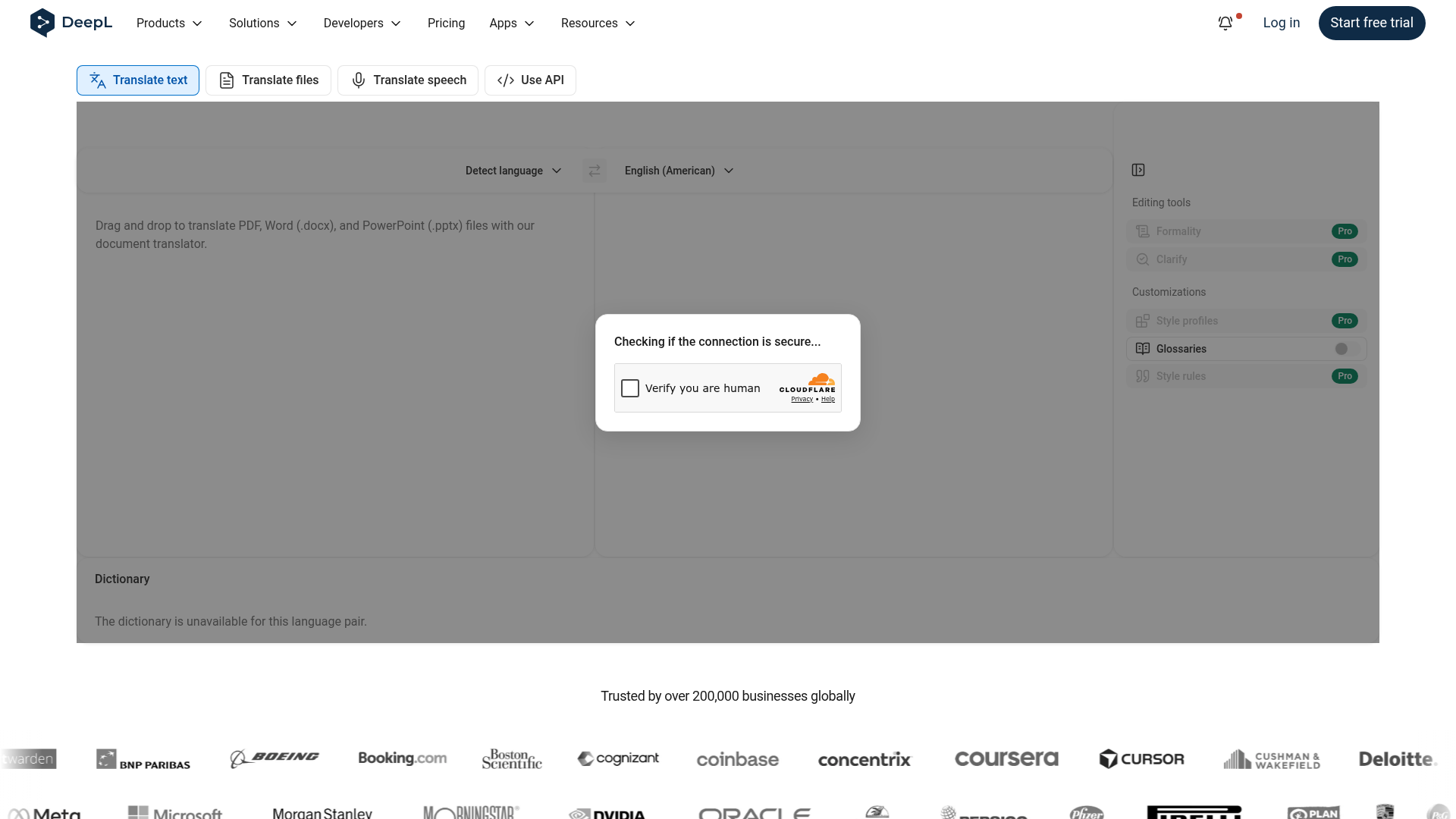
DeepL remains one of the most respected names in machine translation software, especially for European languages and business writing.
Why it remains popular
Its output often sounds smoother and more natural than literal machine output.
Best for
-
business documents
-
emails and reports
-
professional first-pass translations
-
users who value fluency
Pros
-
strong natural phrasing
-
glossary support
-
good for document translation
-
trusted by many business users
Cons
-
more limited language coverage than Google
-
lighter workflow controls than dedicated localization platforms
-
still needs review for high-stakes use
Bottom line
DeepL is one of the best translation software choices when fluency matters most.
8. Google Translate
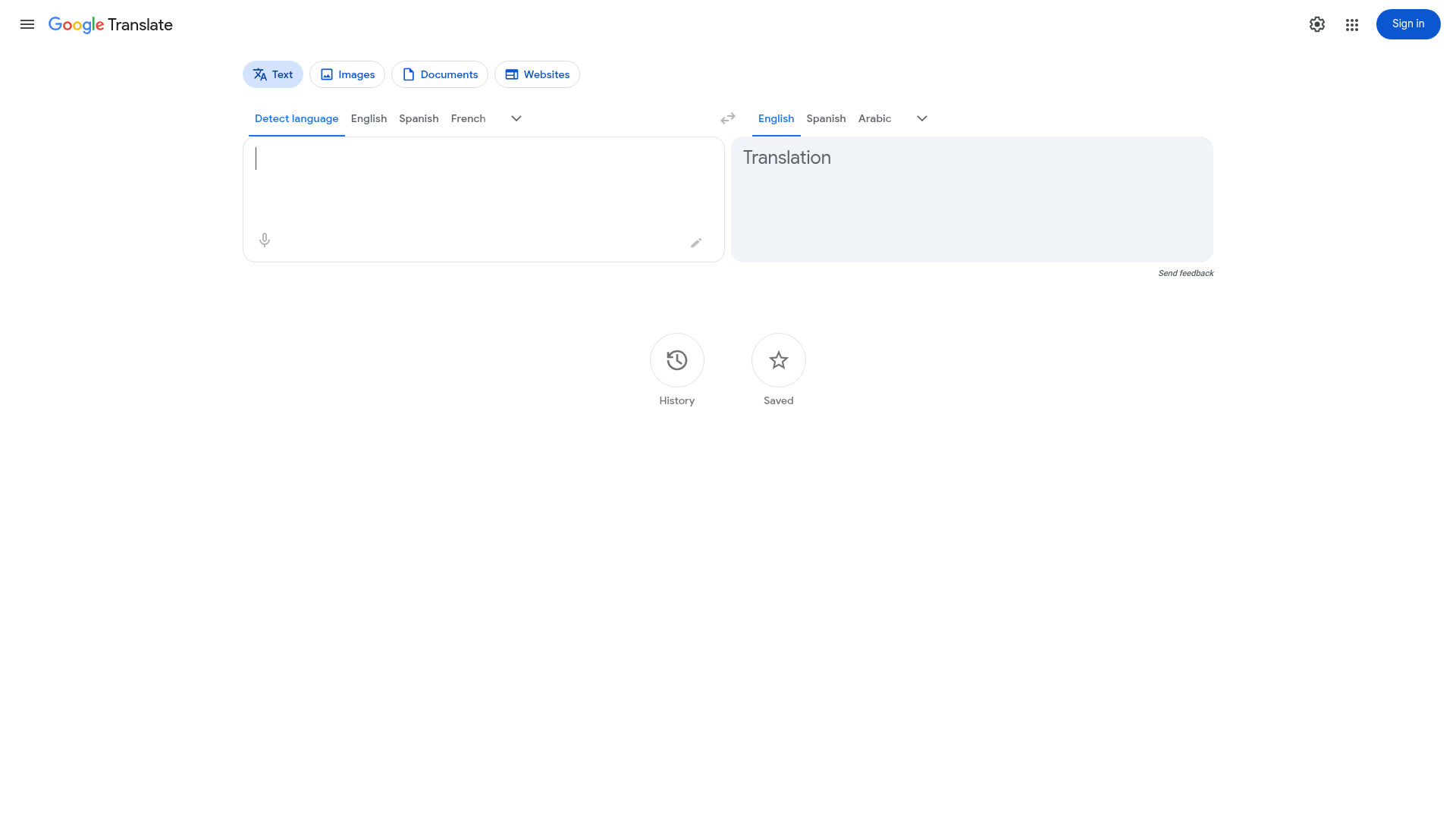
Google Translate is still the default online translation tool for millions of users because it is fast, free, and supports a huge number of languages.
Best for
-
quick comprehension
-
travel and everyday use
-
low-risk internal text
-
teams needing broad language access fast
Pros
-
enormous language coverage
-
free and easy to access
-
fast for basic text and documents
-
useful entry point into machine translation free options
Cons
-
output can be literal
-
terminology control is limited
-
not built for enterprise review workflows
-
not enough by itself for public-facing critical content
Bottom line
Google translation services are excellent for speed and reach, but not always for nuance or governance.
9. Gemini
Gemini stands out because it can process very large inputs. That gives it an edge for long documents, big content sets, and code-heavy environments.
Best for
-
large files
-
long-form translation tasks
-
multimodal inputs
-
technical environments
Pros
-
extended context window
-
useful for large-scale tasks
-
multimodal capabilities
Cons
-
consistency still depends on prompting
-
not a governed localization workflow on its own
-
terminology enforcement is not native
Bottom line
Gemini is promising for scale, especially where context length matters.
10. Microsoft Translator
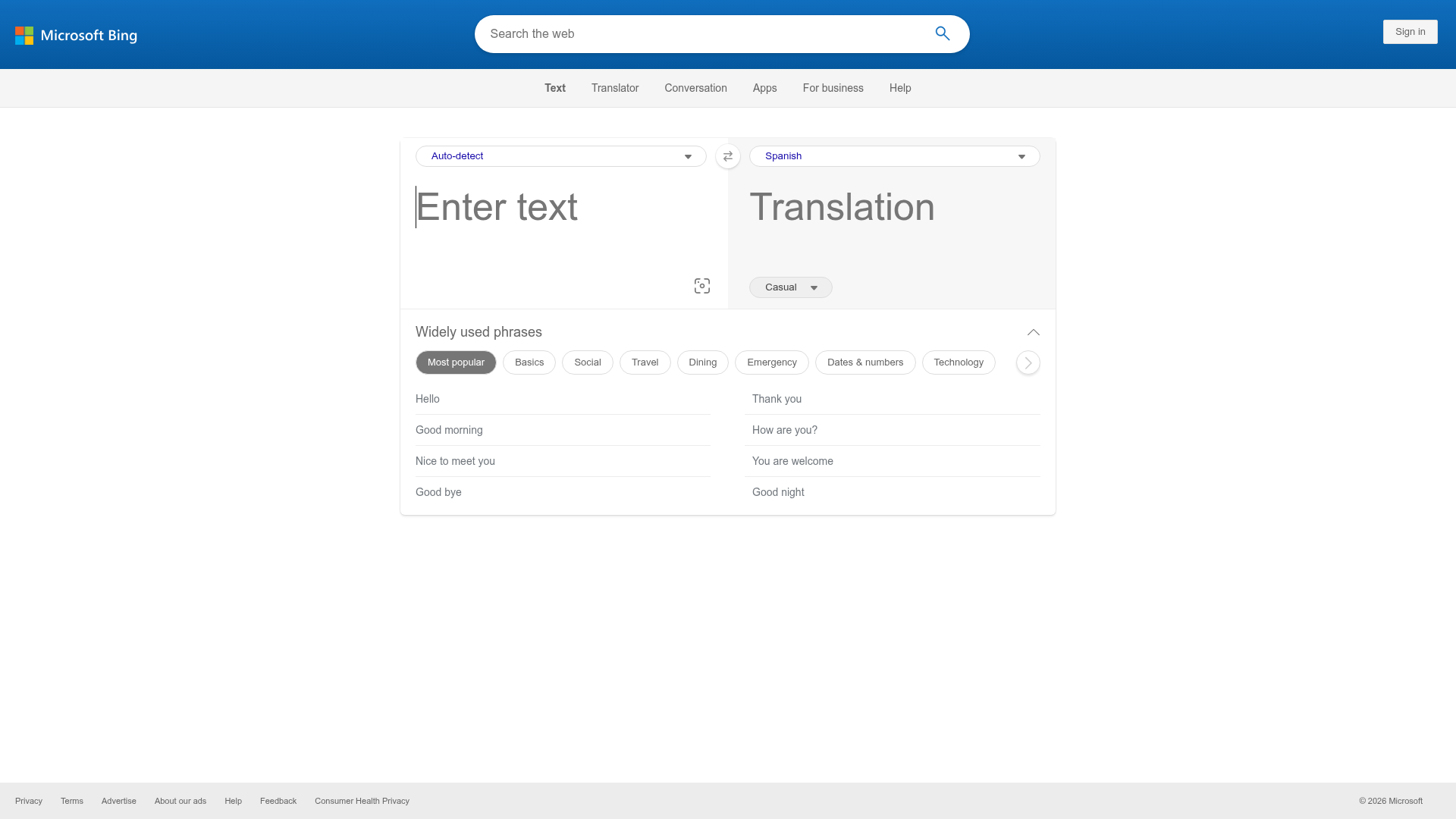
Microsoft Translator is a practical option for organizations already deep in the Microsoft ecosystem.
Best for
-
enterprise environments
-
internal documentation
-
Microsoft-centric collaboration
Pros
-
integrates with Microsoft tools
-
API availability
-
broad utility for enterprise teams
Cons
-
variable quality on nuanced content
-
less distinct than DeepL for fluency
-
still limited compared with full localization platforms
Bottom line
Microsoft Translator is solid for business basics, especially where integration matters more than elegance.
Which tool is best for which use case?
Best for free online translation services
Google Translate
Best for natural business writing
DeepL
Best for one-off instant translation and rewrites
ChatGPT or Claude
Best for repeatable localization workflows
Lokalise or TextUnited
Best for hybrid machine plus human editing
Taia
Best for marketing copy adaptation
Copy.ai
Best for large document and codebase translation
Gemini
Best for Microsoft-heavy organizations
Microsoft Translator
What machine translation still cannot do well on its own
This is the part many comparison articles gloss over.
Even the best machine translation software still struggles with:
-
legal exposure from subtle wording errors
-
live event changes and last-minute updates
-
subtitle readability and timing
-
accessibility compliance requirements
-
culturally sensitive messaging
-
speaker-specific tone and intent
-
regulated terminology and internal approvals
For many organizations, the problem is not getting a translation. The problem is getting a translation that is ready to publish, ready to present, or ready to put in front of customers.
That is why a pure software decision often becomes a workflow decision.
Where Team Stream fits in
Team Stream is not just another entry in a list of online translation companies. We support clients who need language access and accessibility to work in real conditions, under real deadlines, with real audiences.
That includes:
-
accurate human and AI-powered translation
-
interpreting for live, virtual, and hybrid events
-
real-time captioning for accessibility and engagement
-
closed captioning, subtitling, and voiceover
-
end-to-end language and accessibility solutions tailored to each client
-
compliance-friendly support for inclusive communication
-
equipment rental and technician support
-
in-person and remote delivery options
-
responsive service backed by more than 25 years of experience
In other words, if your challenge goes beyond simply “translate this text,” Team Stream helps bridge the gap between translation technology and execution quality.
When to use machine translation only – and when not to
Use machine translation only when:
-
the content is low-risk
-
speed matters more than polish
-
the translation is for internal understanding
-
terminology precision is not critical
-
you can tolerate some cleanup later
Add human review when:
-
the content is customer-facing
-
tone and nuance matter
-
terminology must be consistent
-
the output will appear on stage, on screen, or in public
-
you need captioning, subtitling, or multilingual event delivery
Choose a full-service partner when:
-
you are running live events
-
you need accessibility compliance
-
you have multilingual stakeholders
-
the content spans written, spoken, and broadcast formats
-
failure would damage trust, clarity, or participation
A practical decision framework for buyers
Use this simple matrix before choosing a tool or vendor.
|
Situation |
Recommended approach |
|---|---|
|
Internal note, quick comprehension |
Free machine translation tool |
|
Website or app content at scale |
Localization platform with MT and QA |
|
Marketing campaign translation |
AI draft plus human brand review |
|
Employee training or executive communication |
Enterprise workflow plus editing |
|
Live conference, webinar, or hybrid event |
Team Stream for interpreting, captioning, translation, and technical support |
|
Accessibility-first multilingual video |
Translation plus subtitling, captioning, and QA |
|
Regulated or sensitive materials |
Professional human review or full-service language partner |
The real cost of choosing the wrong translation option
Cheap translation services are only cheap if they do not create downstream problems.
Those problems may include:
-
audience confusion
-
lost conversions
-
accessibility complaints
-
subtitle errors
-
reputational damage
-
staff mistrust in translated internal communications
-
expensive last-minute rework before an event or launch
The better approach is to match the method to the stakes.
For low-risk content, automated translation services can save time and money.
For high-visibility content, the best translation service is usually a layered solution: AI where it helps, humans where it matters, and a delivery partner who understands accessibility, deadlines, and audience experience.
Final verdict
There is no single best machine translation tool for every scenario.
If you want fast, broad, free coverage, Google Translate is still hard to beat. If you want fluent business writing, DeepL remains strong. If you want flexible AI rewrites, ChatGPT and Claude are useful. If you need governance and repeatable localization, Lokalise and TextUnited are better choices.
But if your translation needs connect to real audiences, live communication, accessibility, compliance, or event execution, software alone is rarely enough.
That is where Team Stream offers a smarter path: accurate human expertise, AI-enabled efficiency, real-time captioning and interpreting, end-to-end event support, and flexible service delivery for in-person, virtual, and hybrid environments.
If you need multilingual communication that is not just fast but reliable, inclusive, and ready for the real world, Team Stream is the partner to call.
