

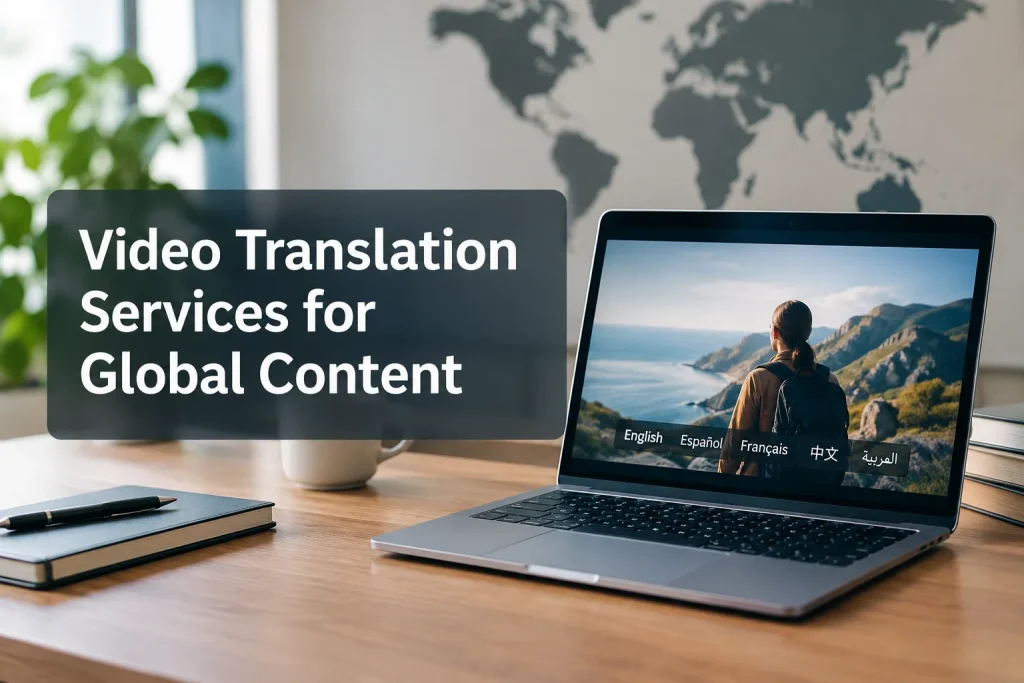
Start with the viewing experience you need: translated text, spoken audio, or both. A video translation tool can generate a first pass. A managed service handles the transcript, language review, timing, accessibility, and deliverables, so your team is not fixing lines at the end of a campaign launch or training rollout.
Tell the provider which video you are translating, who will watch it, where they will watch it, and what files you need back. Define the languages and delivery format before anyone starts work.
Choose the right translated-video format
|
Delivery choice |
What viewers receive |
A good fit for |
What to settle before production |
|---|---|---|---|
|
Translated subtitles |
Translated dialogue as timed text, while the original audio remains |
Social clips, interviews, product demos, and viewers who can read on screen |
Text length, reading time, speaker identification, and whether subtitles are embedded or delivered as separate files |
|
Translated closed captions |
Timed translated speech plus relevant non-speech audio information, when the brief calls for accessible captions |
Training, internal communications, and accessible video distribution |
Whether the platform supports selectable caption tracks and how sound cues will be handled |
|
Voiceover |
A translated voice track over or in place of the original dialogue, without aiming to match mouth movements |
Narrated explainers, presentations, and documentary-style material |
Pronunciation, voice casting, audio mix, and whether the original voice should remain audible |
|
Dubbing |
Re-recorded translated dialogue timed to the performance, sometimes with closer visual synchronization |
Character-led stories, interviews, and flagship campaigns where voice experience matters |
Performance direction, timing, casting, and the desired degree of synchronization |
|
Subtitles plus new audio |
A voice track and readable text, commissioned as distinct outputs |
Learning content and distribution across different channels |
Whether the on-screen text should follow the new audio, the source dialogue, or an accessibility caption brief |
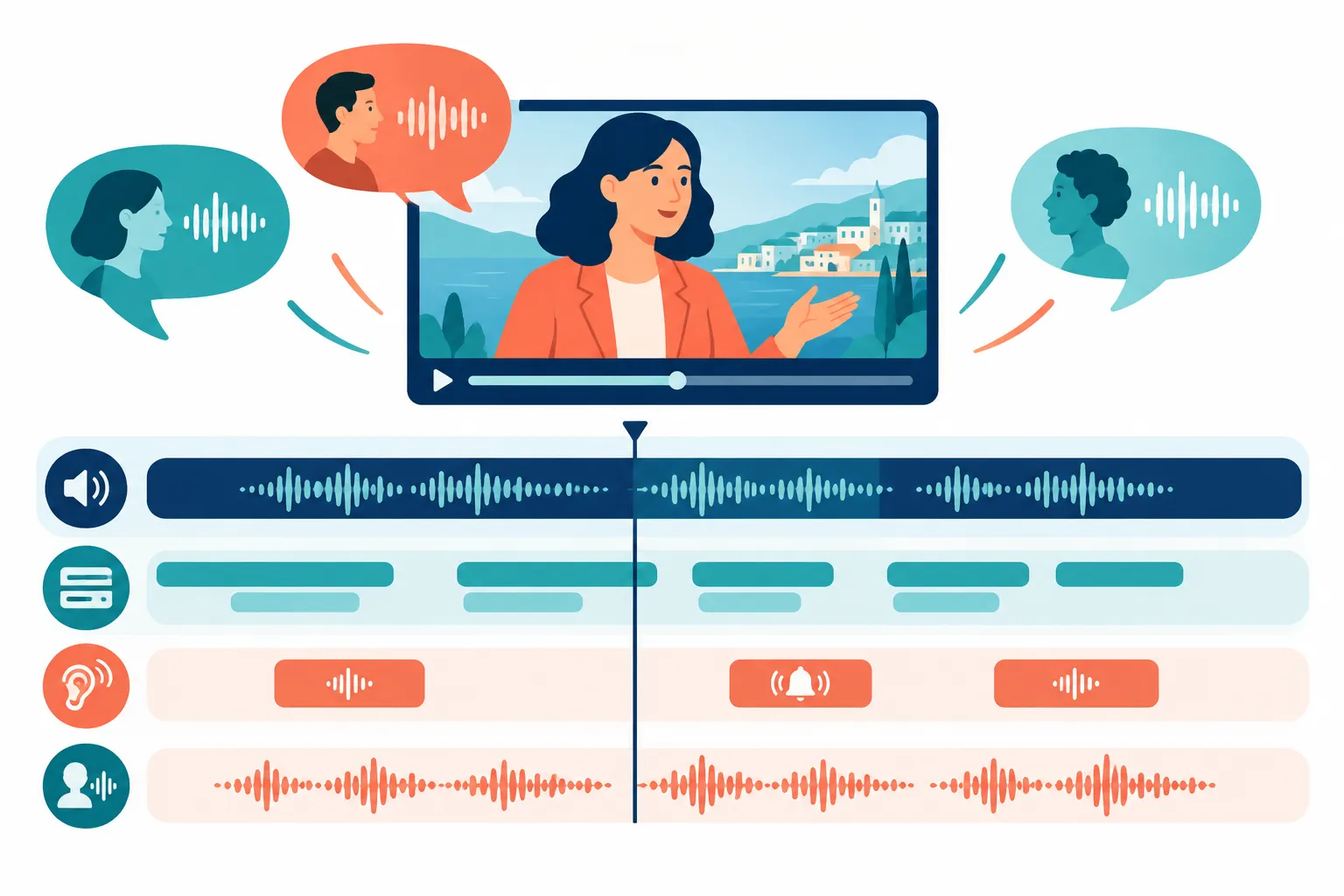
Subtitles render speech in another language. Captions also cover sound that viewers need to understand, such as a speaker change or an alarm. If you need translated dialogue alone, ask for subtitles. If you need accessible text in the target language, spell out the sound information you expect. Platforms can offer language choices with separate timed files; burned-in text remains on screen for everyone.
“Captions are the text version of speech and non-speech audio information needed to understand the content.” – W3C Web Accessibility Initiative
Dubbing requires decisions about casting, visible speakers, and how closely the new performance should follow their mouths. Voiceover gives a presentation a translated voice without trying to recreate the speaker’s performance. Subtitles often suit a short product walkthrough. In a training demonstration, spoken translation lets learners watch the action instead of splitting their attention between the action and text.
From video translation tool to approved video: three stages
Video translation software can transcribe speech, draft a translation, generate a voice, and align timing. If you use an AI video translator to produce a draft script or subtitles, assign people to resolve ambiguous wording. Decide who checks the transcript, approves terminology, reviews the target language, and signs off on the video.
Prepare a production-ready brief
Send a locked cut, any source transcript or caption files, and your approved spellings and pronunciations. Mark the slides, interface labels, lower thirds, and calls to action that need translation. Flag overlapping speakers, music, and any speech your own team struggles to hear.
Tell the provider which regions the video serves, not only that you want “Spanish” or “French.” Explain jokes, safety instructions, legal language, and terms that must stay in the source language. Give the linguists one contact who can answer questions and approve the glossary. If you rewrite the source video late, they may have to redo the translation, timing, and audio for each language.
Review the words before the final render
Approve the source transcript first, then the translation and terminology, then the timed subtitles or voice script. Review the finished video last. Ask which stages use automation and where a linguist steps in. With AI dubbing, have someone compare the translated audio to the approved script and picture. Give safety instructions, policy language, product claims, and speaker intent close human attention.
Watch a sample, not just a spreadsheet. A line may read well in isolation but run too long on screen or sound awkward aloud. Give reviewers the video, set a deadline, and gather their comments in one place before sending revisions.
Accept the actual deliverables
Agree on the number of versions and the files you will receive: scripts, editable timed files, caption tracks, audio, and exports. Include aspect ratios, frame rates, platform requirements, and naming conventions in the brief. A rendered video alone can make later edits harder. Commission a short sample if the voice, style, or terminology needs approval before full production.
How to evaluate video translation services
Give each provider the same scope to quote. A request to “translate a 10-minute video” leaves room for one bid to include transcription and review while another covers only an automated subtitle file.
|
Ask the provider |
Why the answer changes your decision |
|---|---|
|
Who creates and reviews the source transcript and each translation? |
Identifies where meaning and terminology errors can be caught |
|
Are subtitles, accessible captions, voiceover, and dubbing priced and delivered separately? |
Prevents different outputs from being mistaken for equivalent bids |
|
Which steps are AI-assisted and what does a linguist review? |
Shows whether automation speeds production without silently replacing quality control |
|
Can reviewers see a timed sample in the target language? |
Exposes reading-speed, timing, voice, and rendering problems early |
|
Who handles text inside the frame and final audio mixing? |
Clarifies responsibilities that often sit outside a basic translation quote |
|
What source files and editable deliverables will we receive? |
Protects future updates and platform reuse |
|
How are revisions handled after approval? |
Separates corrections from new scope when the original video changes |
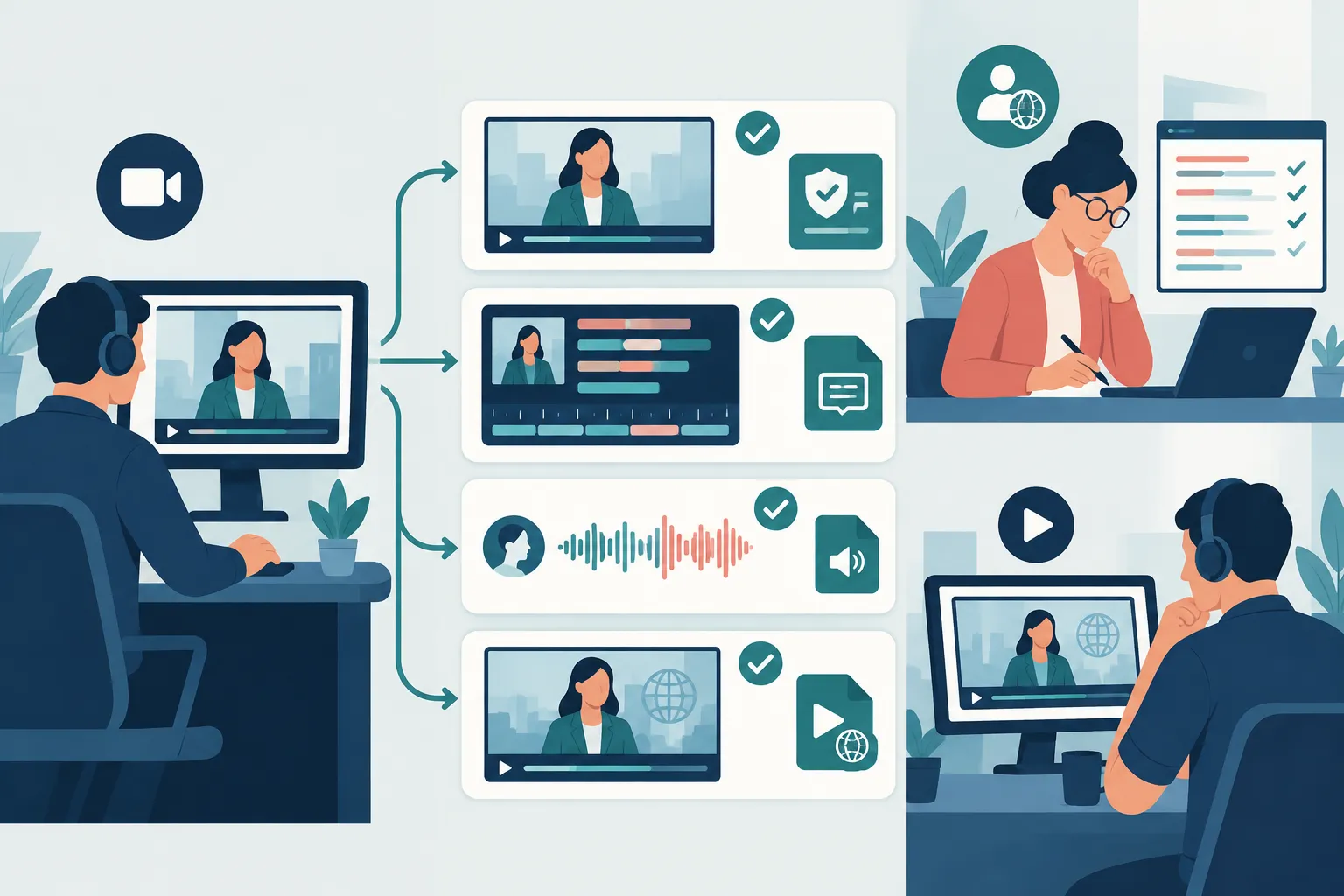
Send a representative clip and request an itemized proposal for each language and format. Pick a scene with names, graphics, and multiple speakers if your video contains them. Assess the sample in context: can you read the subtitles, does the speech sound natural, and are both timed to the scene? Find out who manages the versions after launch and how your team will submit corrections.
Team Stream suits organizations that need subtitling, captioning, voiceover, translation, and live or hybrid event language support under one service brief. Human expertise alongside AI-enabled services helps when a recorded asset must fit a wider accessibility plan. If you need rough subtitles for an internal draft, a self-service tool is the simpler choice.
Match the service to your content
For marketing and social video, plan for silent autoplay and small screens when you size and time subtitles. A flagship campaign with recognizable speakers may warrant dubbing, but you will need to budget for casting and performance review. Include calls to action and graphics in the translation brief.
For training and internal communication, prioritize the wording of instructions. Supply the source transcript and policy language; decide whether staff need selectable translated captions, spoken audio, or both. Keep editable scripts and timed files if you expect to update the training library.
For conferences and events, plan the recording and the live language feed together. A session that you stream and publish later may need live interpreting or captioning, followed by edited captions, translated subtitles, or a new voice track for on-demand viewing. Tell the provider who will supply the recording and when.
For broadcast and long-form media, commission the full language-version package. Speaker changes, music, sound cues, and titles need attention alongside the dialogue. Request a review copy in each language before the provider makes final exports to your delivery specifications.
Budget and timeline: compare scope, not a headline rate
Running time and the number of languages affect the quote, as do audio quality, speakers, on-screen text, and the formats you order. Review rounds and revisions add work too. Dubbing involves casting and recording; subtitles need translation and timecoding; captions also need sound information. An AI-assisted draft may save production time, but ask what review the quote includes.
How long does it take to translate a video?
Turnaround depends on what you order. One subtitle track for a locked video takes fewer stages than a multilingual dub with casting and language-by-language approval. Request dates for transcription, translation, your review, recording or timecoding, and final playback. If the launch date is fixed, identify the languages you need on day one and set separate delivery dates for the rest.
Send the same files to every bidder. Request separate line items for setup, transcription, translation, human review, timed text, recording, mixing, rendering, and revisions. Say whether you need one export or several platform versions. Leave time to approve each language and play back every finished file; agree on how the provider will price a change to the locked cut.
The bottom line
Keep the original voice with subtitles or translated captions if viewers can read along. Use voiceover when viewers need to listen without a close lip match. Choose dubbing when the new performance needs to feel like part of the scene. For public-facing or high-stakes video, insist on a review process and files you can use again.
For training, broadcasts, and live events that share an audience, ask Team Stream to scope the languages, accessibility requirements, audio and text outputs, and handoff files together. That lets you plan the live feed and published video from the same brief.
