

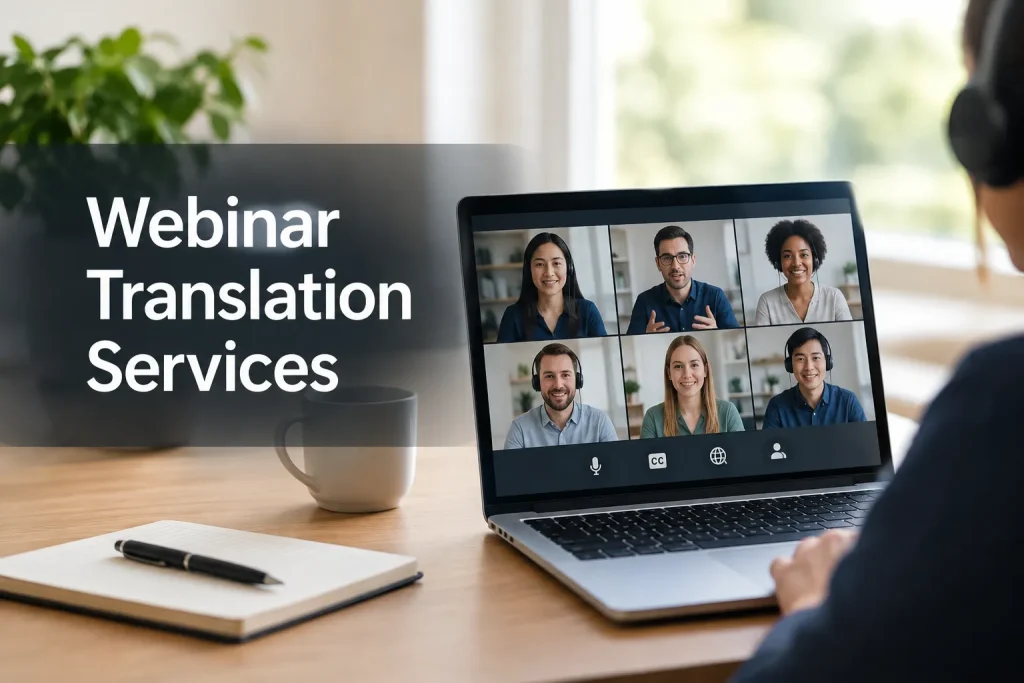
Webinar translation services give attendees a way to hear or read a live presentation in another language. Book live interpreting for spoken access and translated captions for viewers who need text. Also provide captions in the speaker’s language for attendees who need to read the original audio.
Before booking, note which languages attendees need and whether they will ask questions aloud. Then account for how they will join: the language team and delivery setup must work for each audience.
What webinar translation services actually include
Ask a provider what it means by “live translation.” Your event may need one or several of these deliverables:
|
Service |
What attendees receive |
Best fit |
Key limitation |
|---|---|---|---|
|
Live interpreting |
Spoken presentation in another language, delivered by an interpreter |
Sessions where listeners need to hear the message as it happens |
Requires an audio path attendees can select and a plan for every speaker |
|
Live translated captions |
On-screen text in another language |
Viewers who prefer reading or cannot use audio in their setting |
Text may lag behind speech and does not replace spoken access |
|
Live captions in the spoken language |
Text of the original speech |
Accessibility and comprehension for the source-language audience |
Does not by itself serve attendees who need another language |
|
Post-event translation and subtitling |
Translated replay text, transcript or subtitle files |
On-demand viewing and reuse |
Does not solve access during the live session |
|
Voiceover |
Recorded speech in another language for a replay or prepared segment |
Polished multilingual video assets |
Generally a post-production deliverable, not a substitute for live interaction |
Scope written materials separately. Live interpreters handle speech, so include slides, handouts and registration emails in the request if you need them translated. Decide which materials guests need before the event and which can follow it.
Choose the right delivery method for your audience
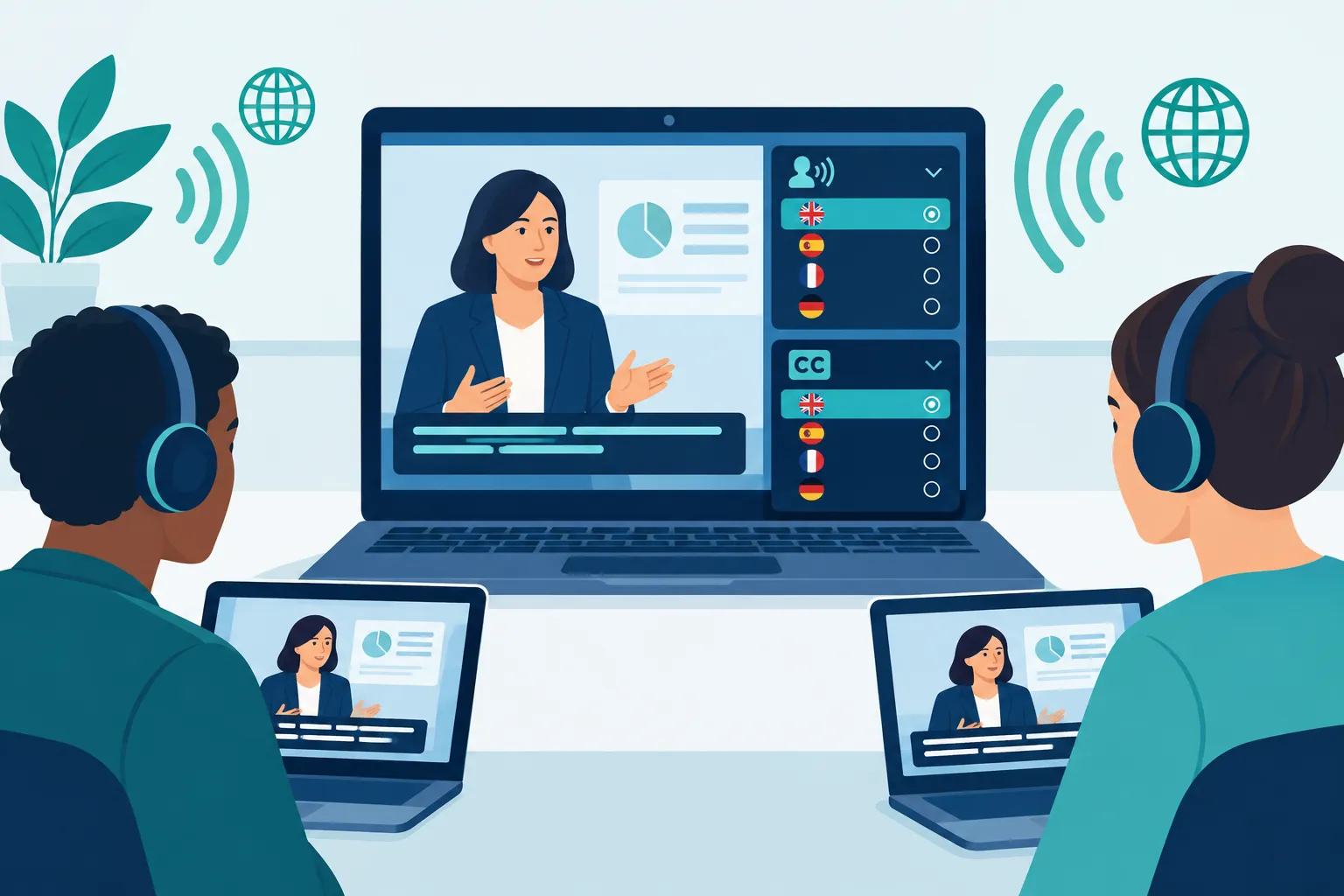
Walk through your run of show from the attendee’s seat. A single-speaker presentation may need one-way delivery, while a panel with live questions needs a path for audience speech to reach the panel and come back in translation.
If attendees need spoken access
Book live interpreters for complex presentations or discussions where listeners need the spoken message in their language. In remote simultaneous interpretation, an interpreter listens to the speaker and delivers another audio feed as the event continues. Plan how attendees switch audio, whether they hear the original speech under the interpreted feed, and how you will handle breakouts. The meeting platform carries the language interpretation feed; an interpreter provides it.
If attendees prefer to read
Translated captions let viewers read along while keeping the original audio. They suit straightforward presentations if attendees can tolerate some delay. Tell the provider the source language and caption languages, and establish whether each attendee can select a language. Give the captioning team names, acronyms and specialist terms, along with clean audio.
If you are producing a hybrid event
Plan separate access paths for the room and the remote audience. Online attendees may select a channel in the player; those in the room may need an app or receiver. Include microphones, audio routing, screens, network access and technician support in your brief so both groups can receive the service.
Plan accessibility alongside language access
“Captions are provided for all live audio content in synchronized media.” – W3C WAI, WCAG 2.2 Success Criterion 1.2.4
Closed captioning in the spoken language makes the original presentation readable for attendees who cannot reliably access the audio. Translated captions make it readable in another language. A translated caption feed alone may leave a deaf attendee who understands the original language without an appropriate source-language option. W3C distinguishes captions from translated subtitles: captions include important non-speech audio as well as dialogue.
Ask attendees which caption language they need and plan for clips, panels and Q&A as well as the keynote. If the event must meet a specific accessibility obligation, define the deliverable with your accessibility lead before booking. A platform caption feature alone does not settle whether your event and replay meet that requirement.
Scope the replay too. Live captions and interpreting do not guarantee a publishable subtitle file or transcript. Request edited captions, translated subtitles or a transcript as needed, and assign someone to review names and technical terms.
When AI is enough and when to use people
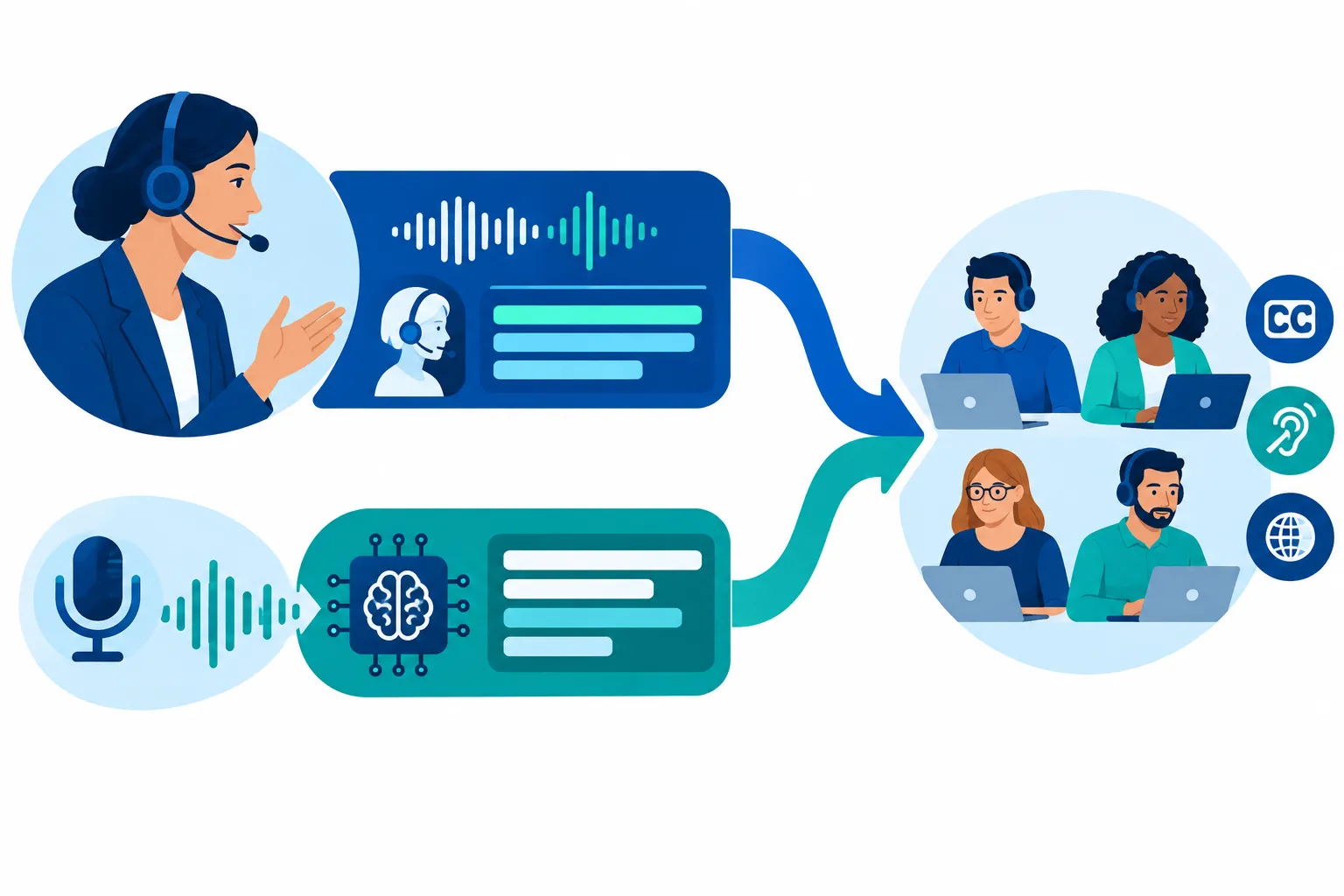
AI translation and AI-powered captions can suit an internal update with familiar vocabulary and clean audio when someone can correct errors afterward. Artificial intelligence can transcribe and translate spoken content in real time; decide who will review its output. Use human interpreters or captioners for sensitive information, dense terminology or Q&A that changes direction quickly.
You can mix services: human interpreting for a customer presentation, source-language captions for accessibility, and an AI-assisted transcript that an editor prepares for replay. Name a review owner and decide which errors you cannot accept before selecting the mix.
|
Event condition |
Practical starting point |
|---|---|
|
Routine, one-way internal briefing |
Consider AI-assisted captions or translation if errors can be corrected later |
|
Live Q&A with specialist terminology |
Budget for human language support and a glossary |
|
Sensitive or consequential announcements |
Use human oversight for live delivery and review the recording before reuse |
|
Attendees need both spoken language access and readable text |
Scope interpreting and captions as separate deliverables |
Both workflows depend on the audio your speakers send. Give each speaker a microphone, prevent overlapping speech and send names, acronyms and slides to the language team in advance. For a multilingual panel, list the languages speakers will use as well as those the audience wants to receive.
What to ask a webinar translation provider
Send each prospective provider the same production brief:
-
Audience and language directions: Which languages are spoken on stage, which are needed by attendees, and whether a language must work both ways during Q&A.
-
Event shape: Date, duration, number of speakers, panel format, prerecorded clips, breakouts and expected participation.
-
Access format: Interpreted audio, source-language captions, translated captions, or a combination. Name the language needed for each output.
-
Attendee entry points: Webinar platform, embedded player, mobile access and any in-person viewing areas. Explain how attendees access each language feed before you approve the workflow.
-
Operations: Who routes audio, starts caption feeds, supports attendees who cannot find a channel and handles a connection failure.
-
After-event assets: Transcript, edited caption files, translated subtitles, voiceover or translated slides, plus the intended replay destinations.
Ask the provider who will attend the rehearsal and test each audio path. Include the screen and sound an attendee gets when switching languages. Name a live point of contact who can spot a failed feed and restore access.
Compare quotes line by line. One may include live interpretation but exclude captioning, technician time, equipment or replay files. Separate those costs so a budget change does not remove access attendees need.
A workable production timeline
Before the webinar: Settle the languages, audio channels and caption feeds. Share the agenda, script, slides and terminology with the language team. Rehearse a speaker handoff, video playback and live question with the producer and speakers.
During the webinar: Show attendees where to select audio and captions at the start and before the first multilingual segment. Have the producer monitor each feed and give attendees a support contact. Agree in advance who announces a fallback and where attendees will see the notice.
After the webinar: Review transcripts and subtitles against the final recording, including unscripted questions. Put the appropriate language and caption options on the replay; live channel settings may not carry over.
The right service mix for your event
For a low-risk briefing, translated captions may be enough. Add live interpreting when attendees need to listen and participate in another language, and add appropriate captions for deaf or hard-of-hearing attendees. Hybrid events also need equipment and technicians to carry those feeds to the room and the online audience.
Team Stream provides interpreting, captioning, translation, subtitling and event support for live, virtual and hybrid productions. It can combine human and AI-enabled services to fit different segments of the same event. For a webinar with multiple languages, access needs or delivery locations, ask Team Stream to scope the live experience and the replay together.
